
Know your audience in 60 seconds
FeaturedAsk 3 quick questions when someone joins your list to learn who they are, what they need, and where they are in their journey. Then personalize every email from day one.
View template
Start with a working flow instead of a blank canvas. Pick the questions, scoring, and routing logic that fit your campaign, then make it yours.
85 templates across 5 categories
85 templates found
Ask 3 quick questions when someone joins your list to learn who they are, what they need, and where they are in their journey. Then personalize every email from day one.

Learn why customers bought, what almost held them back, and what they want next. Conversational questions that surface the insights you need to improve your sales page and follow-up sequences.

Guide visitors to the right product or service tier based on their needs, budget, and goals.

Help subscribers discover their ideal productivity system based on their challenges, work situation, and obstacles. Route each persona to personalized content and product recommendations.

Qualify inbound SaaS leads by company size, tech stack, budget authority, and implementation timeline, then route qualified buyers to a demo and the rest to nurture content.

Automatically display different lead magnets to visitors based on the category of content they are reading. No questions needed, just smart content matching.

Qualify potential agency clients by project type, budget range, timeline, and decision-making authority, then route qualified prospects to a consultation and others to helpful resources.

An adaptive survey that branches based on service type, asking targeted follow-ups about marketing, design, or development agency challenges.

A multi-dimensional maturity assessment that scores agencies across Process, Client, and Team maturity to identify their dominant strength area.

Score potential clients on budget, scope, and timeline. Qualified prospects are matched to a service tier. Unqualified prospects receive case studies and resources.

Evaluate agency readiness to scale across service productization, client acquisition, team capacity, process documentation, and profit margins with tiered recommendations.

Score leads on company size, budget, and urgency. Qualified leads are routed to product demos, trials, or enterprise contact. Unqualified leads receive educational resources.

Split e-commerce visitors by business model, then score within each path to reveal their brand strategy archetype with personalized growth recommendations.

Profile your audience by business stage, goals, and challenges to personalize your content and offers for each subscriber segment.

Learn each subscriber's career stage, goals, and challenges to personalize coaching content and service recommendations.

Ask potential clients a few quick questions about their project. Route qualified prospects to a project request form and everyone else to your newsletter.

A comprehensive 6-question survey for coaches covering niche, years in practice, client load, revenue per client, delivery model, and scaling plans, with conditional routing to tailored offers.

Streamline client qualification for coaches while personalizing the intake experience based on prospect needs and budget.

Evaluate coaching business readiness across niche clarity, pricing confidence, client pipeline, systemization level, and scalability to deliver tiered growth recommendations.

An adaptive survey that branches based on coaching niche, asking targeted follow-ups about business, life/wellness, or career coaching challenges.

Help coaches discover their unique coaching style and get tailored strategies for client transformation.

Qualify prospective consulting clients by business challenge, company revenue, engagement type, and decision timeline, then route qualified leads to a strategy call and others to self-service resources.

A multi-dimensional maturity assessment that scores consultants across Expertise Depth, Business Systems, and Client Pipeline to identify their dominant strength area.

Evaluate consulting practice readiness across expertise positioning, lead generation, proposal win rate, delivery systems, and revenue diversification with tiered recommendations.

A comprehensive 6-question survey for course creators that profiles teaching experience, audience size, content format, revenue model, challenges, and tech stack, then routes to tailored recommendations.

An adaptive survey that branches based on course format, asking targeted follow-ups about live, self-paced, or cohort-based teaching challenges.

Score course creators on audience warmth, content readiness, and launch strategy to route them to the right pre-launch sequence.

Evaluate course launch readiness across audience warmth, content preparation, launch strategy, tech stack, and post-launch plan to deliver tiered recommendations.

Profile creative students by experience level, medium, and goals to send targeted tutorials, courses, and resources.

Split creators by content type, then score within each path to reveal their unique creator sub-archetype with tailored growth recommendations.
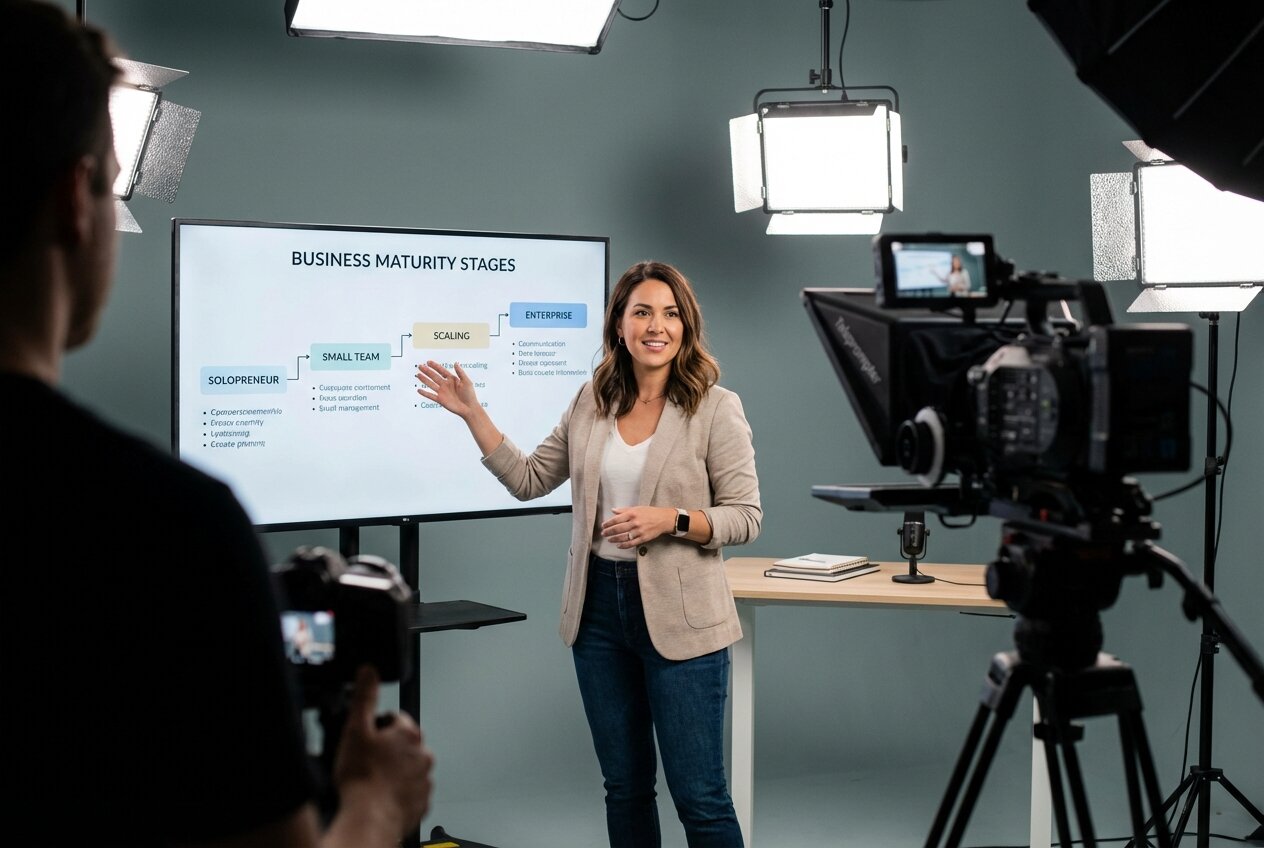
A multi-dimensional maturity assessment that scores course creators across Content, Audience, and Revenue maturity to identify their dominant strength area.

Uncover who is watching your content, their favorite cruise lines, preferred destinations, and travel style to personalize your recommendations and affiliate offers.

An adaptive survey that branches based on product type, asking targeted follow-ups about physical, digital, or subscription-based e-commerce challenges.

Help e-commerce founders discover their growth leadership style and get tailored strategies for scaling their store.

Automatically route e-commerce visitors based on browsing behavior and traffic source. Show relevant offers for product browsers, sale hunters, returning customers, and referral visitors.

Profile educators by subject area, experience level, and professional development goals to deliver targeted resources and training.

Help financial advisors discover their advisory style and get tailored strategies for client growth and retention.

Qualify prospective financial planning clients by financial situation, investable assets, planning needs, and advisor relationship status, then route qualified leads to a meeting and others to free resources.

Score prospects on net worth, financial complexity, and urgency. Qualified prospects are matched with an advisor. Unqualified prospects receive self-service tools and guides.

Evaluate financial practice growth readiness across client acquisition, compliance readiness, service offerings, technology adoption, and referral pipeline with tiered recommendations.

Match visitors to the right financial service by asking about their primary goal, life stage, risk tolerance, and current financial situation.

Uncover fitness goals, experience, and preferences to route subscribers toward your 1:1 coaching or self-serve programs.

An adaptive survey that branches based on service delivery model, asking targeted follow-ups about in-person, online, or hybrid fitness business challenges.
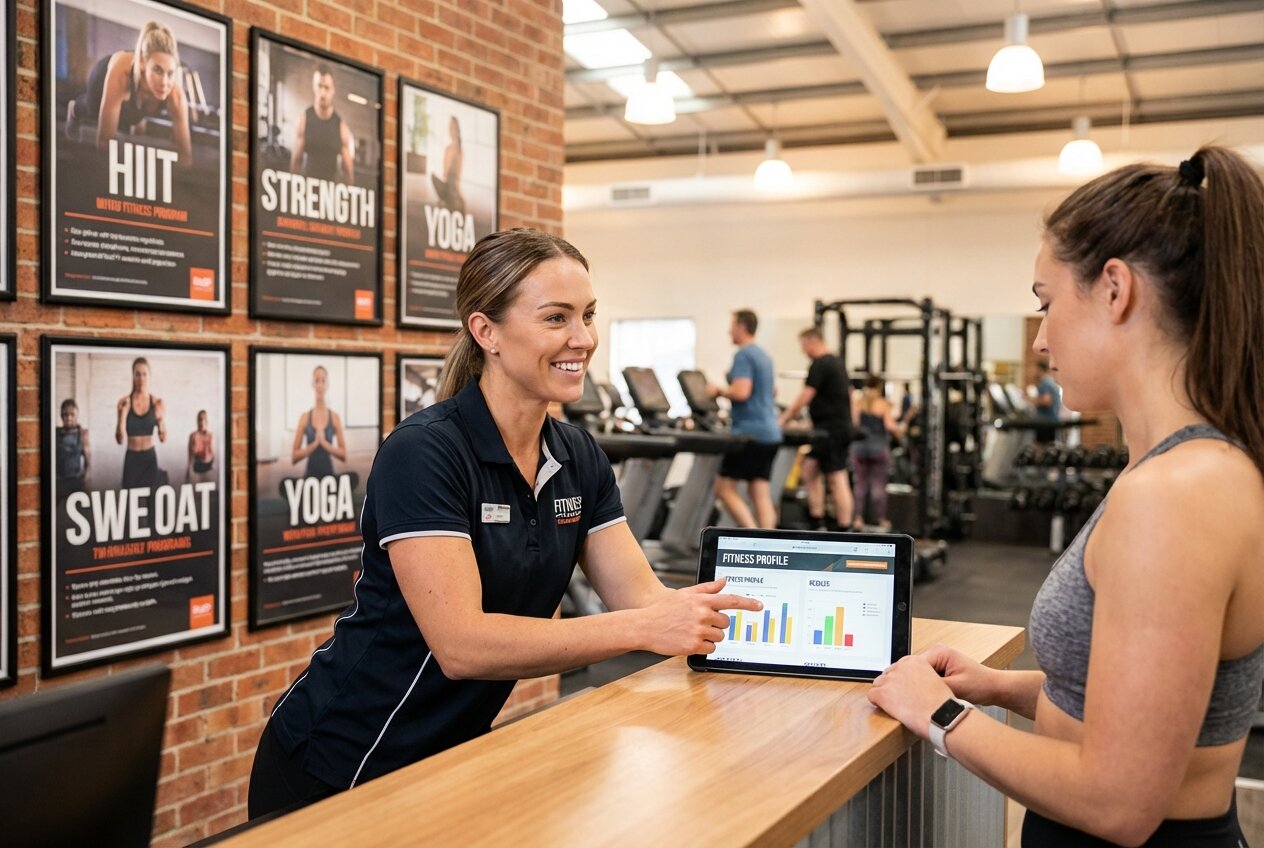
Help fitness professionals discover their unique coaching style and get tailored strategies for client results.

Profile subscribers by health goals, dietary preferences, and knowledge level to deliver personalized, evidence-based recommendations.

Qualify prospective home buyers by buying stage, pre-approval status, budget range, and timeline, then route qualified buyers to agent matching and others to educational content.

A comprehensive 6-question survey for membership site owners covering membership type, member count, pricing model, churn rate, engagement approach, and growth strategy, with conditional routing to tailored offers.

Identify why members join and personalize onboarding to increase activation and reduce churn.

Automatically route membership site visitors based on page behavior and traffic source. Show relevant CTAs for pricing visitors, content samplers, member login visitors, and referral traffic.

Profile subscribers by mindfulness experience, wellness goals, and preferred practices to personalize meditation resources and content.

Profile parent subscribers by child ages, interests, and challenges to deliver relevant parenting tips and family resources.

Profile subscribers by financial situation, goals, and knowledge level to personalize money management education and recommendations.

Profile photographers by experience level, goals, and monetization challenges to deliver targeted tutorials and business advice.

Help prospects find the right subscription plan by walking them through use case, team size, feature needs, and budget to deliver a tailored plan recommendation.

After course enrollment, ask about goals and experience level to recommend an advanced course or coaching package. Captures email for personalized follow-up.

After a purchase, ask about satisfaction and preferences to recommend complementary products. Captures email for personalized follow-up with product recommendations.

After trial signup, ask about use case and team size to recommend the right plan upgrade. Captures email for personalized onboarding and upgrade offers.

Help SaaS product leaders discover their leadership style and get tailored strategies for product growth.

Guide shoppers to the right product through a series of preference questions. Narrows down by category, style, budget, and use case to deliver a tailored recommendation.

A simple 3-question survey that segments coaching professionals by niche, practice stage, and primary goal to personalize their experience.

A simple 3-question survey that segments course creators by teaching style, course stage, and primary goal to personalize their experience.

A simple 3-question survey that segments e-commerce store owners by business type, store stage, and primary goal to personalize their experience.

A simple 3-question survey that segments health and fitness professionals by specialty, business stage, and primary goal to personalize their experience.

A simple 3-question survey that segments real estate professionals by specialty, experience level, and primary goal to personalize their experience.

A simple 3-question survey that segments SaaS visitors by company role, company stage, and primary goal to deliver personalized content.

Guide potential clients to the right coaching program by asking about the area they want to improve, their current situation, commitment level, and preferred learning style.

Help potential clients find the right next step by asking whether they are buying or selling, then narrowing through property type, price range, and timeline.

A comprehensive 6-question survey for SaaS companies covering company stage, MRR range, team size, primary metric, acquisition channels, and churn challenges, with conditional routing to tailored offers.

No matter where somebody is in the customer journey with your software company, this Flow will present the perfect opt-in form or next step.

An adaptive survey that branches based on role, asking founders about growth stage, product teams about priorities, and marketers about channels.

Evaluate SaaS growth readiness across product-market fit, pricing strategy, onboarding experience, retention metrics, and growth channels to deliver tiered recommendations.

Capture industry, timeline, and buying signals from new leads. Score them automatically and route high-value leads to demos, mid-tier to SDRs, and the rest to self-serve trials.

A multi-dimensional maturity assessment that scores SaaS companies across Product, Growth, and Operations maturity to identify their dominant strength area.

Split visitors by department, then score within each path to discover their specific role archetype and receive tailored product recommendations.

Automatically route SaaS website visitors based on page visits and traffic source signals. Show relevant CTAs for pricing visitors, blog readers, integration researchers, and partner referrals.

Qualify prospective students by current skill level, learning goals, time commitment, and investment readiness, then route qualified students to enrollment and others to free intro content.

Reduce support burden by automatically answering common questions and routing complex issues appropriately.

Profile subscribers by sustainability interests, living situation, and experience to personalize eco-friendly tips and self-sufficiency resources.

Change your lead magnets based on the affiliate that referred someone to your website.

Help course creators discover their unique teaching style and get personalized recommendations for improving their courses.

Profile tech subscribers by programming languages, experience level, and career goals to deliver targeted tutorials and career content.

Profile travel subscribers by travel style, budget preferences, and dream destinations to send personalized tips and recommendations.
Increase webinar attendance by understanding registrant motivations and sending personalized reminders.

Match visitors to the right workout program by asking about their fitness goal, experience level, available equipment, and time commitment.

Profile writers by genre, experience level, and business goals to personalize education and monetization strategies.
Use RightMessage Services when you want one focused template or campaign implemented for you. Use a RightMessage Partner when you need broader strategy, multiple campaigns, or ongoing hands-on support.
Pick one focused, one-off setup and we’ll handle the strategy, RightMessage build, stack connection, QA, and handoff inside the account your team will keep using.
Ask each new subscriber a short set of questions, sync the answers, and use them to route the next step.
Turn a question flow into a personalized result, recommendation, and follow-up path.
Match one landing page to the campaign or audience that brought each paid visitor there.
Adapt the message, proof, offer, and CTA on a sales page for the buyer viewing it.
Bring in a RightMessage partner when you need an agency or consultant to plan, build, and manage a broader personalization program across your site, email stack, offers, testing, and optimization work.
A RightMessage template is a reusable flow containing some combination of questions, segment groups, branching conditions, forms, offers, and personalized phrases. The exact contents vary and are shown on each template detail page.
Open the template library in the RightMessage dashboard, review a template, choose Install Template, and confirm the flow additions. RightMessage then creates the editable flow in your current project.
Yes. A template is a starting point, and the flow builder lets you change the questions, answer options, logic, copy, offers, widgets, and integrations supported by that flow.
The current gallery includes survey, quiz, assessment, funnel, and automation templates. Some templates appear in more than one category when they serve more than one job.
No. Templates are optional starting points, and you can build a RightMessage flow from scratch instead.
Ready to get more conversions and sales from the leads and traffic you already have? Our AI-assisted onboarding researches your business and sets you up with proven personalization campaigns in just a few minutes.