



RightMessage vs ScoreApp: a ScoreApp alternative for personalized quiz funnels

ScoreApp is strong for standalone scored assessments. RightMessage is better when your quiz needs to segment visitors, personalize your site, and trigger the right follow-up after someone answers.

Looking for a ScoreApp alternative because your assessment needs to do more than produce a score? That is the real buying decision on this page.

ScoreApp is built around standalone assessments, scorecards, landing pages, and result reports. RightMessage is the stronger fit when the quiz is the start of a broader workflow: capture answers, update segments, personalize the site, and trigger better follow-up based on what the visitor told you.

  • RightMessage is the better fit when quiz answers should update segments, personas, or custom fields in your ESP or CRM.

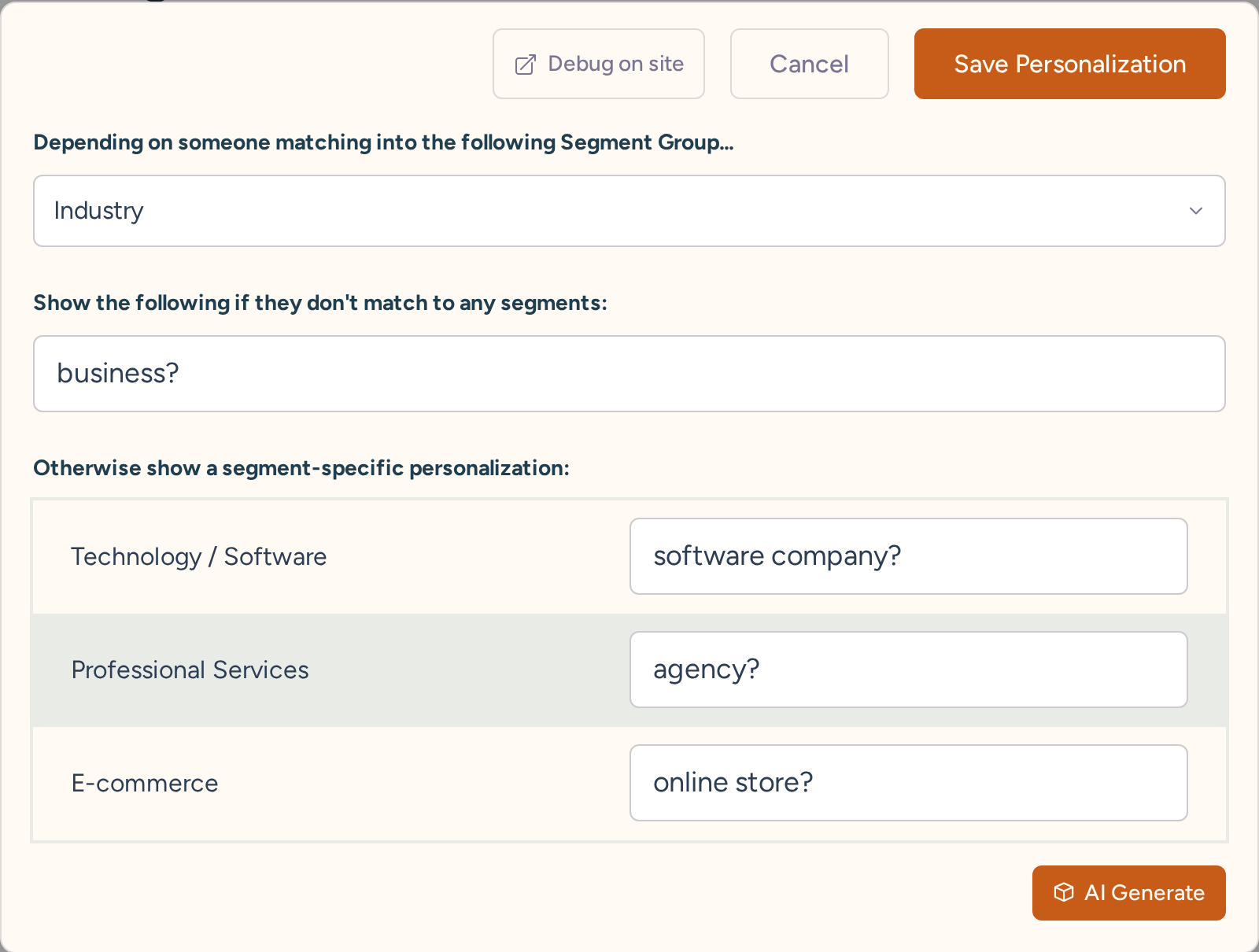
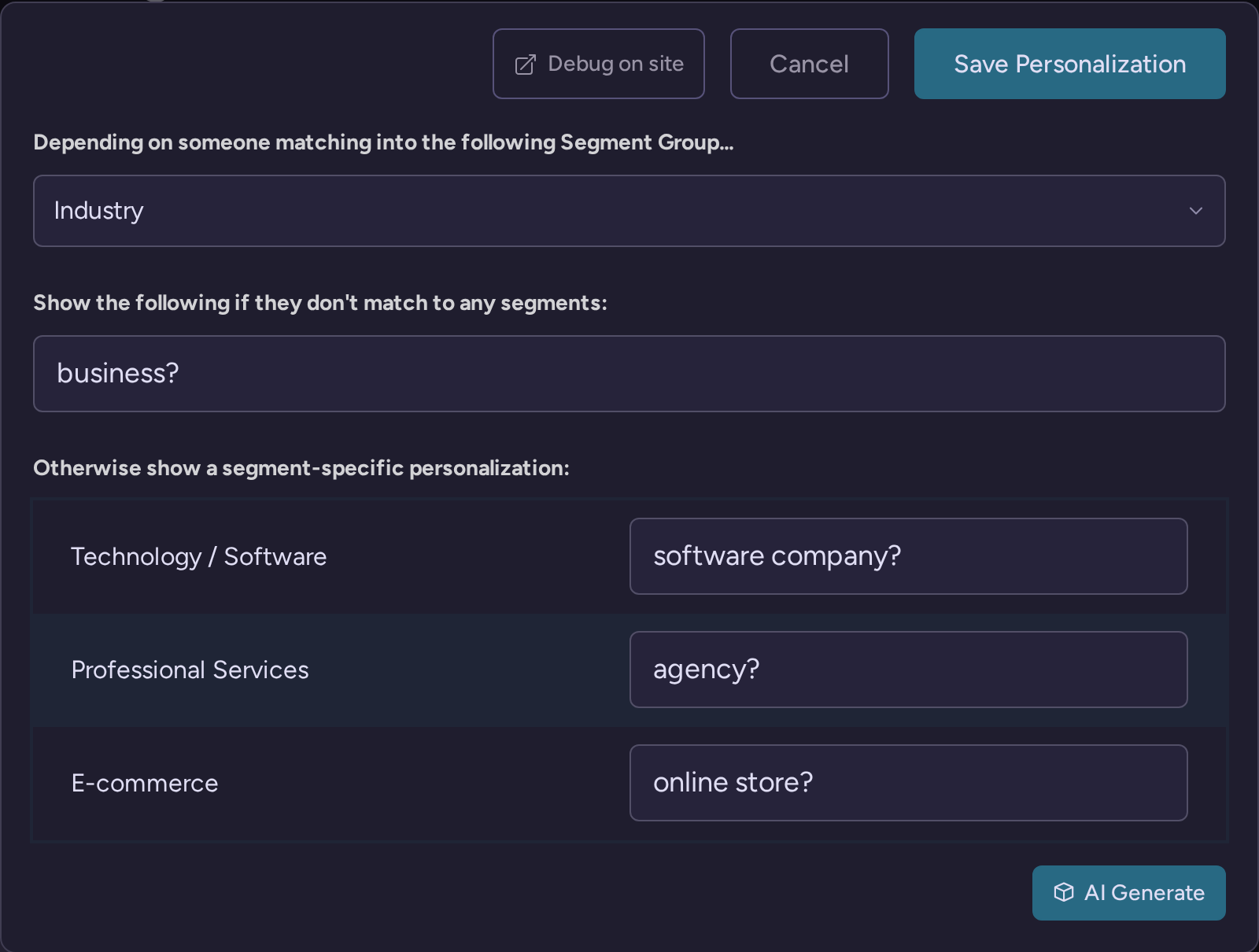
  • RightMessage is the better fit when the same answers should change the CTA, offer, testimonial, or next step on your website.

  • RightMessage is the better fit when returning subscribers should skip questions you already know.

  • RightMessage is the better fit when you want the quiz embedded into your own site instead of acting like a separate destination.

  • RightMessage is the better fit when the assessment should influence follow-up emails and sales workflows after the result page.

ScoreApp alternative or standalone assessment builder?

If you mainly need a fast scored assessment with templates and hosted landing pages, ScoreApp can be the better choice. If you want the assessment to feed a broader quiz funnel that also drives segmentation, on-site messaging, and follow-up, RightMessage is the better ScoreApp alternative.

Choose ScoreApp if...

Choose RightMessage if...

You mainly need a fast scored assessment

You want quiz answers to update segments, personas, or fields

You want built-in assessment landing pages

You want quizzes embedded into your existing website

You want templates and a guided scorecard setup

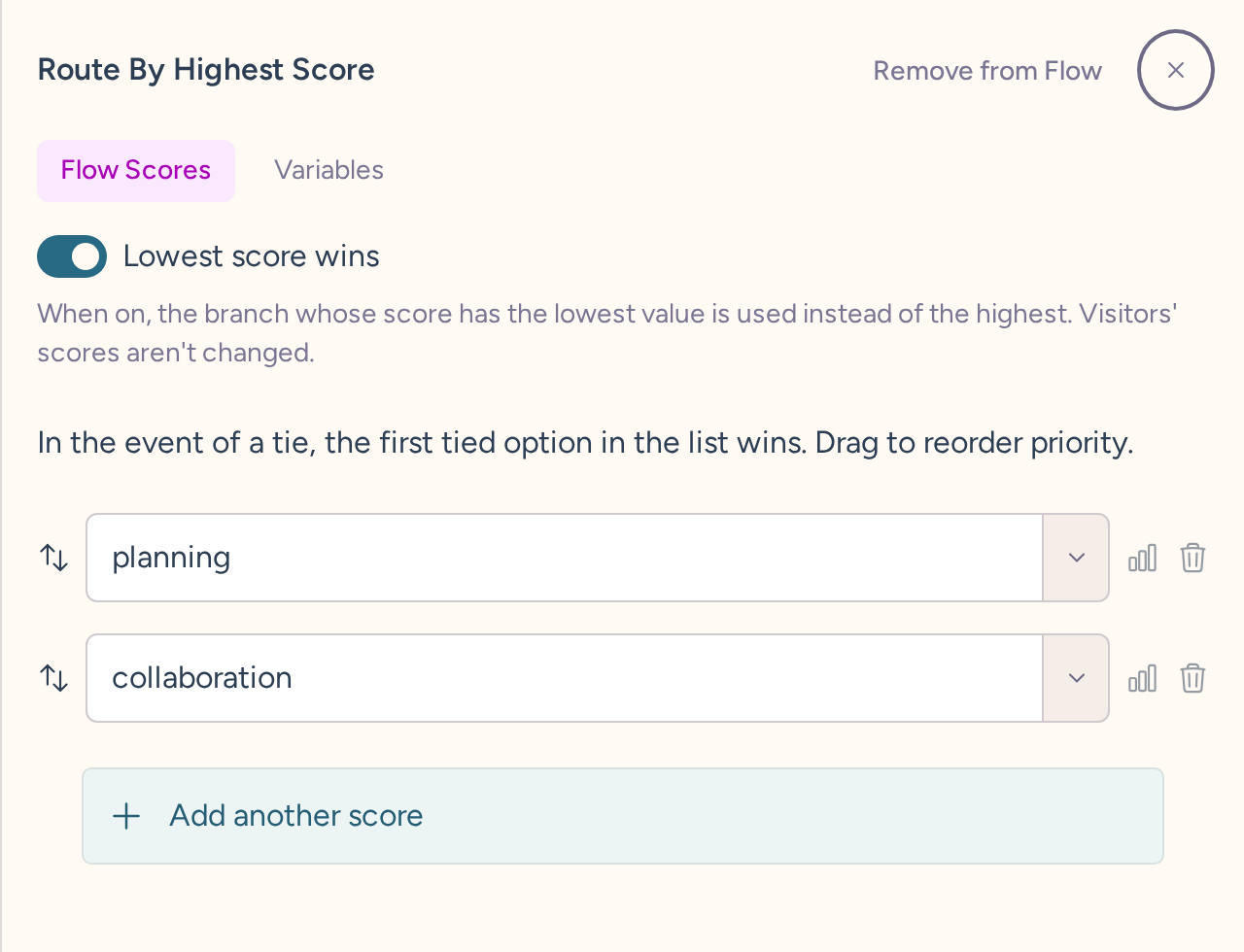
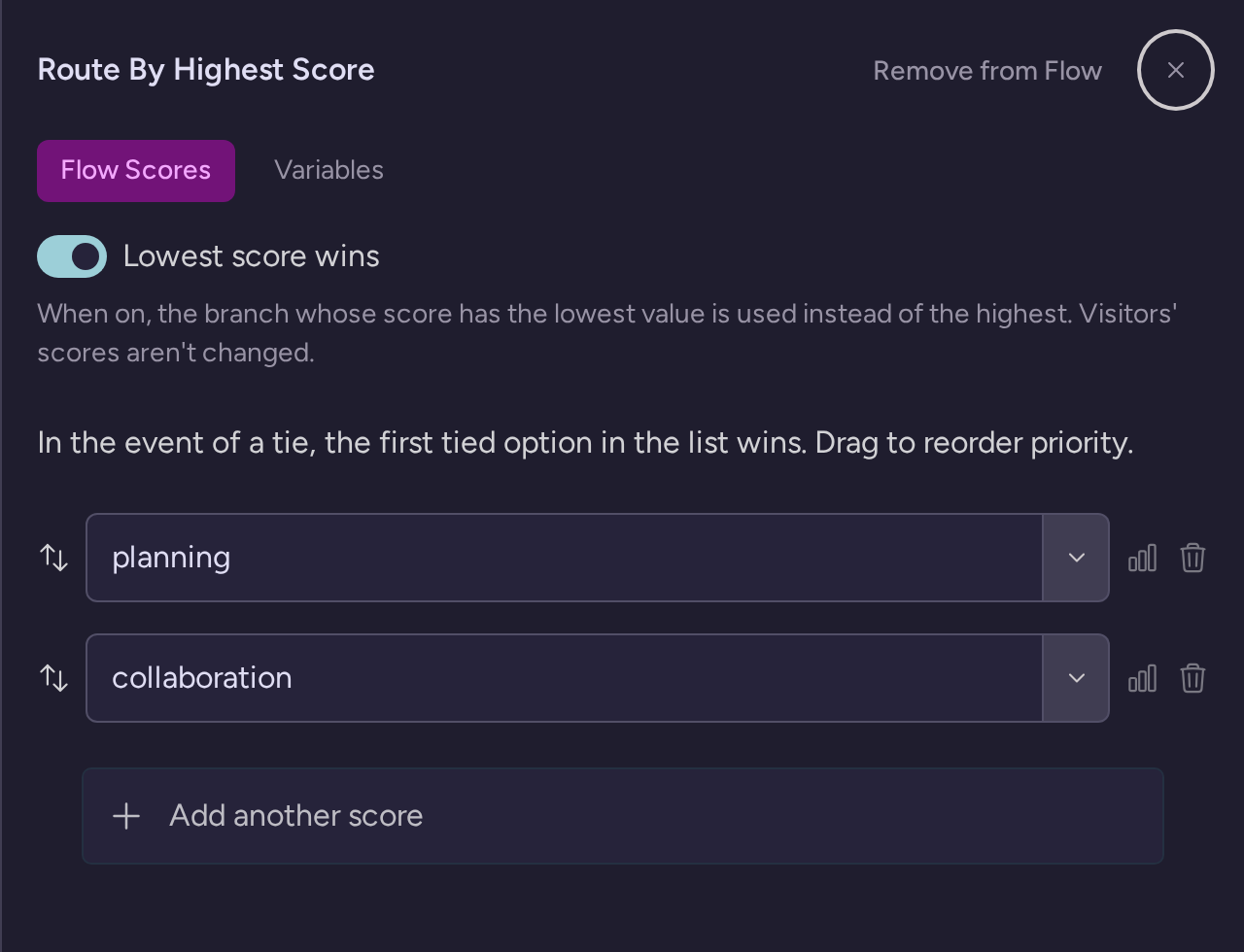
You want branching informed by subscriber data, page context, or referral source

The result page is the end of the workflow

The result should change emails, CTAs, offers, and website content after the quiz

The real workflow difference: quiz → segment → personalize → follow up

This is where the products diverge. ScoreApp is optimized to publish and run the assessment itself. RightMessage is optimized to make the assessment useful across the rest of your marketing system.

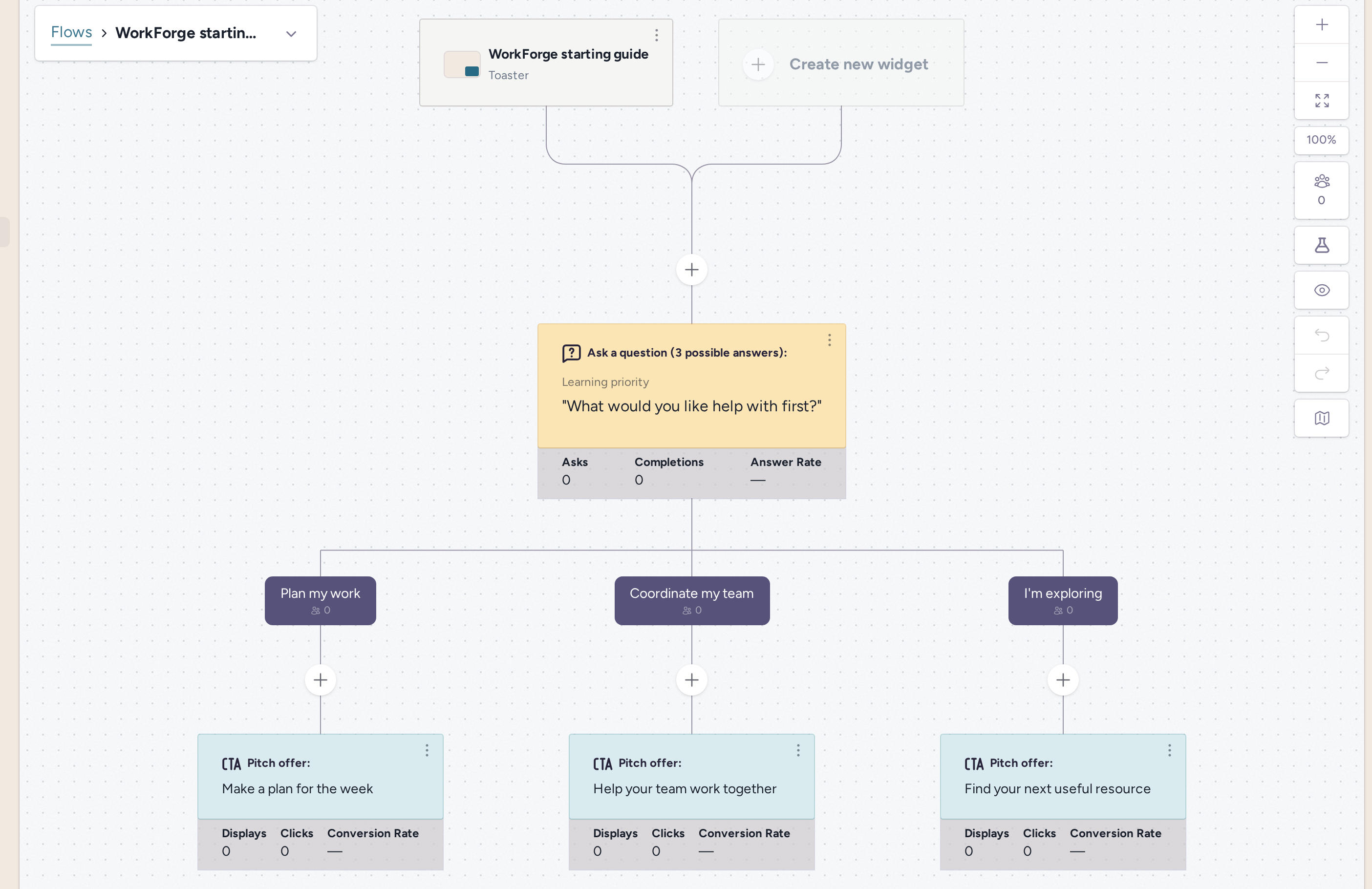
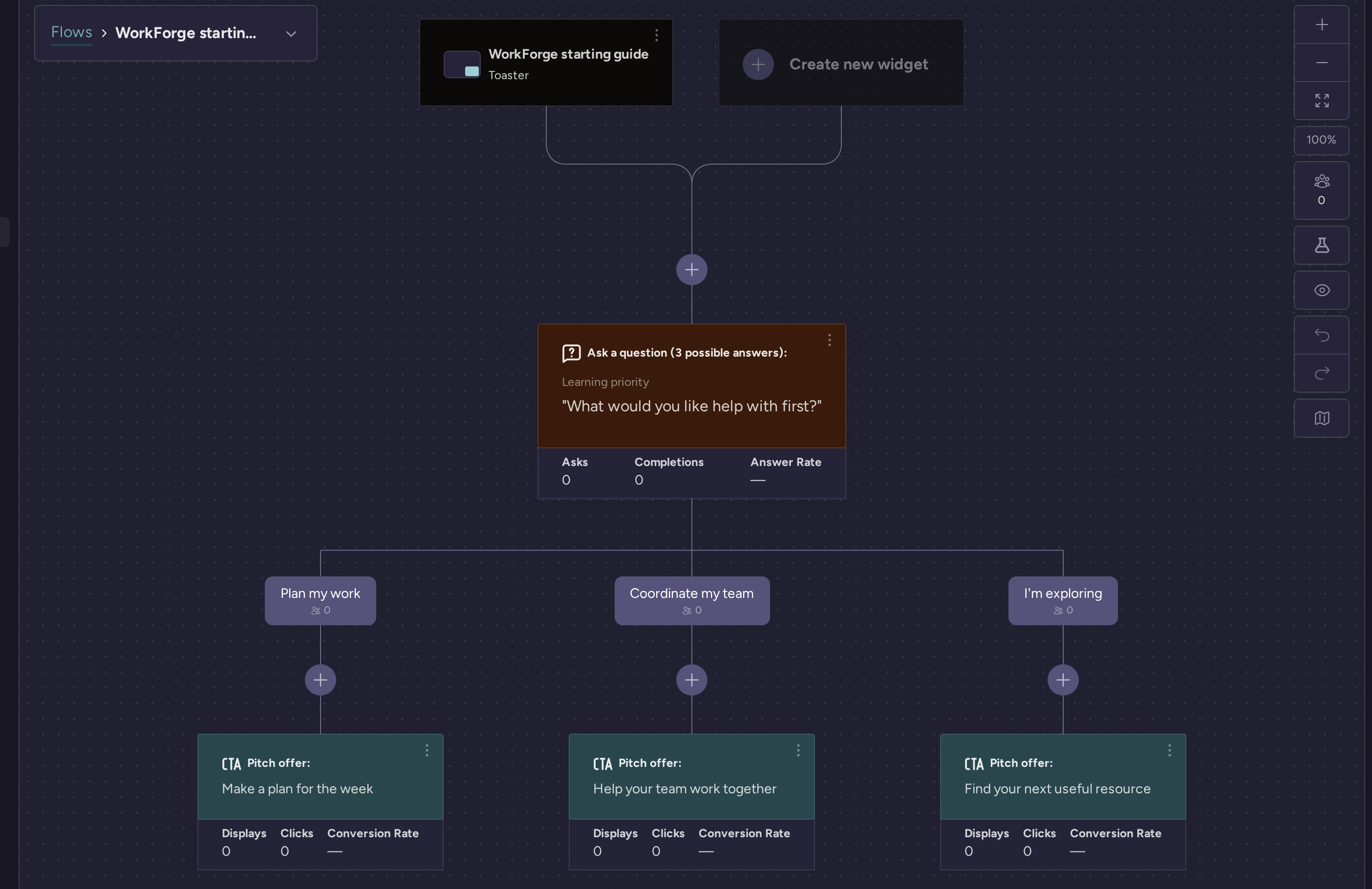
  1. A visitor starts a quiz or assessment on your website.

  2. RightMessage can use existing context such as known subscriber status, tags or fields in your ESP, referral source, UTM data, and page history.

  3. The flow asks only useful questions and can branch based on both answers and context.

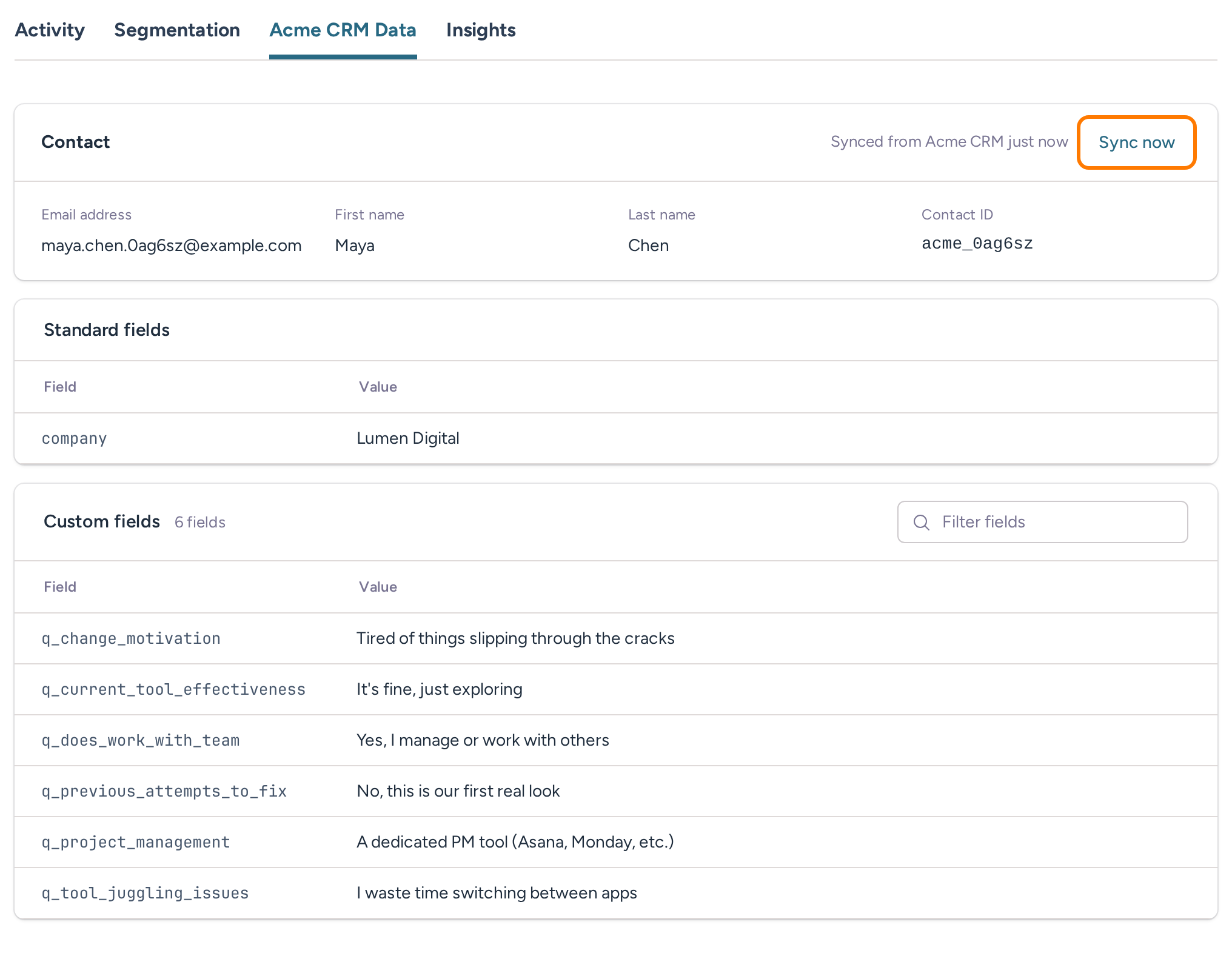
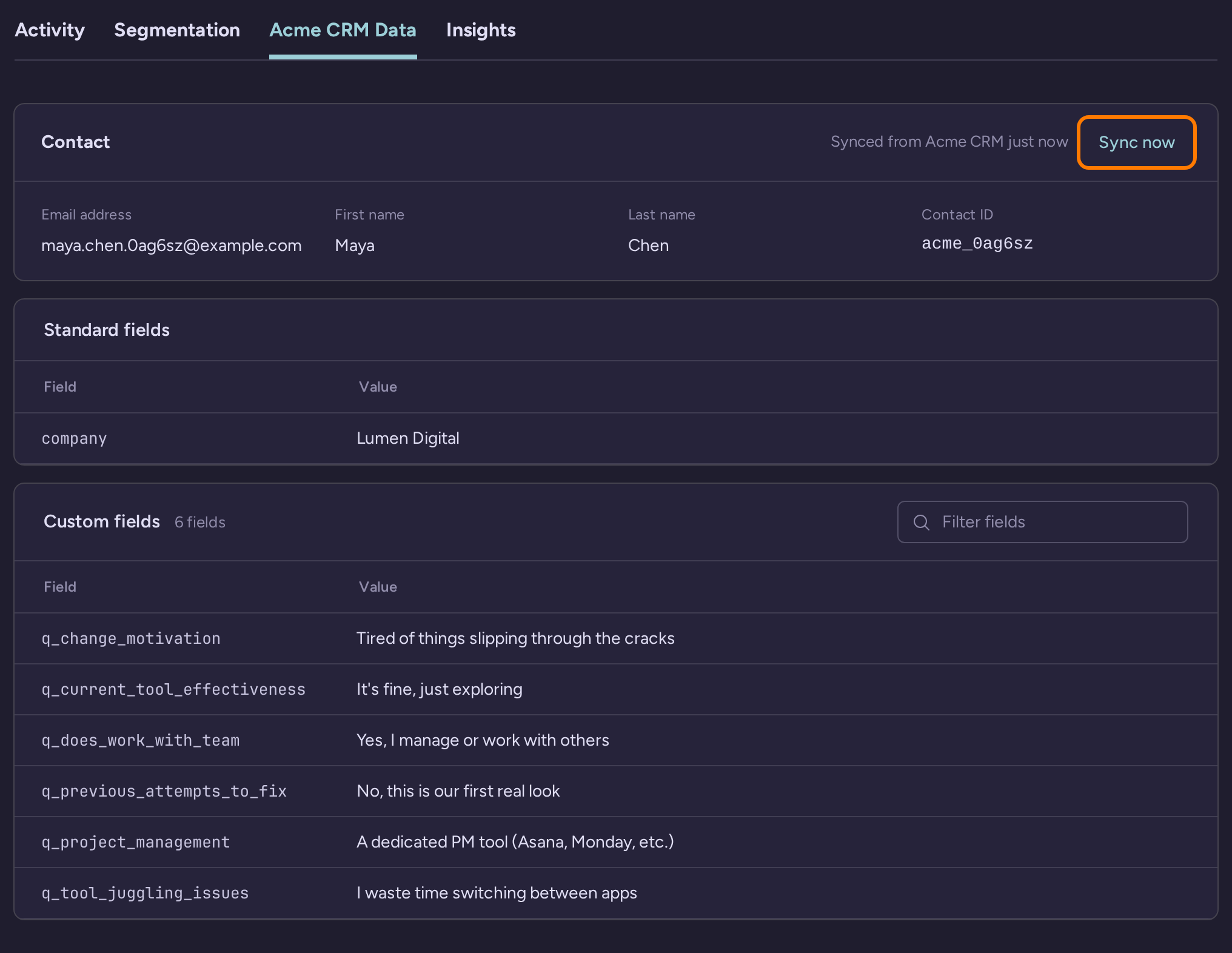
  4. Answers sync back to the subscriber profile that powers segmentation and follow-up.

  5. The visitor sees a more relevant result, CTA, offer, or next step immediately after the quiz.

  6. Future visits, emails, and offers can adapt because the quiz changed the profile, not just the result page.

For example, a coach or course creator can ask about business stage, bottleneck, and goal. A beginner can see an educational lead magnet. A qualified buyer can see a consultation CTA. An existing subscriber can skip questions RightMessage already knows and move straight to the next best step. That is the bridge from quiz wedge to platform value across website personalization, segmentation, and integrations.

A better ScoreApp alternative changes more than the result page

RightMessage flows can branch using quiz answers, known subscriber data, page context, and referral source. The same answers can update your ESP, personalize the next CTA, and change future on-site messaging without sending the visitor into a disconnected workflow.

Yes
No

When ScoreApp is probably the better fit

  • You want a dedicated assessment builder first.

  • You need built-in landing pages for each scorecard.

  • You want templates or a more guided setup path.

  • You do not need quiz data to personalize the rest of your website.

  • The result page, PDF report, and follow-up can stay mostly separate from the rest of your marketing system.

When RightMessage is the better ScoreApp alternative

  • You want assessments embedded on your own site instead of acting like a separate hosted asset.

  • You want quiz answers to update fields and segments in both directions with your email platform or CRM.

  • You want progressive profiling so returning subscribers are not asked the same questions again.

  • You want quiz results to change offers, testimonials, CTAs, or page sections across the site.

  • You want one visitor profile across quizzes, forms, popups, segmentation surveys, and personalization campaigns.

ScoreApp vs RightMessage feature comparison

The table below keeps the comparison anchored on the decision that matters: standalone assessment builder versus quiz funnel plus downstream personalization system.

Feature

RightMessage

ScoreApp

Primary use case

Quiz funnels that feed segmentation, personalization, and follow-up

Standalone assessments, scorecards, and report-led lead generation

Quiz or assessment creation

Visual flow builder inside a broader on-site messaging platform

AI assessment and scorecard builder with templates and guided setup

Scoring and results

Can support scored paths and personalized outcomes

Built specifically for scored assessments, dynamic results, and PDF reports

Landing pages

Best when embedded into your existing site or wrapped in your own pages

Includes hosted landing pages on all plans

Embedded website experiences

Core product behavior

Possible with your own pages around the scorecard, but the product is centered on hosted assessment experiences

Branching logic inputs

Assessment answers plus subscriber data, page behavior, and referral context

Assessment answers and jump logic inside the scorecard

ESP or CRM sync

Reads existing data and writes new answers back to support adaptive journeys

Pushes lead and assessment data into connected systems

Progressive profiling

Yes, skip questions when you already know the answer

Not the primary workflow

Website personalization

Core capability across the site

Mostly limited to the assessment and result experience itself

Follow-up workflow support

Segments, CTAs, offers, pages, and emails can all adapt from the same profile

Assessment data can inform later follow-up, but that workflow lives outside the core assessment experience

Pricing model

Platform pricing for quizzes plus personalization and follow-up. See /pricing for current plans.

Assessment-focused plans with response caps. As of July 2026: Starter $39 for 100 responses, Business $99 for 1,000, Pro $149 for 3,000.

Best fit

Businesses using quizzes as one step in a larger buyer journey

Businesses that mainly want a standalone scored assessment builder

Implementation tradeoffs

ScoreApp may be faster if you want to launch a template-driven scorecard with hosted landing pages and PDF-style reporting. RightMessage asks you to think more deliberately about segments, profile fields, personalized next steps, and how the assessment should influence the rest of the journey.

That tradeoff is worth it when the assessment should not end at the result page. If you want the same answers to shape your site, your follow-up, and your audience model, RightMessage gives you a better long-term system. If you want to compare that broader platform cost against your current stack, see pricing.

Can RightMessage replace ScoreApp?

Yes, for businesses whose quiz funnel requirements fit RightMessage flows and website personalization. No, if you are expecting a one-click import or an identical clone of ScoreApp's hosted landing-page and PDF-report workflow.

  • Rebuild the core quiz flow in RightMessage rather than trying to mirror ScoreApp screen for screen.

  • Map each answer to the segment, persona, or field that should drive follow-up.

  • Connect your ESP or CRM so the answers enrich the subscriber profile in real time.

  • Use the results to personalize pages, CTAs, offers, and follow-up after the assessment.

If you are not ready to migrate everything, RightMessage can also work alongside ScoreApp. But when the assessment should influence the broader buyer journey, consolidating the workflow inside one system is usually cleaner.

Frequently asked questions about ScoreApp alternatives

These are the questions most buyers ask when they are choosing between ScoreApp and a more workflow-driven alternative.

What is the best ScoreApp alternative for personalized quiz funnels?

RightMessage is one of the strongest ScoreApp alternatives when your quiz needs to do more than deliver a score or report. It is built for quiz funnels that feed segmentation, website personalization, and personalized follow-up. If you want answers to change the rest of the customer journey, not just the result page, RightMessage is the better fit.

Is RightMessage a direct replacement for ScoreApp?

Not as a one-click clone. ScoreApp is purpose-built for standalone assessments, hosted landing pages, and report-style outcomes. RightMessage can replace ScoreApp when your real goal is to turn quiz answers into segments, personalized site experiences, and follow-up workflows, but you should expect to rebuild the flow around that broader job.

When should I choose ScoreApp instead of RightMessage?

Choose ScoreApp when you mainly want a dedicated assessment builder, built-in landing pages, templates, and a simpler scorecard-first workflow. If the result page is the end of the experience and you do not need quiz answers to personalize the rest of your website or follow-up, ScoreApp may be the cleaner fit.

Can RightMessage build scored assessments or quiz funnels?

Yes. RightMessage can build multi-step quiz funnels with branching logic, scored paths, and personalized outcomes. The difference is that RightMessage treats the quiz as one part of a larger personalization system rather than the entire product.

How does RightMessage use quiz answers after the assessment?

RightMessage can write quiz answers back to your ESP or CRM, update segments and custom fields, change the CTA or offer someone sees next, and personalize future pages or follow-up based on that profile. The quiz becomes the start of an adaptive marketing workflow instead of a standalone asset.

Does RightMessage sync with my email platform or CRM?

Yes. RightMessage integrates with major email platforms and CRMs so quiz answers can update the subscriber record that drives segmentation and follow-up. It is a better fit when you want those systems involved before, during, and after the quiz instead of only receiving data at the end.

Can returning subscribers skip questions RightMessage already knows?

Yes. RightMessage supports progressive profiling, so returning subscribers can skip questions when the answer already exists in your ESP or CRM. That keeps quiz funnels shorter and makes the experience feel more relevant.

Does RightMessage include landing pages like ScoreApp?

Not in the same way. ScoreApp includes hosted landing pages as part of its assessment-builder model. RightMessage is stronger when you want the quiz embedded into your existing website and connected to the rest of your on-site personalization.

Can I migrate an existing ScoreApp quiz to RightMessage?

Yes, but it is a rebuild rather than a direct import. The practical migration path is to recreate the core quiz flow in RightMessage, map answers to fields or segments, connect your ESP or CRM, and then use those answers to personalize offers, CTAs, and follow-up.

Can RightMessage work alongside ScoreApp?

Yes. Some businesses keep ScoreApp for a standalone assessment while using RightMessage for segmentation and personalization elsewhere. But if your assessment should influence the broader site and email journey, consolidating that workflow inside RightMessage is usually cleaner.

Ready to make the switch to RightMessage?

Two ways to get started:

Start a 14-day trial:

  • Trial includes your selected plan features
  • Card required • no charge today
  • Cancel before the trial ends
Start a 14-day trial

Schedule a Demo:

  • See exactly how it works
  • Get your questions answered
  • Personalized walkthrough
Schedule a demo