Website personalization tools for small marketing teams
Compare RightMessage, Personyze, Wingify (VWO), Optimizely, Unbounce, HubSpot, and Webflow Optimize by the job each does, what it costs, and who should skip it.

Key takeaways
- Pick the category before the vendor. Existing-site tools, landing-page builders, CMS-native features, and recommendation engines solve different problems.
- Most visitors are anonymous. Check what a tool can do before someone fills out a form, and exactly how it recognizes them afterward.
- The entry price rarely includes personalization. Find the plan that does, and how it’s metered, before you compare prices.
- For most small teams, a few rules you can actually maintain beat a platform built for a dedicated experimentation team. RightMessage now runs page and audience A/B tests too; reach for Wingify or Optimizely when you need multivariate, split-URL, or server-side testing.
What a website personalization tool actually does
A website personalization tool shows different content to different visitors at the same URL, based on signals: the ad or email someone clicked, the pages they’ve viewed, where they are, how they answered a quiz, or what your CRM knows once they’re identified. That’s different from customization, where the visitor makes the choice, and from classic A/B testing, which looks for one winner for everyone. Some tools combine them: RightMessage can test versions inside each audience and find a winner for that audience.
Four kinds of software share the label:
- Existing-site tools add a script to the site you already have and change parts of your current pages, like RightMessage or Optimizely.
- Landing-page builders host new pages and personalize those, like Unbounce.
- CMS-native features work on pages built in that CMS, like HubSpot smart content.
- Recommendation engines pick products or articles from a catalog.
Three questions that shrink the shortlist
- Are you changing your existing site or building new pages? If your current pages need to speak to different visitors, you need a tool that edits them. If you mostly launch campaign pages, a landing-page builder may be enough.
- Who are you personalizing for? Anonymous visitors can be grouped by campaign, referral source, location, device, and behavior. Known contacts can be grouped by CRM or email data, but only after the tool recognizes them. Ask every vendor exactly how that happens.
- Are you changing messages or recommending items? A store with thousands of products needs a recommendation engine. A SaaS company with three plans probably needs better messages.
Then check who installs the script, which plan includes personalization, how it’s metered, and whether your integration is on that plan.
Seven tools compared by the job they do
| Tool | Best fit | Visitor data it can use | Built-in A/B testing | Price to personalize |
|---|---|---|---|---|
| RightMessage | Your existing site, plus popups, forms, and sticky bars mapped in visual Flows | Campaign, behavior, and quiz answers; email or CRM data once someone is identified by an email click or Email Watcher | Page and per-audience tests with weekly verdicts (Pro); campaign holdback (Scale) | Scale, $249/month billed monthly or $199/month billed annually |
| Personyze | Existing-site messaging plus product or content recommendations | Context and firmographics; CRM fields after an email match | A/B testing included | Free to 5,000 pageviews; Starter $149/month billed monthly or $134/month billed annually |
| Wingify (VWO) | Existing sites, for teams already running experiments | Behavior and context; HubSpot or Salesforce data on Enterprise | Full testing suite, including multivariate and split-URL | Custom quote; 30-day free trial |
| Optimizely | Existing sites, for enterprise experimentation programs | Audiences, custom attributes, and CDP segments | Full testing suite, including server-side | Custom quote |
| Unbounce | New campaign pages hosted by Unbounce | URL parameters and AI traffic routing | A/B tests on Unbounce pages (Experiment); Smart Traffic on Optimize | Experiment, $149/month billed monthly or $112/month billed annually |
| HubSpot Content Hub | Sites built on HubSpot’s CMS | Context plus HubSpot lists and lifecycle stage | A/B tests on HubSpot pages (Professional and Enterprise) | Professional, from $500/month with three seats |
| Webflow Optimize | Webflow sites; other CMSs by script | Context and behavior; CRM data on Enterprise | A/B tests and AI optimization | $299/month add-on for Webflow sites; quote elsewhere |
Prices are in US dollars as shown by each vendor, and each meters differently: Personyze and Webflow Optimize by page views, Unbounce by monthly visitors, HubSpot by seats, and RightMessage per project with no visitor or contact fees. HubSpot’s product catalog doesn’t state the Professional billing cadence, so confirm terms before you commit.
Mutiny isn’t on this list anymore. Its April 2026 relaunch retired its website personalization product, and it now sells a sales assistant. If your site ran on Mutiny, here’s what changed and how to switch from Mutiny.
Where each tool fits
RightMessage
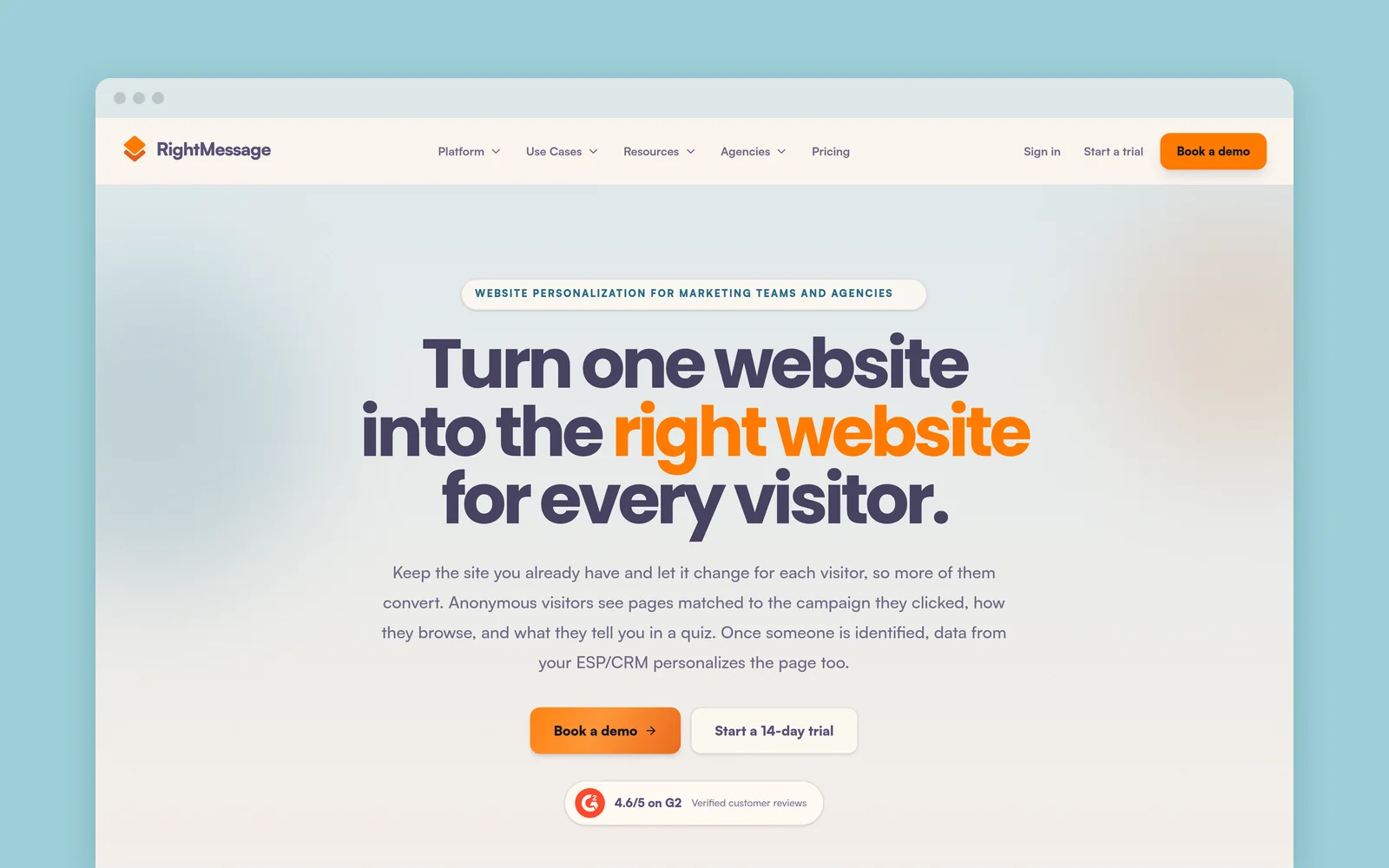
RightMessage adds a script to your existing site and changes headlines, proof, offers, forms, and calls to action for the audiences you define, using campaign, pages viewed, referral source, and quiz answers.
Three things set it apart. First, it recognizes the people you already know. Subscribers who click through from your marketing emails are identified automatically (some email platforms add the tracking parameter for you; others need it added once). Turn on Email Watcher, and RightMessage also picks up email addresses people submit through forms on your site. From then on, their email platform or CRM data shapes what they see.
Second, testing lives inside personalization. On Pro, you can A/B test the page everyone sees, or any audience’s changes, and RightMessage checks results weekly and gives a plain-language verdict once one version is clearly better or worse. On lower traffic that can take months, and you decide when to end a test. See A/B testing in RightMessage.
Third, popups, forms, sticky bars, and quizzes live in Flows: a visual flowchart of who sees what, when, and what happens next. A branch can depend on an answer, the page, or what you already know about someone, and the whole path stays in view instead of being scattered across separate display rules for each popup.
- Best for: teams and agencies who want their current pages, popups, and forms to respond to each visitor, especially the subscribers and customers already on their list. See how RightMessage personalizes an existing site.
- Skip it if: you need a catalog-driven recommendation engine, a tool that hosts new landing pages, or multivariate, split-URL, or server-side testing. Flows and forms start on Grow, website personalization and the campaign holdback on Scale, and page and audience A/B tests and the HubSpot integration on Pro.
Personyze
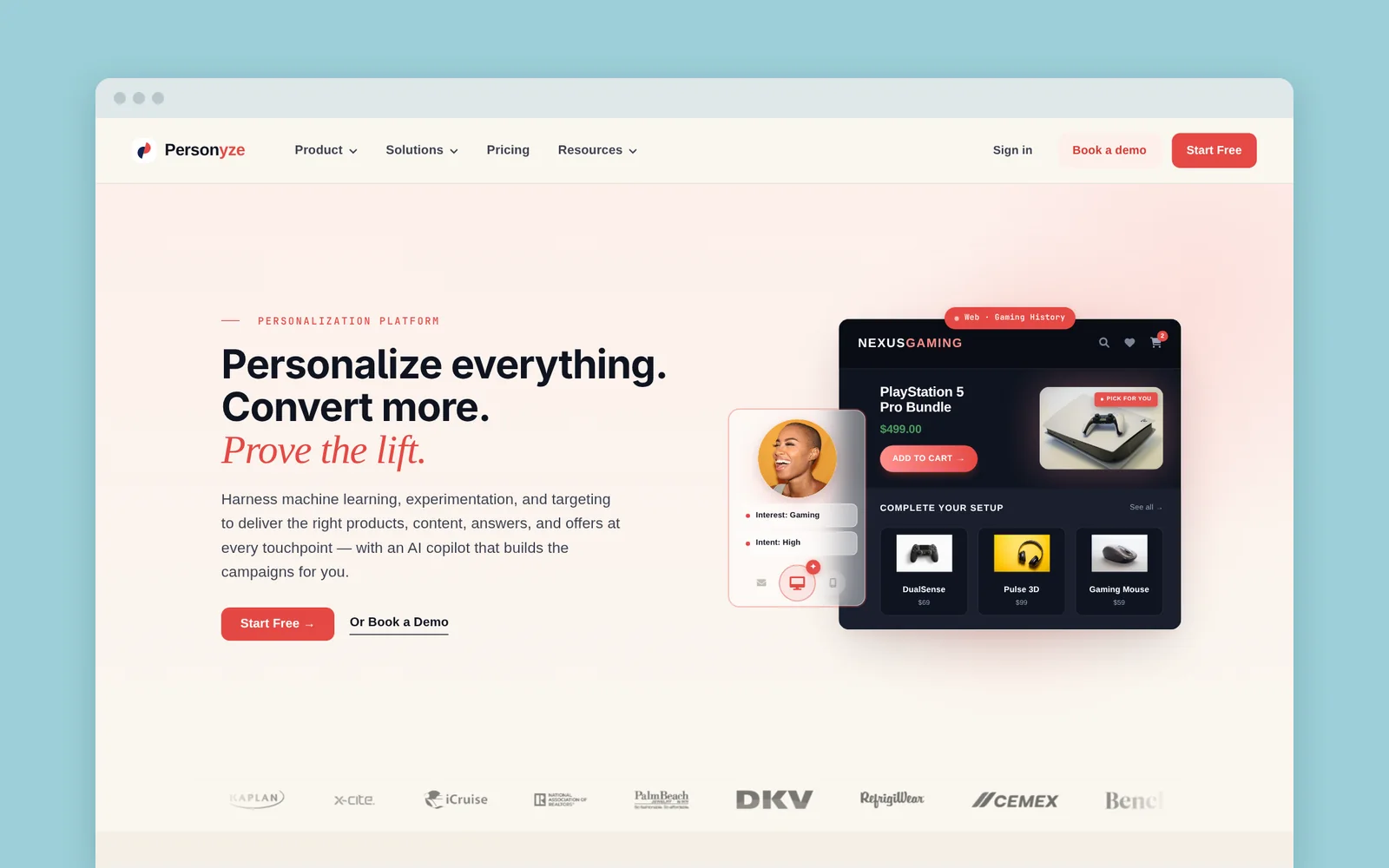
Personyze covers a lot in one tool: page edits, popups, A/B testing, and product or content recommendations.
- Best for: stores and content sites that want recommendations and messaging under one contract.
- Skip it if: your traffic is hard to predict, since pricing follows pageviews. Its HubSpot integration also matches contacts by email address, so CRM data only applies after someone identifies themselves.
Wingify (VWO)
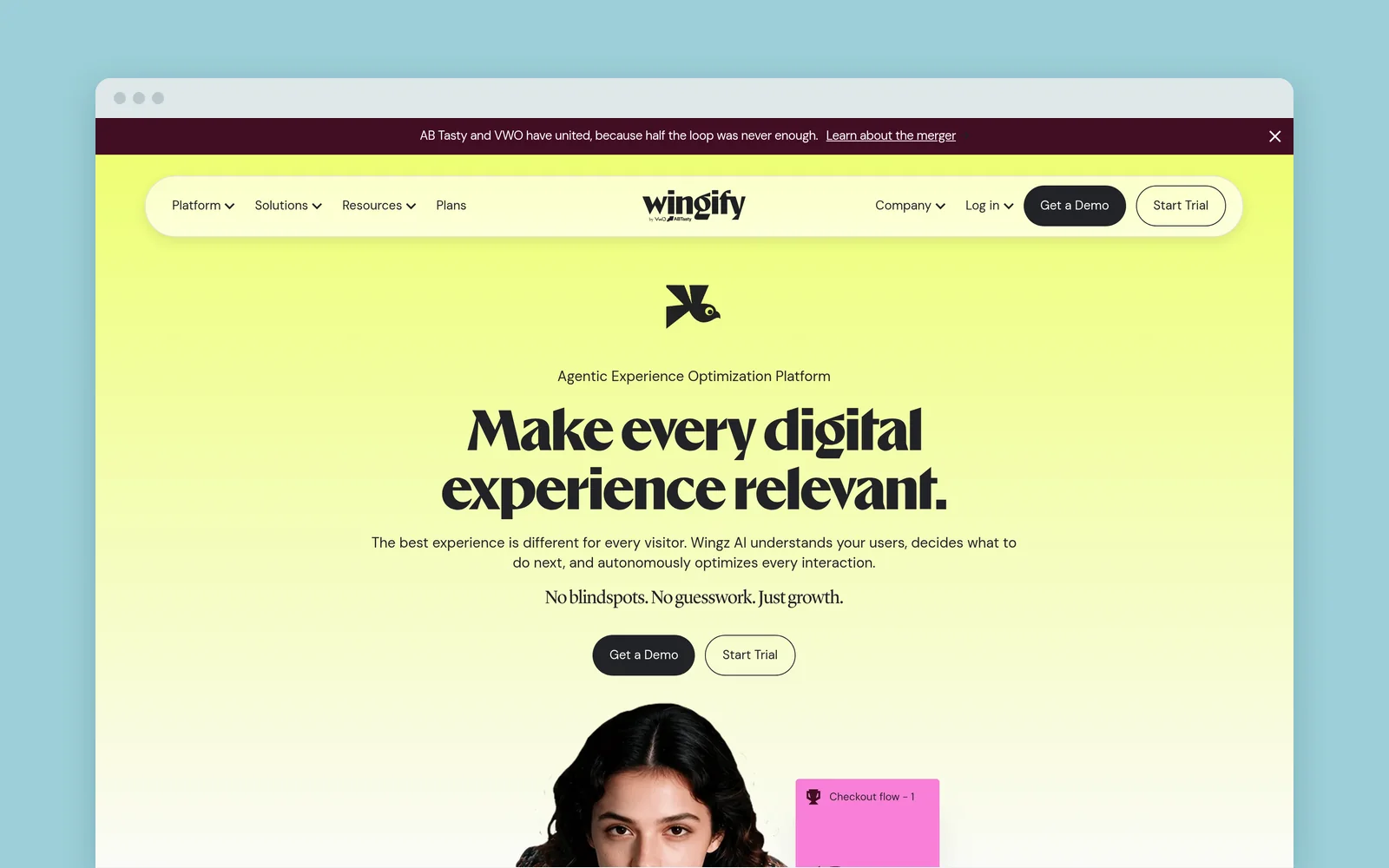
VWO’s site now redirects to Wingify, which says VWO and AB Tasty have united. Its web personalization edits existing pages, targets anonymous visitors by referral, device, location, and behavior, and holds back a control group to measure lift.
- Best for: teams that already run experiments and want personalization measured the same way.
- Skip it if: you need public pricing or CRM-driven personalization on a small budget. Pricing is quoted, and HubSpot data targeting is documented for Enterprise accounts with the Data Studio add-on.
Optimizely
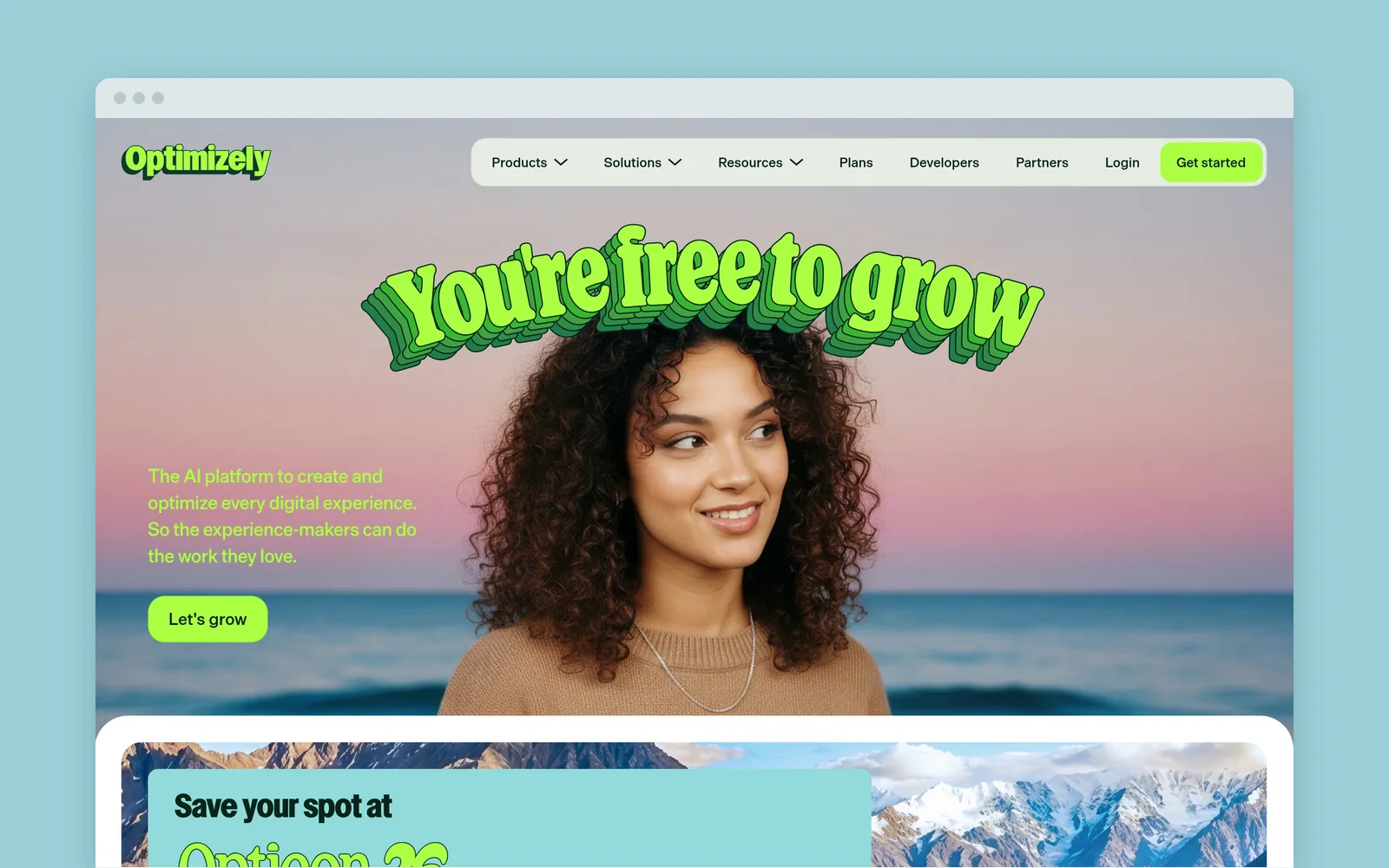
Optimizely Personalization changes your page as it loads, with a visual editor, UTM and behavior audiences, CDP segments, and algorithmic content and product recommendations.
- Best for: larger teams with developers, heavy traffic, and a formal experimentation program.
- Skip it if: you don’t have developer time. Optimizely packages every plan individually and asks you not to load its snippet through a tag manager.
Unbounce
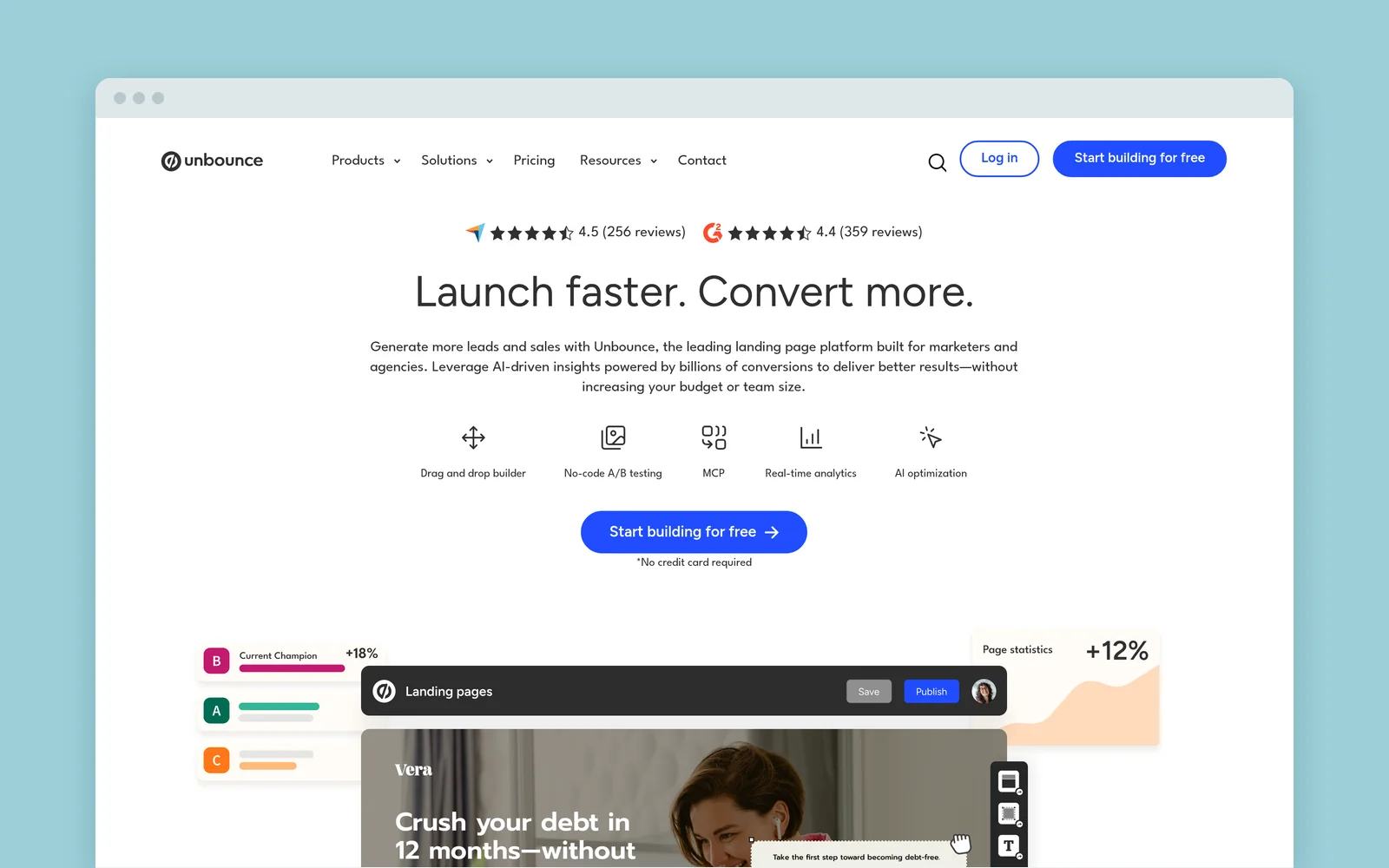
Unbounce builds and hosts landing pages. Dynamic Text Replacement swaps words to match URL parameters, and Smart Traffic sends each visitor to the variant it predicts will convert best. Popups and sticky bars can run on your existing site, but page personalization happens on pages built in Unbounce.
- Best for: paid-media teams who ship lots of campaign pages without a developer.
- Skip it if: the pages you need to personalize already live in your CMS. Smart Traffic needs Optimize, $249/month billed monthly or $187/month billed annually. To keep one page and match it to every ad instead, see landing page personalization.
HubSpot Content Hub
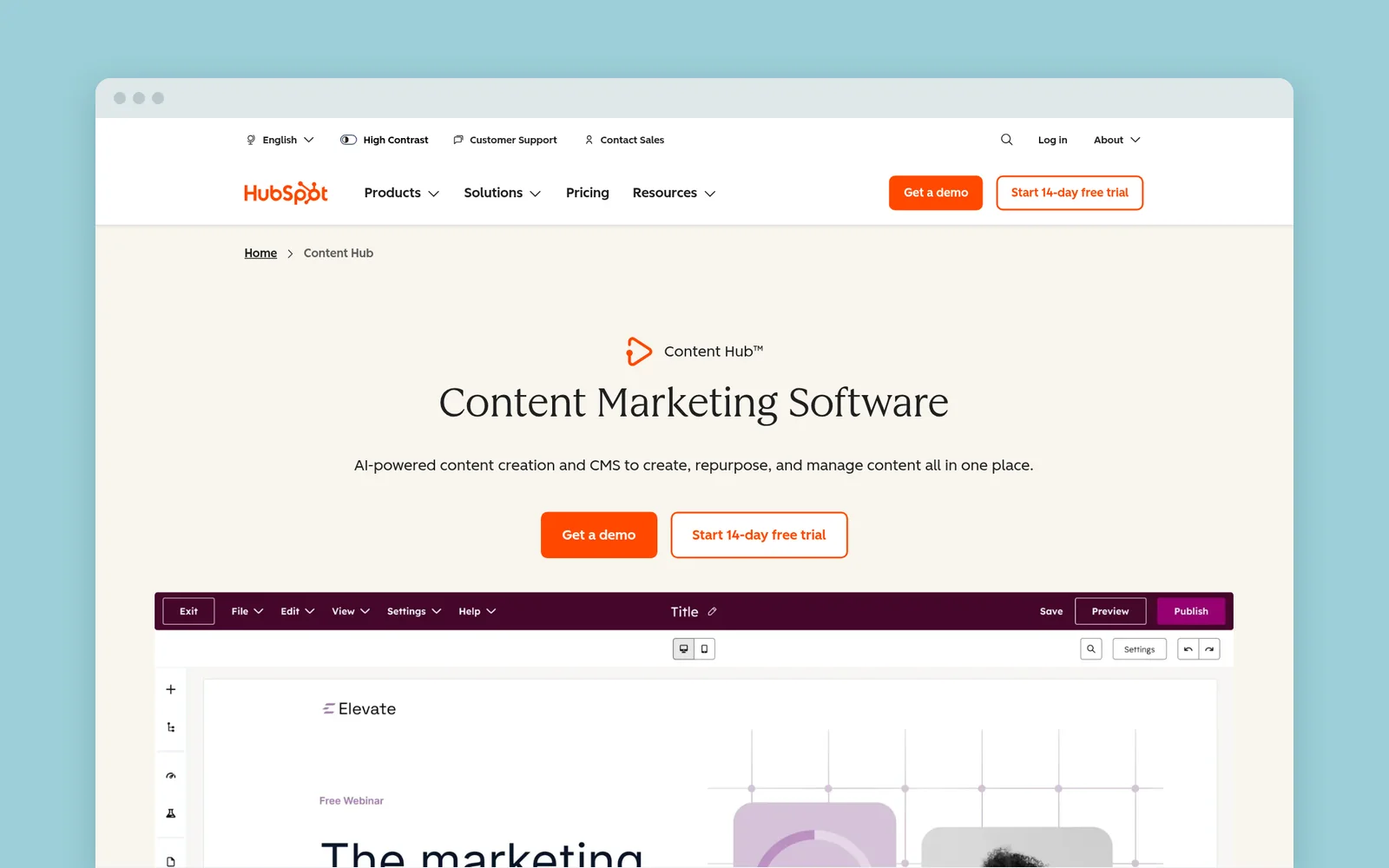
HubSpot smart content shows different versions of a module by location, device, referral source, URL parameters, list membership, or lifecycle stage.
- Best for: teams whose website already runs on HubSpot’s CMS and whose contact data lives there too.
- Skip it if: your site runs on WordPress, Webflow, or Shopify. Smart forms and modules only work on HubSpot pages, though smart CTAs can appear on external pages with the tracking code. RightMessage can use HubSpot contact data on another CMS through its HubSpot integration.
Webflow Optimize
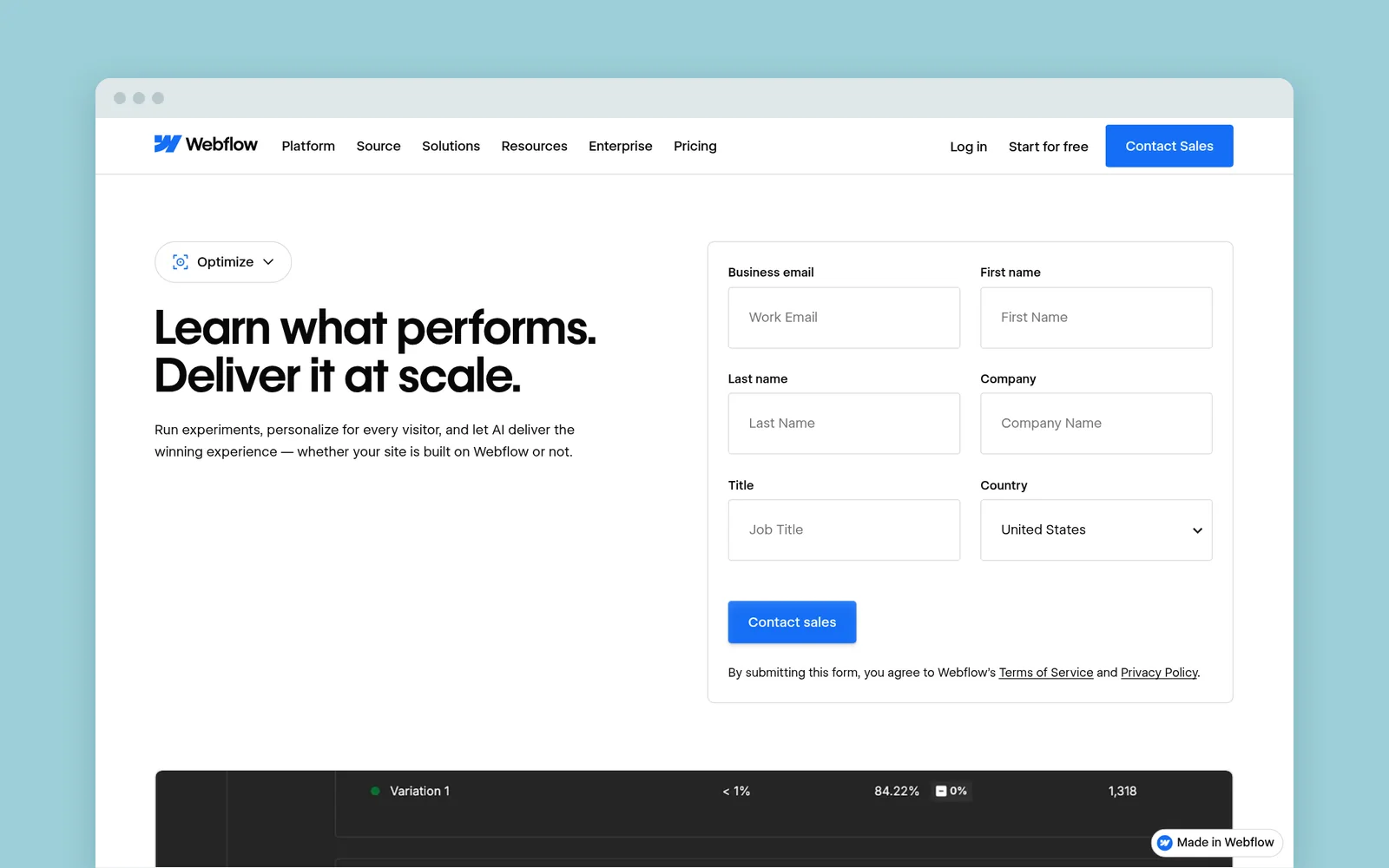
Webflow Optimize combines A/B testing, rules-based personalization, and AI optimization. It installs natively on Webflow and by script on other CMSs.
- Best for: teams already on Webflow who want testing and personalization in one place.
- Skip it if: your site isn’t on Webflow and you want public pricing. The $299/month add-on isn’t available on Starter or Ecommerce site plans, and CRM, 6sense, and Demandbase integrations are Enterprise features.
Three small-team scenarios
A SaaS team with three ads and one signup page
A SaaS team sends ads for three use cases to one signup page, and trial users later return to the pricing page.
That’s an existing-site job with anonymous ad clicks and known trial users. RightMessage and Personyze handle both, as does HubSpot if your site runs on it, and RightMessage can A/B test each use case’s message inside its audience. Add Wingify or Optimizely only for a formal testing program that needs multivariate, split-URL, or server-side tests. Landing page personalization with UTM parameters covers the ad-matching half.
A DTC store with a catalog and returning customers
A Shopify store has two jobs that look similar and aren’t. Recommending products from a growing catalog is recommendation-engine work, so compare Personyze, Optimizely, or recommendation apps built for your store platform.
Changing the message for returning customers, quiz takers, or subscribers is messaging work. That’s where RightMessage fits: map your popups, sticky bars, and product quiz in one Flow, and stop asking subscribers to join a list they’re already on.
An agency managing sites on different stacks
An agency runs client sites on WordPress, Webflow, and Shopify. Favor a tool that installs on any stack and prices predictably per client: RightMessage prices per project, Personyze meters pageviews with a domain limit on each plan, and Webflow Optimize’s add-on attaches to a Webflow site plan. Use Unbounce when a client needs new campaign pages.
Before you buy anything
Personalization isn’t the first fix for every site. If you can’t name two audiences who need a different message, or the core page doesn’t explain the offer clearly, fix that first.
Not sure personalization is worth it for your site? Run the free personalization check. It reads your pages, measures how much of the copy speaks to each kind of buyer, and shows the buyer your site is losing and what to change.
Then trial each shortlisted tool the same way:
- Pick one page and one audience whose current experience is clearly wrong, like subscribers who still see a newsletter signup.
- Confirm you can recognize that audience in the tool, not just in a demo.
- Build the change, keep the original as the default, and measure against a goal you already track.
If your job is making the site you already have speak to each visitor, start a RightMessage trial. Comparing RightMessage with one specific tool? The comparison hub has head-to-head pages.
Common questions
Frequently asked questions
What is the best website personalization tool for a small business?+
There isn’t one. Use RightMessage or Personyze to personalize the site you already have (RightMessage can also A/B test the page and each audience’s changes), Unbounce for new campaign pages, HubSpot or Webflow Optimize if your site runs on that platform, and Wingify or Optimizely inside a larger testing program that needs multivariate, split-URL, or server-side tests.
What’s the difference between website personalization and A/B testing?+
A/B testing randomly splits visitors to find the version that works best. Personalization chooses a version for a defined audience, such as visitors from one ad campaign. The two combine: holding back part of your traffic tells you whether the personalization beats the original, and testing versions inside an audience finds the best message for that audience. RightMessage does both, with weekly verdicts.
Can a personalization tool recognize anonymous visitors?+
It can segment them, not name them. Anonymous visitors can be grouped by campaign, referral source, location, device, pages viewed, and quiz answers. Using someone’s CRM or email data requires identifying them first. RightMessage does that when a subscriber clicks through from your marketing emails or, with Email Watcher turned on, submits their email address in a form on your site.
Do I need a developer to set up website personalization?+
Usually not for the basics. Most existing-site tools need a script added once, then marketers build changes in a visual editor. Custom data integrations may need a developer.
How much do website personalization tools cost?+
It depends on the meter: pageviews, visitors, seats, or a flat price per project. RightMessage is priced per project: Grow $99, Scale $249, or Pro $499 per month, or $79, $199, or $399 per month billed annually. The plans have no per-visitor or contact fees. Every plan includes hosted landing pages (Pages). Website personalization and holdback measurement start on Scale, and page and audience A/B tests are on Pro. Lead alerts are an optional add-on on every plan, priced by alerted leads from $49 a month for 50 ($39 a month billed annually), with 1,000 a month included on Pro. Wingify and Optimizely quote custom prices.