Stop treating customers back on your website like strangers
Most website popups ask everyone for an email, even if they're longtime leads and customers. This hurts revenue, and also sours what people think of your brand.

Key takeaways
- The mistake isn’t using an email popup on your site. It’s showing the same signup ask to total strangers, returning subscribers, and loyal customers.
- Link your website with your email platform or CRM so that you can leverage the relationship you have with visitors to show better popups.
- If you're able to just do one thing, it should be this: don't badger existing subscribers and leads with forms asking for their email address.
Your website shouldn’t forget your best customers
Imagine being a regular at a local clothing store.
You've been going there for years, the staff know you by name, and the owner's so good at relationships that he remembers what you've bought, your style, and even the names of your kids.
But today, you walk in and the owner acts as if he's never seen you before.
"Hi! Welcome. Can I help you with something?"
How weird would that be?
That would feel ridiculously awkward in person. Online, it happens constantly.
Your email platform or CRM may know that someone subscribed last month, upgraded their plan last week, or has been a customer for three years. But if your website popup can’t use that information, every visit effectively starts from scratch.
Popups aren't the problem. It’s what they ask for.
Website popups are pretty polarizing.
Some marketers hate them. Others swear by their effectiveness.
But I wouldn't pass blame on popups as a technology per se...
The problem is that these popups are almost always configured to just do one thing: give a (presumably anonymous) visitor a good reason to become a subscriber or lead.
The mistake is making that its only job.
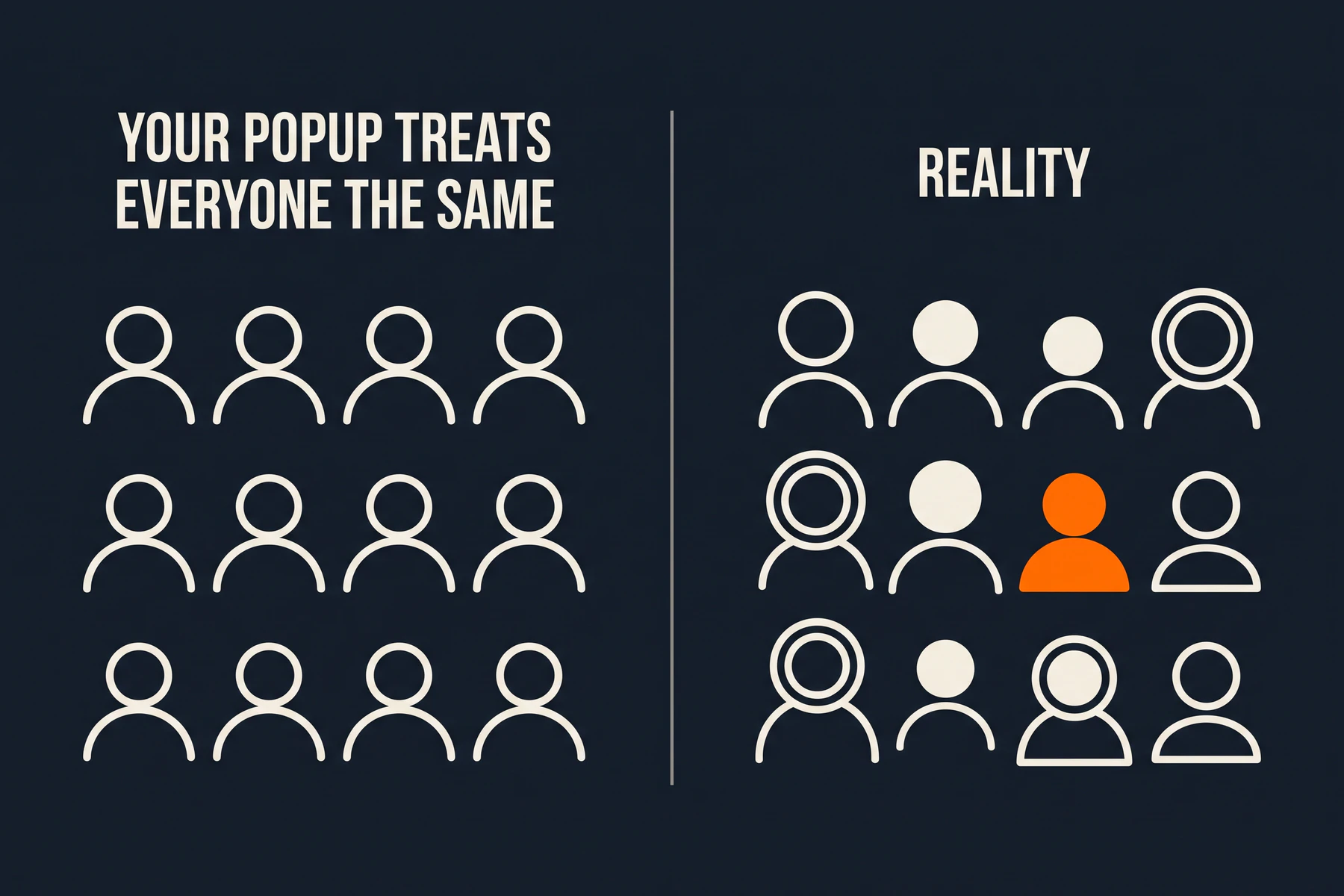
Once someone subscribes or buys, what they need from you next does also:
| Who is visiting? | Don’t make them… | Give them a useful next step |
|---|---|---|
| Unknown visitor | Guess why they should subscribe | Show a clear, relevant email signup |
| Known subscriber | Enter an email you already have | Invite them to a useful resource, event, or offer |
| Existing customer | Buy the same product again | Help them use it, offer a sensible next product, or ask for a referral or testimonial |
| Anyone with no appropriate next step | Dismiss another interruption | Show no popup |
A smart popup doesn’t need to know everything about a visitor. It just needs enough reliable information to avoid an obviously wrong ask.
Begin with the person’s relationship to your brand:
- Are they an unidentified visitor?
- Are they already a subscriber / lead?
- Are they a customer?
- Have they already accepted the offer you’re about to show?
Your job is to curate who should see what, and when. Whatever you're using for popups should be aware enough to at least discrimenate between strangers and contacts, and use that context to deliver a more appropriate next step.
The data exists, but your website probably isn't using it.
Your email platform or CRM is often the "single source of truth". It holds tags, fields, segments, and purchase information. Your website is where many of those same people return to learn, compare, buy, or get help - and it's where many of the emails you write point people to.
The gap is the disconnect between the two.
A cookie that says “this browser closed the popup already” can make your website a little less annoying to people. But this dismissal cookie can’t reliably tell you that the visitor:
- Subscribed through a different form a month ago.
- Clicked through from an email today.
- Bought a particular product.
- Is tagged as an active customer.
- Has already taken the action this popup promotes.
And “returning visitor” isn’t the same as “known subscriber.” Someone can visit ten times without joining your list, while an existing customer can arrive in a new browser and appear unknown.
The goal isn’t to guess.
It’s to use the reliable customer data you already have when the visitor can be identified—and keep a useful ordinary version when they can’t.
How RightMessage fixes this.
RightMessage connects your existing website with a supported email platform or CRM with the addition of a small bit of JavaScript to your website's code.
Once a visitor is identified through a form submission or because they clicked on a link in a marketing email, RightMessage can use the data you keep on their record. That context can then change the popup from an introductory ask to the next appropriate action.
For example:
- An unknown visitor sees your normal newsletter signup.
- A known subscriber sees an invitation to an upcoming workshop.
- A customer who bought your entry-level product can see an upgrade offer.
- A high value VIP customer can get asked to leave a review or refer others.
This does two things:
First, it generates more downstream results. People largely want to be told what to do next. Rather than pestering someone to join the email list they're already on, you can instead offer them a credit or something if they leave a review.
Second, this provides a user experience bump for your brand. It doesn't look good when you send an email campaign to people that links to your website, and then everyone who clicks over gets hammered with popups asking for their email address (you just emailed them!)
Our advice? Start simple.
You don’t need to map every stage of your customer lifecycle before improving one popup.
Start here:
Stop asking known newsletter subscribers to join your newsletter.
And when you're ready to layer more on, replace the popup's content with an obvious next step:
- A resource that will make them more ready-to-buy.
- A flash offer or promotion to turn a lead into a new customer.
- Help using something customers already bought.
- A referral or testimonial invitation for someone who's successful with your product.
- Nothing, when another interruption wouldn’t help.
Then tack on UTM parameters onto the button links you're using and start measuring results.
If you're anything like us at RightMessage, 20% of our site traffic is made up from existing leads or customers. That's a lot of people. And those are high quality people who took the time already to give us their email address or buy something.
Same traffic. Better next steps.
Getting more from your website traffic doesn’t always mean more leads.
Sometimes it means recognizing that the person has already subscribed. Sometimes it means helping a customer get more from what they bought. Sometimes it means making a relevant offer. And sometimes it means leaving them alone.
That’s why we at RightMessage try to get all of our customers to set up personalized popups. We're not trying to convince you to woo your site visitors with flashy popups that shake and sparkle. Instead, just give people what makes sense.
Start a RightMessage trial and turn your popups into the right next step. Or see how RightMessage uses customer context across your existing website.
Common questions
Frequently asked questions
What is a personalized popup?+
A personalized popup uses reliable visitor data to change the message, offer, or action. For example, it can show an email signup to an unknown visitor, replace that form for a known subscriber, and avoid promoting a product to a customer who already owns it.
How should I measure a personalized popup?+
Track the action each variation asks the visitor to take, such as an email signup, workshop registration, purchase, review, or referral. Add distinct UTM parameters to links in dynamic popup variations so their downstream results can be measured separately.
Should I hide an email popup from existing subscribers?+
Usually, yes. If you reliably know someone is already subscribed, replace the signup ask with a relevant resource, event, product, or other useful action. If there is no appropriate next step, show nothing.
What should existing customers see instead of a lead capture popup?+
That depends on what they bought and what would genuinely help next. Appropriate options can include onboarding help, an implementation resource, a complementary offer, a referral or testimonial invitation, or no popup at all.
How does RightMessage recognize an existing subscriber?+
RightMessage can identify visitors through supported form submissions or email-link clicks, then use available data from a configured email-platform or CRM integration. Recognition is not guaranteed on every visit: a new browser, cleared cookies, or blocked scripts can leave someone unknown.
Do I need a different popup for every customer segment?+
No. Start with one reliably identified group whose current popup is clearly wrong, such as newsletter subscribers who still see a newsletter signup. Add another variation only when a different next step is useful and measurable.