Which leads are worth the most? RightMessage can now tell you
Clicks and opt-ins are nice... but they don't pay the bills.

Key takeaways
- Connect your payment platform with a read-only key and RightMessage shows revenue next to your segments, answers, pages and campaigns.
- Campaigns with a holdback show revenue per visitor, personalized vs held back.
- It's an observation, not proof that personalization caused a sale.
- Revenue works on every plan. Holdback revenue needs Scale or Pro.
It's all about revenue
Ultimately we're all in the business of making money, either for ourselves or our clients.
And while segmenting your leads or personalizing key pages on your website appears valuable - at least on the surface - if that work can't be tied to more revenue (and, presumably, more profit) then it's just busywork.
With this new revenue realization feature, we had a few key goals in mind:
- Make it clear that all leads are NOT created equal. Some segments are worth more than others.
- Use these insights to help our customers do two things: get more leads that are worth a lot, and improve how you personalize for underperforming segments.
- Layer revenue on top of everything: the composition of your audience, the performance of your quiz or survey funnels, the A/B tests and personalization experiments you're running.
- Help our customers see exactly how the time and money they're spending to personalizing is delivering an ROI
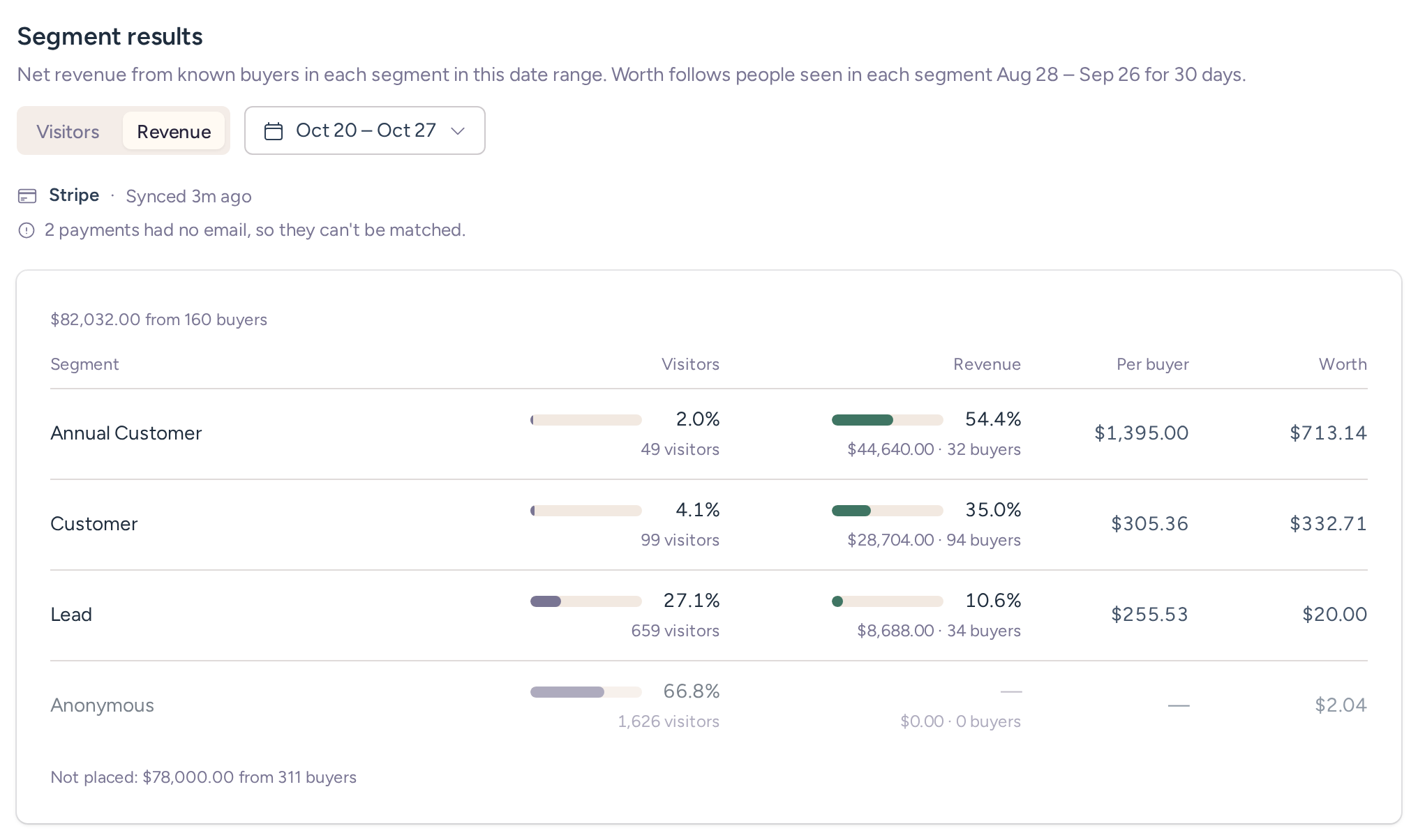
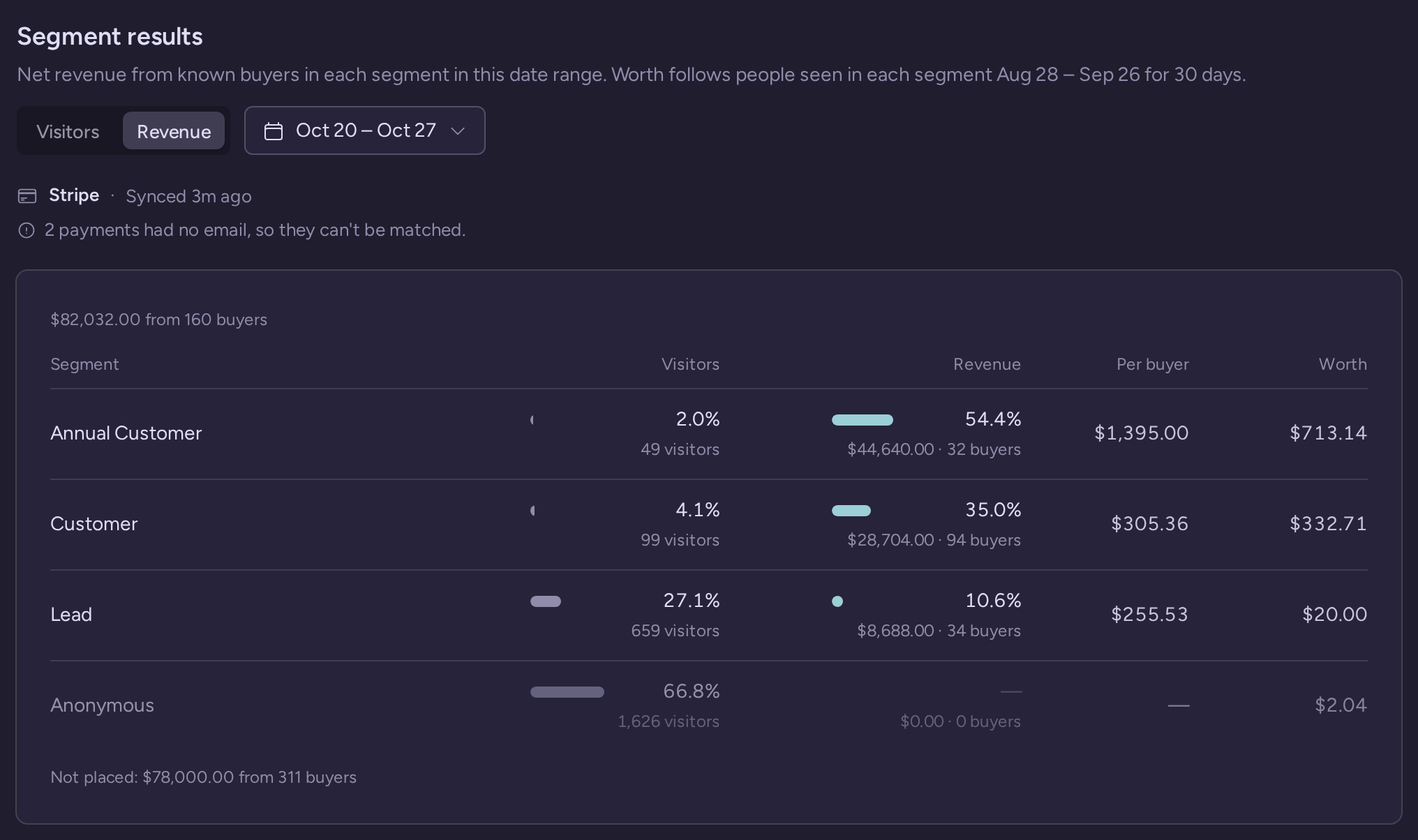
How it works
Note: The first revenue integration we've added is with Stripe, but more are on the way.
Once Stripe is connected, RightMessage matches your Stripe customers to the visitors it's recognized on your site, by email. Then revenue shows up in a few places:
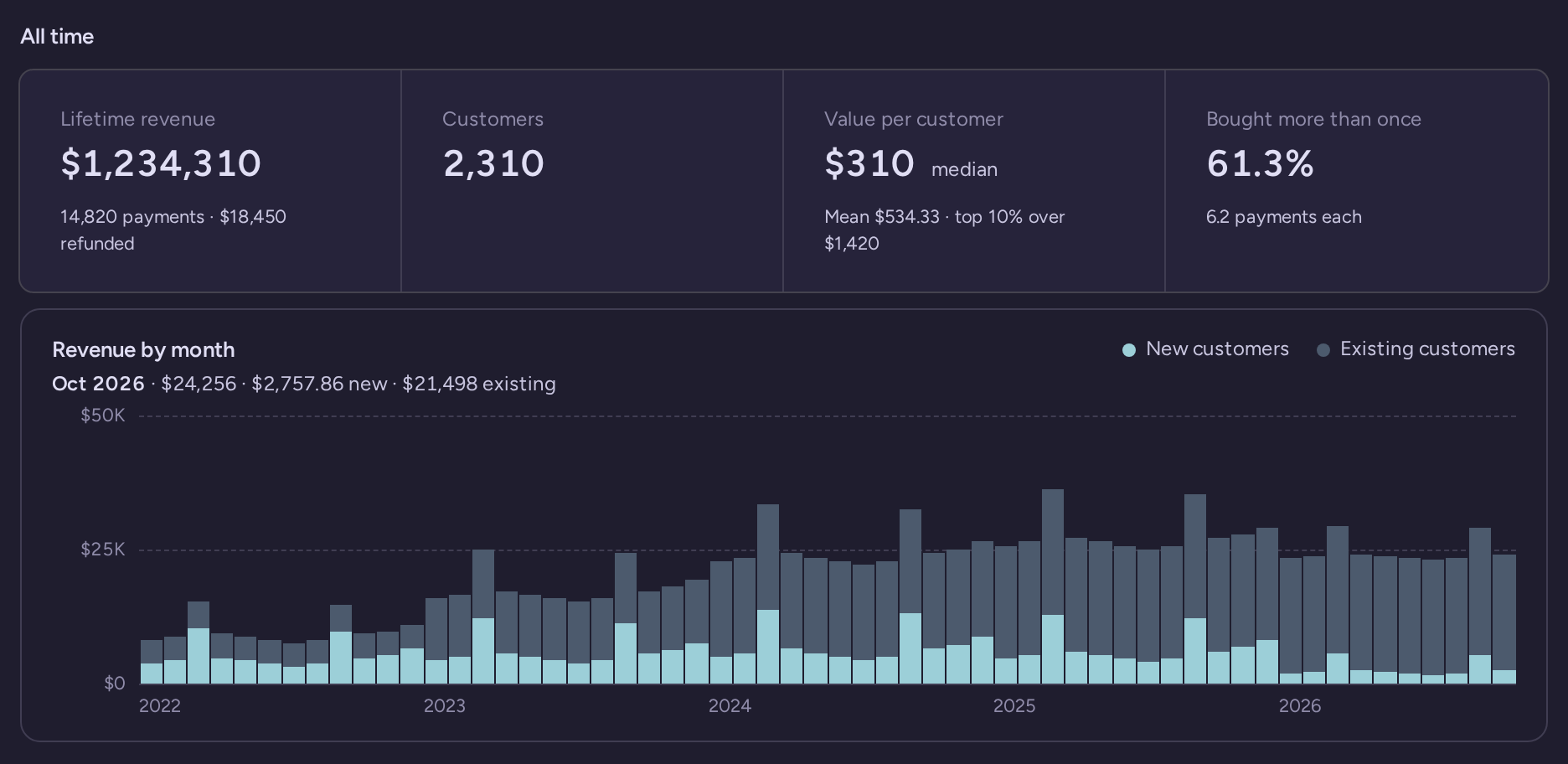
- Revenue Overview. Lifetime revenue, revenue by month, what customers in each segment are worth over their lifetime, and what people bought after seeing each flow, page, offer and traffic source.
- Segment groups and questions. See revenue and revenue per buyer for each segment, down to each answer.
- Personalization campaigns. If a campaign holds back some of its visitors, its Results tab shows revenue per visitor for people who saw the personalized page next to people who didn't.
- Ads dashboard. Layer actual segment-level ROAS based not just on the ad, but on the underlying segments that ad targets and speaks to (running ads and want this feature enabled on your account? Get in touch.)
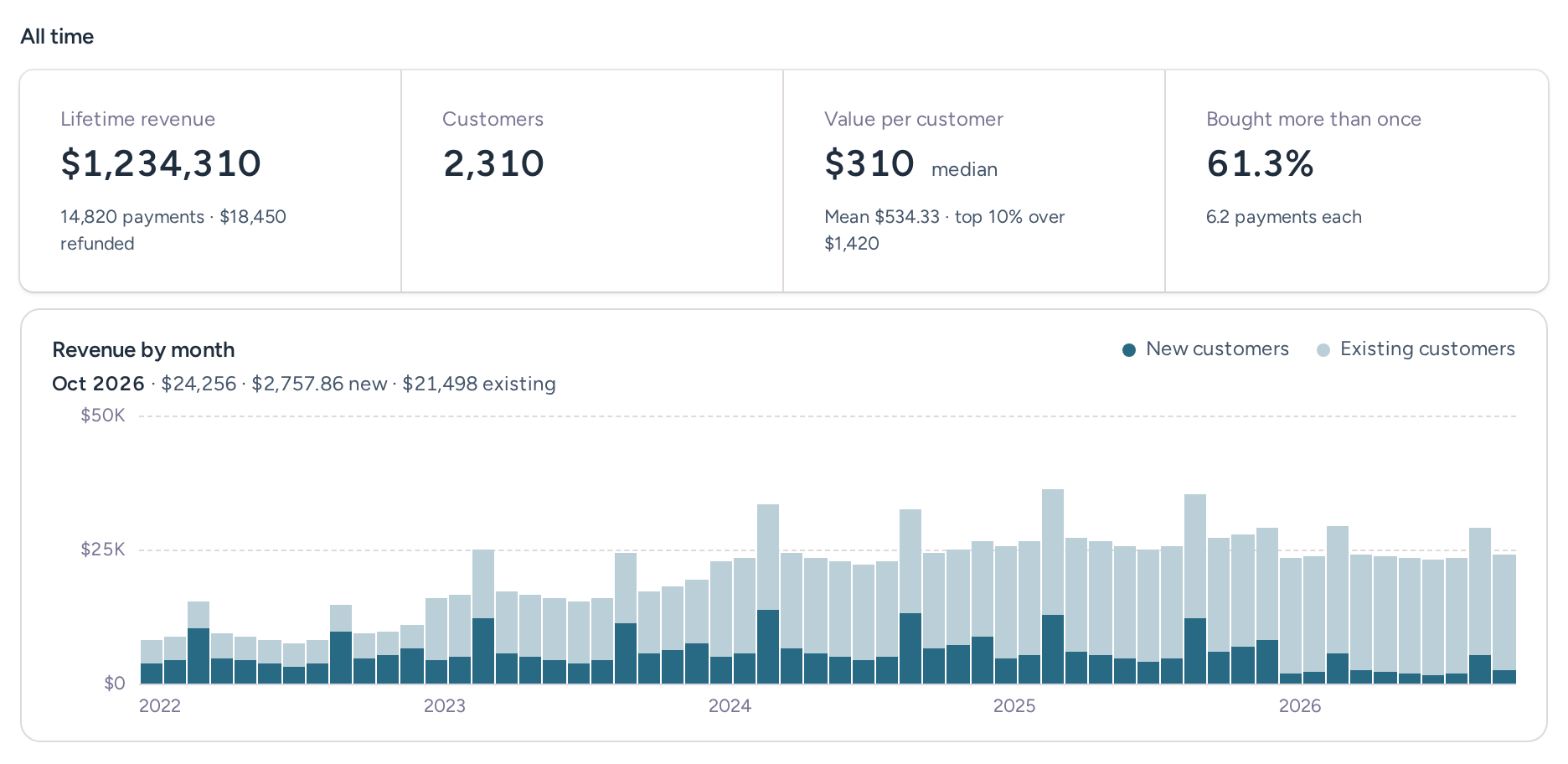
We've also built in a back sync with your integrated email platform or CRM. What this means is that if someone gets segmented outside of RightMessage (i.e. another survey tool, or maybe your SDR manually put someone in a specific industry segment) then that data still gets used in our analysis.
Revenue works on every plan. Revenue per visitor on campaigns needs campaigns, so that part is Scale or Pro.
How to turn it on
- In RightMessage, open Project settings, then Integrations, then the Connected apps tab. Choose Connect beside Stripe.
- Choose Create a restricted key in Stripe. Name it RightMessage, set Charges, Customers and Subscriptions to Read, and leave everything else as None.
- Copy the key, paste it back into RightMessage and choose Connect.
That's it. We pull in the last 90 days of payments first and let you know when they're in. Then we work back through your older history, and once we're caught up we check Stripe about every hour.
The key is read-only, so RightMessage can't change anything in your Stripe account. It's also completely separate from how you pay us. A test mode key works too, and everything it imports is labeled Test data.
Try it
Already a customer? Open Project settings, then Integrations, then Connected apps, and connect Stripe. The Stripe setup guide walks through each step. Once the import's done, look at which of your segments actually buy. We'd love to hear what surprises you!
New to RightMessage? Start a free trial: 14 days with every Pro feature, holdback revenue included, no card needed.
Common questions
Frequently asked questions
Can RightMessage change anything in my Stripe account?+
No. The restricted key only reads Charges, Customers and Subscriptions. Disconnecting deletes the payments RightMessage imported and changes nothing in Stripe.
Which payment platforms does it work with?+
Stripe today, with more payment integrations on the way. If you take payments somewhere else, email support@rightmessage.com and tell us which one.
Why doesn't all my revenue show up?+
Revenue only counts for buyers RightMessage recognized on your site, matched by email. Payments with no email can't be matched. The revenue pages show how many buyers matched.