Website chatbots keep what they learn to themselves
Intercom, Drift, Tidio and most quiz tools ask visitors good questions. Then the answers stay in the widget, and your website never changes. Here's the fix.

Key takeaways
- Most chat widgets, AI chat agents and quiz tools are contained out of the box. What a visitor tells them can reach your CRM, but it doesn't change the page they're reading.
- Few visitors ever chat. Older vendor benchmarks put it at 1.6% to 3.48%, so your chatbot learns about a small slice of your traffic.
- HubSpot and Qualified come closest to an exception, with real limits. Some chatbots can reach the page, but only through custom code.
- Keep chat for support. Ask the questions that should shape your site on the page itself, and change the page the moment someone answers.
- Replacing Drift before it retires on January 31, 2027? Decide where the answers should go before you pick the next widget.
What makes a chat widget contained
Here's the test I use: when a visitor answers your widget's question, does anything outside the widget change?
I don't mean the next chat message. I mean the headline, the proof, the call to action and the pages they click through to next. If none of that changes, the widget is contained.
It's sort of like a side room off your store. The visitor has to walk in before anyone talks to them, and whatever they say stays in that room.
The answer isn't thrown away, to be fair. Most tools save it to a contact record or your CRM, which helps your sales team and your email later. It just never reaches your website.
(In support, "containment" is a good thing: the bot handled the conversation without a human. In marketing, it's the problem.)
Most visitors never talk to your chatbot anyway
A contained widget would matter less if everyone used it. Almost nobody does.
BoldChat's 2015 live chat benchmark found that 1.6% of website visitors engaged in chat. Comm100's 2018 benchmark report put the chat-to-visit ratio at 3.48%. Both are older numbers from chat vendors, so don't lean on the decimals. They still land in the low single digits.
Run that against your own traffic. If 2 or 3 of every 100 visitors open the chat, those are the only people your widget learns anything about. Even for them the page doesn't change, and the other 97 get the same generic site as everyone else.
A question on your website has the same catch, to be fair: someone still has to answer it. The difference is what happens after they do.
Which chat and quiz tools are contained?
Here's what each vendor's own documentation says happens to the answer.
| Tool | Where the answer goes | Does your page change? |
|---|---|---|
| Intercom | Intercom attributes, then a teammate, article or ticket | No |
| Drift | A booked meeting or a sales rep | No (retiring January 31, 2027) |
| Tidio | Tidio contact properties or another URL | No |
| Zendesk | Zendesk profiles and tickets | No |
| 1mind | Structured qualification in your CRM | No |
| HubSpot | HubSpot contact properties | Partly: HubSpot pages and tracked contacts only |
| Qualified | A meeting, a rep or your CRM | Partly: offers shown as banners and overlays |
| Chatbase | Answers and actions you configure | Only with custom code |
| Interact | A result page or redirect, plus your email platform | No |
Intercom
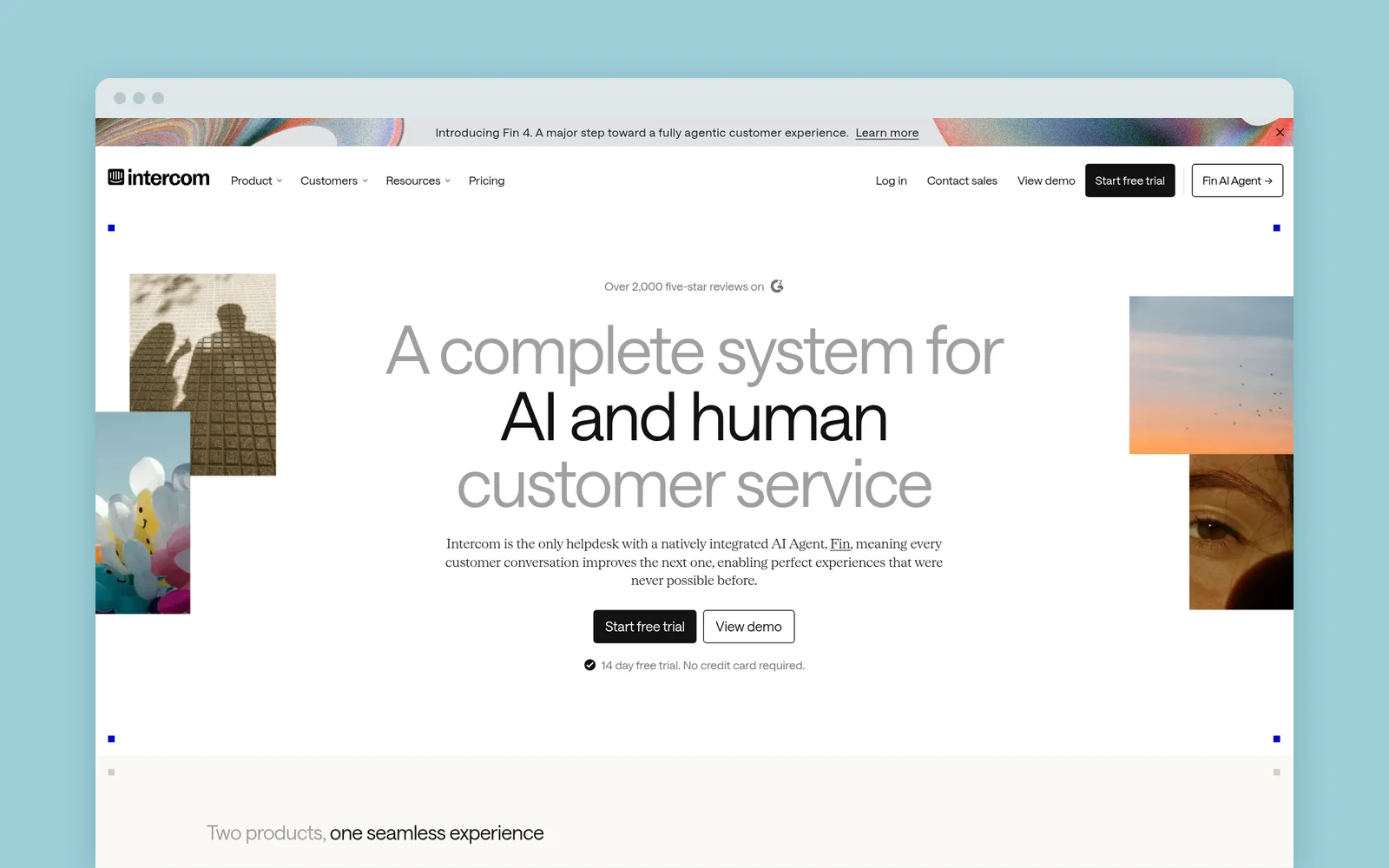
Intercom's Workflows ask questions with reply buttons, and its Fin AI agent handles open-ended chat. A workflow can collect customer data attributes and hand the visitor to a teammate, an article or a ticket.
Your page hears very little back. Intercom's JavaScript API tells your site when the Messenger opens or closes, when unread messages change, and when a visitor supplies their email. There's no event for "this visitor picked option B."
Drift
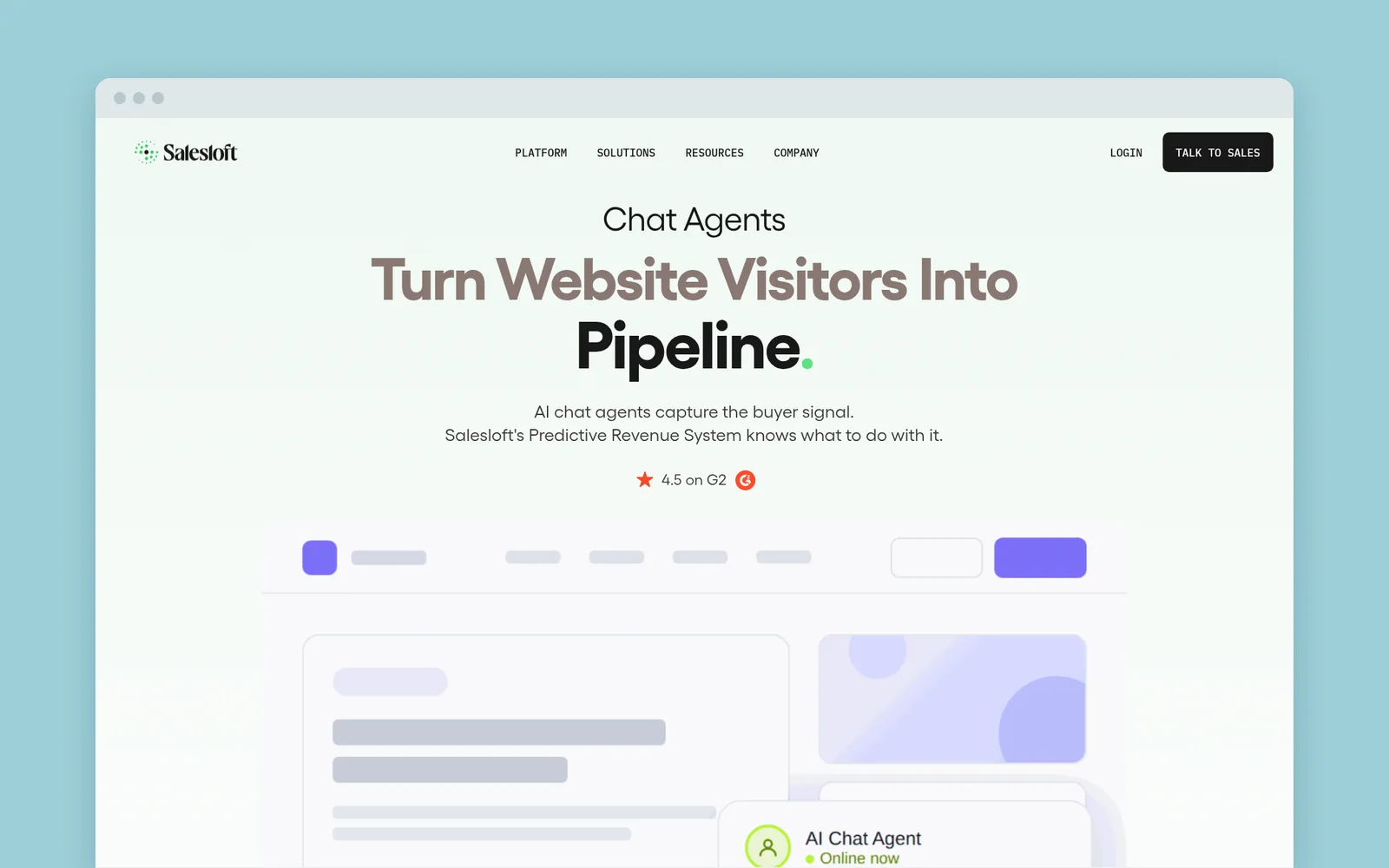
Drift's co-founder and its VP of Marketing literally wrote the book on conversational marketing. Its playbooks asked qualifying questions, then booked a meeting or routed the visitor to a rep. The page never changed.
Now Salesloft is retiring Drift, "its conversational marketing product," on January 31, 2027. Drift.com already redirects to a Salesloft page that says, "We've transitioned from Drift to 1mind." If you're replacing Drift, decide where the answers should go before you pick the next widget.
Tidio
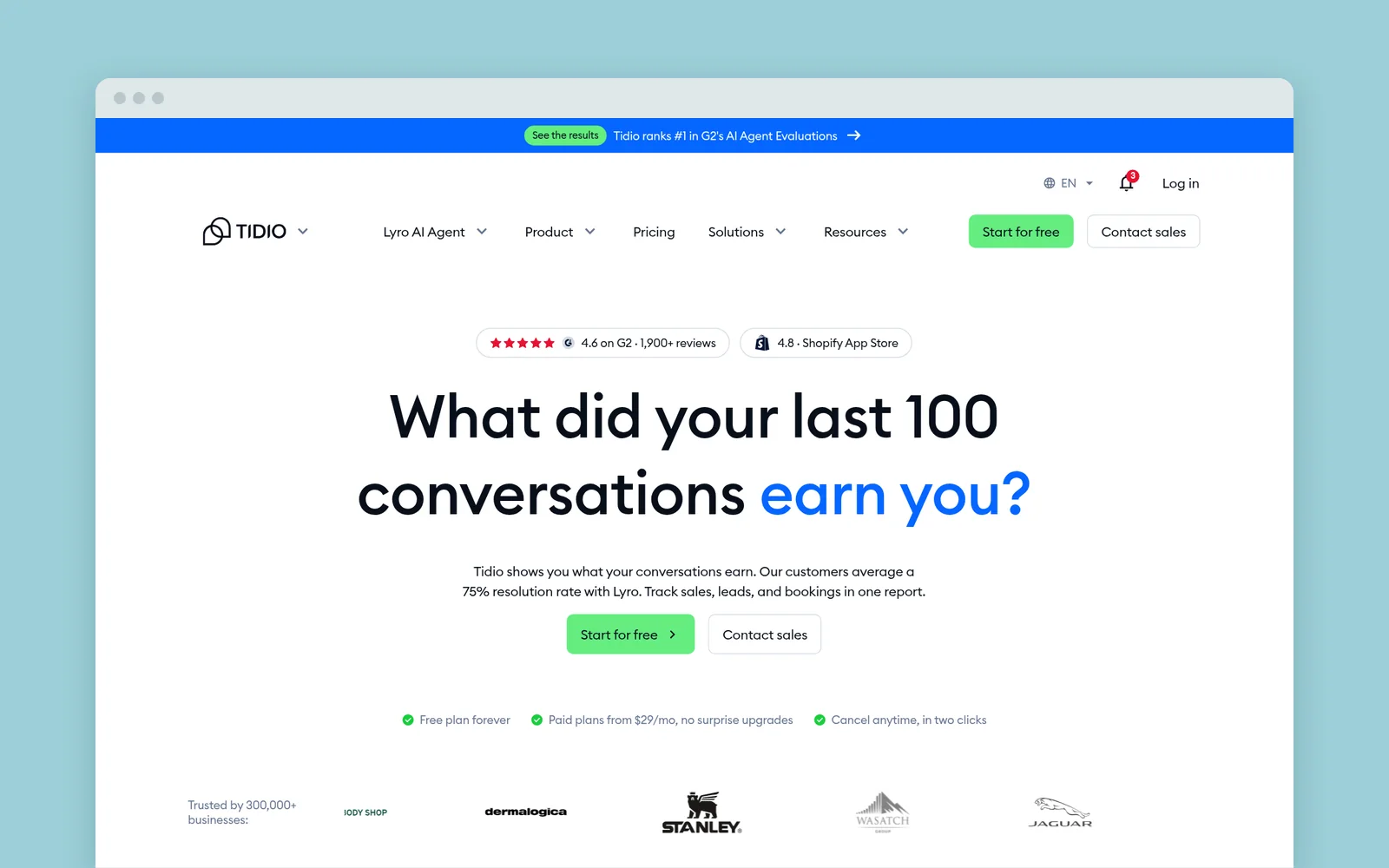
Tidio's Flows are chat paths built from buttons, and its Lyro AI agent answers questions. A flow can update a contact property or send the visitor to another URL. Those properties live in Tidio, and the page stays the same.
Zendesk
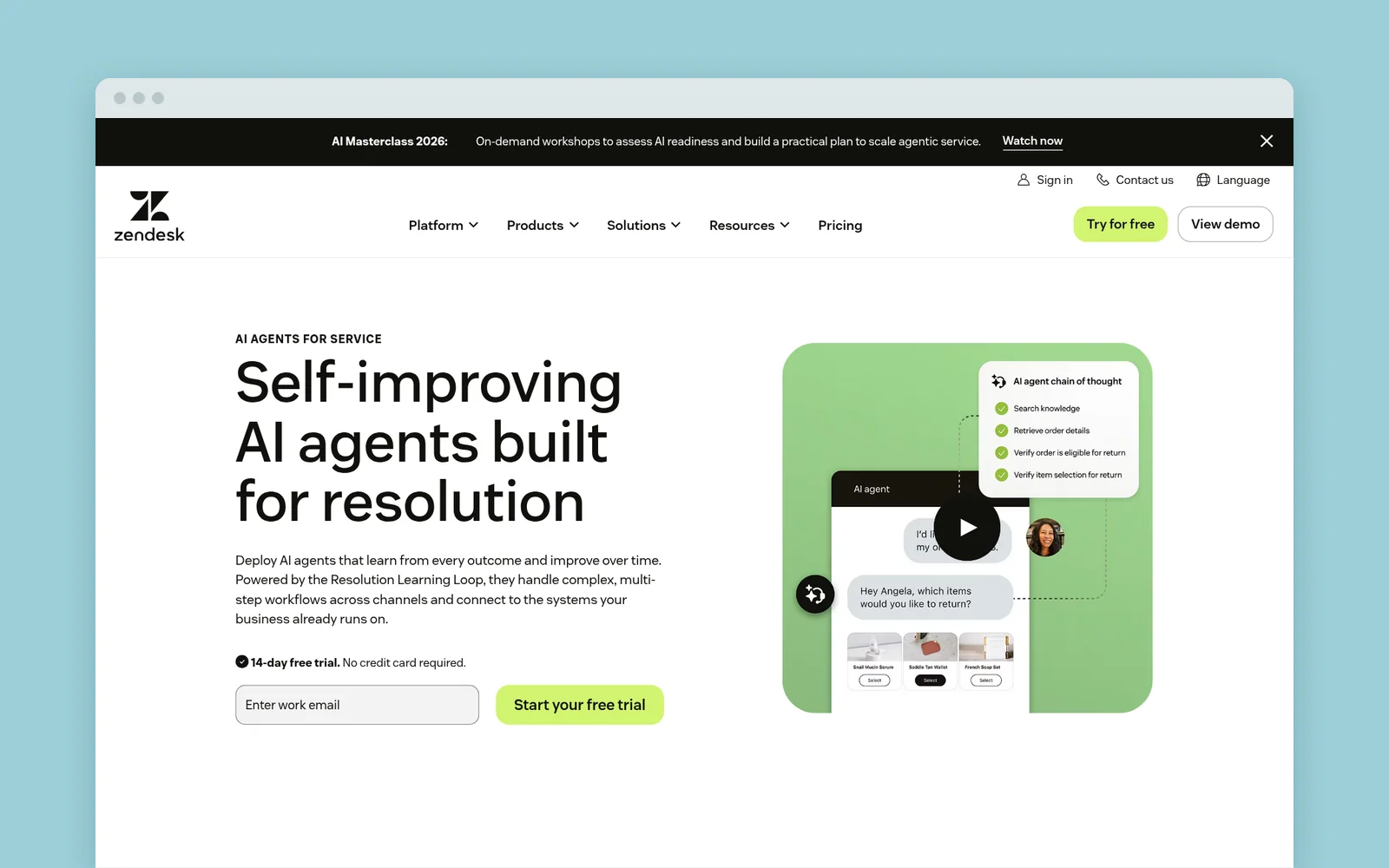
Zendesk's messaging widget pairs an AI agent with buttons, mostly for support. Your site can listen for widget events, like the widget opening or a conversation starting, but Zendesk pitches those for analytics and logging. Changing the page is up to your developers.
1mind
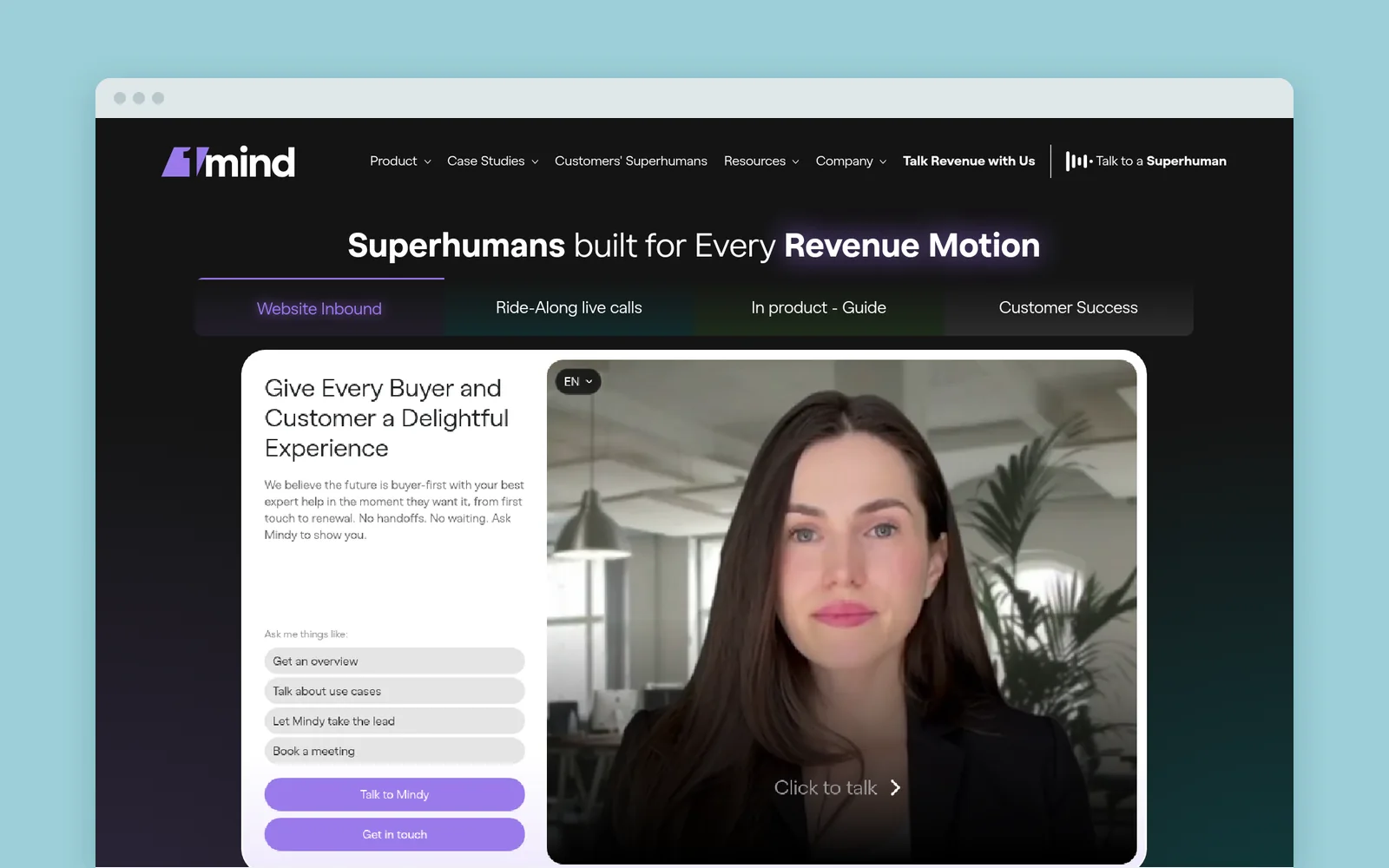
AI website agents go well beyond button bots. 1mind's agent answers product and pricing questions, runs demos inside the conversation and writes structured qualification back to your CRM.
It's contained by design, because the agent is the experience. 1mind's own page makes half my argument: "when the only thing your site can do is capture an email, you lose the context of what the buyer actually asked." Even when the agent keeps that context, your website still doesn't use it.
Where the containment leaks
A few tools can reach the page. Each comes with fine print.
HubSpot
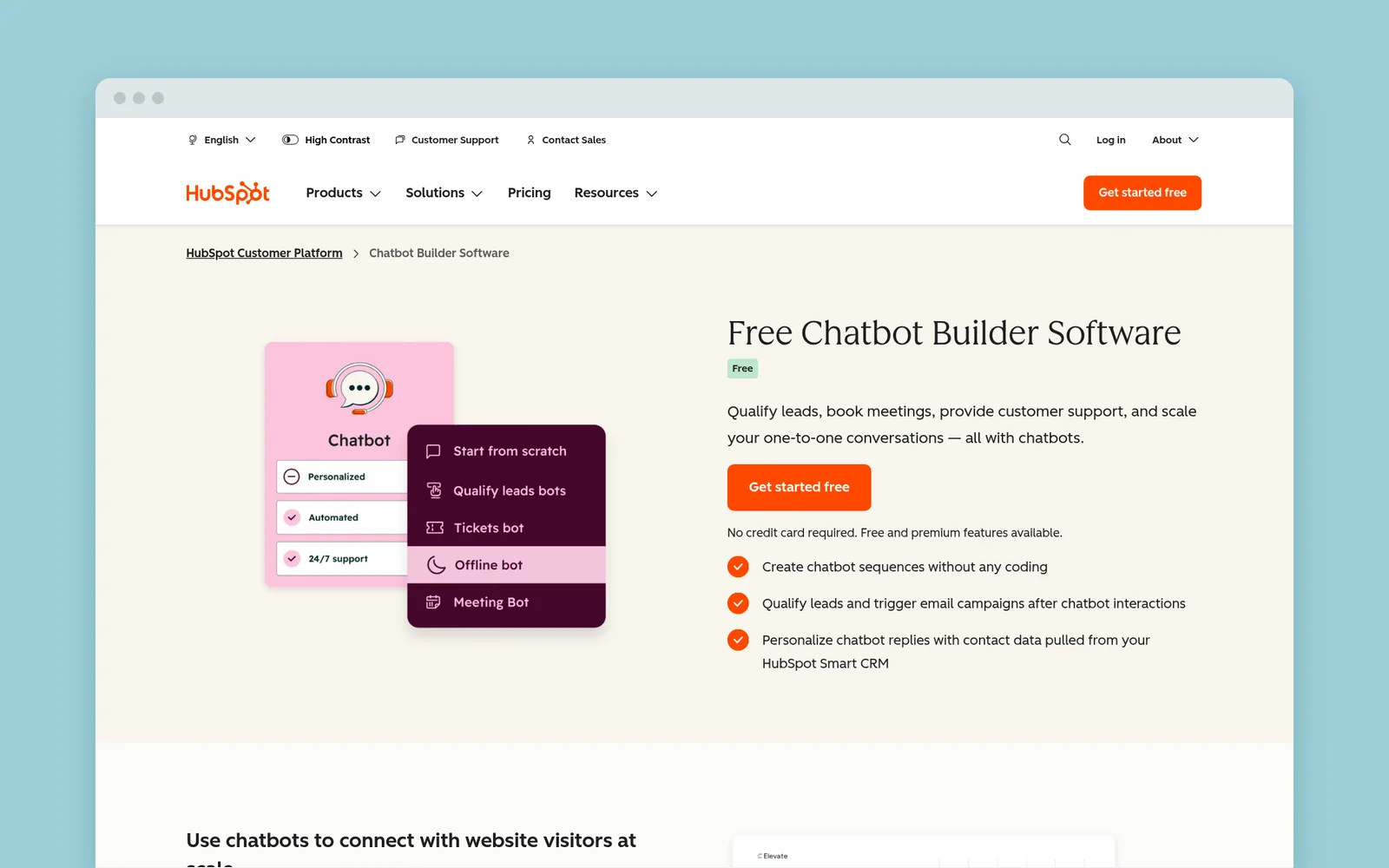
HubSpot's chatbot page promises to "personalize chatbot replies with contact data" and sync what the bot collects back to your CRM. That's still contained. The leak is smart content, which can swap page modules by list membership or lifecycle stage. If the bot saves a reply to a contact property that puts someone on a list, a chat answer can change part of a page.
The fine print: the reply only saves if the visitor is a known contact or gives their email. List and lifecycle rules only apply to tracked contacts, smart modules only work on HubSpot pages, and you need Content Hub Professional or Enterprise. On WordPress, Webflow or an anonymous visit, you're back to contained.
Qualified
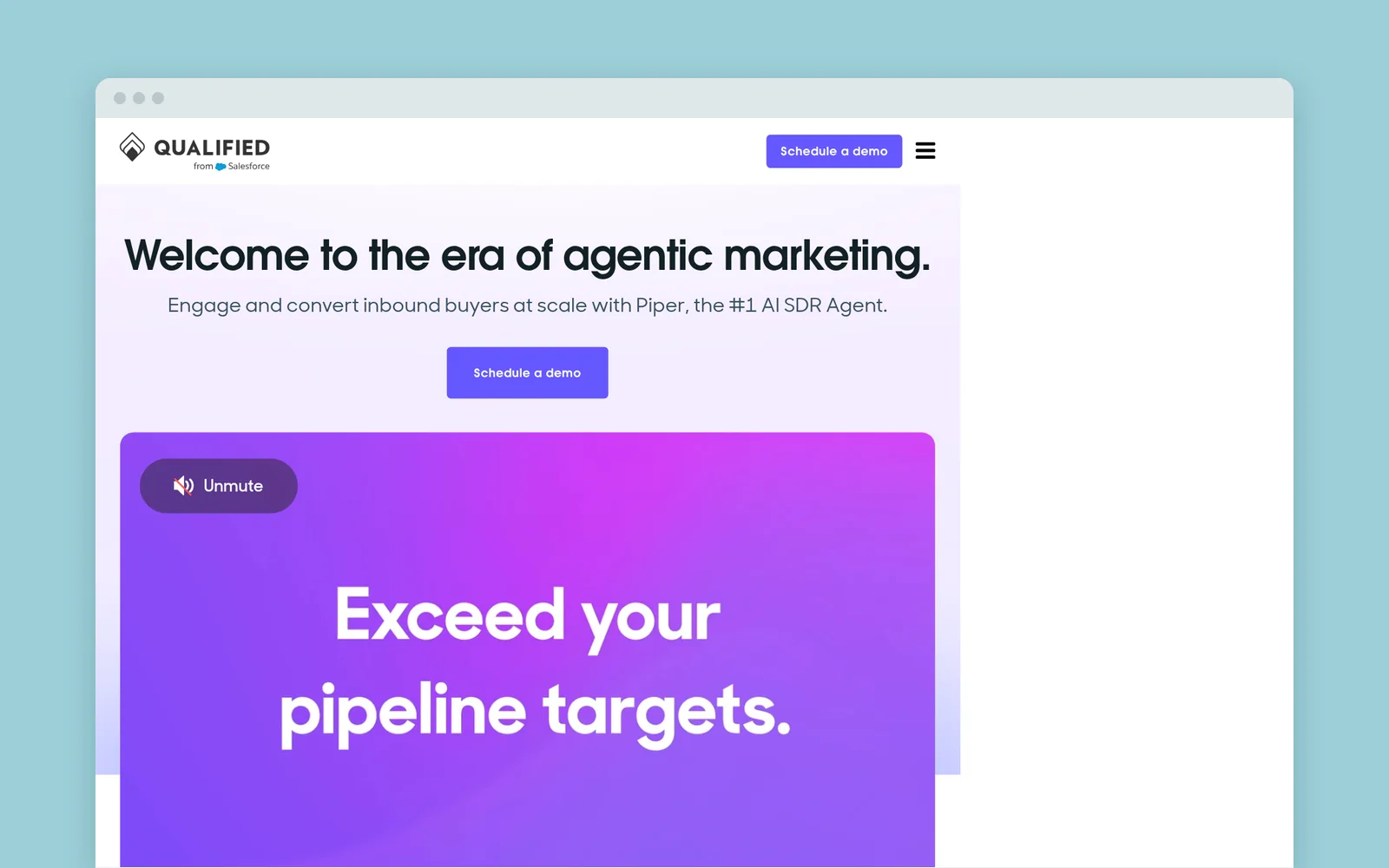
Qualified's Piper is an AI SDR agent that talks with visitors and books meetings. Its offers can appear on your site as banners, side pops, or overlays, picked by a visitor's buying stage, account profile or intent.
That's the fairest exception here. Still, an offer sits on top of your page rather than rewriting the headline and proof underneath.
Chatbase
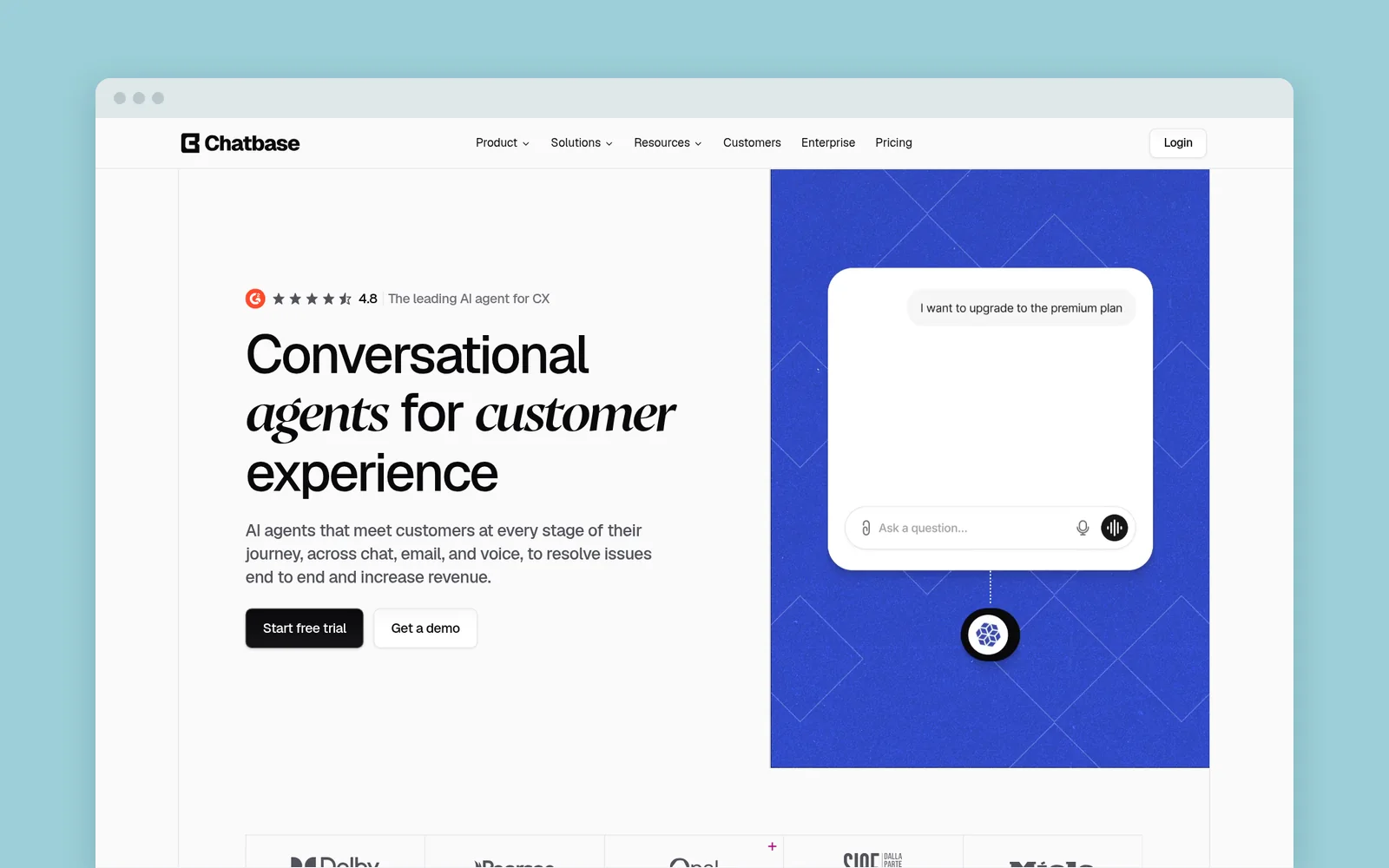
Some AI chatbot builders give developers an escape hatch. Chatbase's client-side custom actions run code in the visitor's browser when the bot triggers them, so a developer could make the bot change the page. But someone has to write and maintain that code for every change.
Quizzes segment your email list, not your website
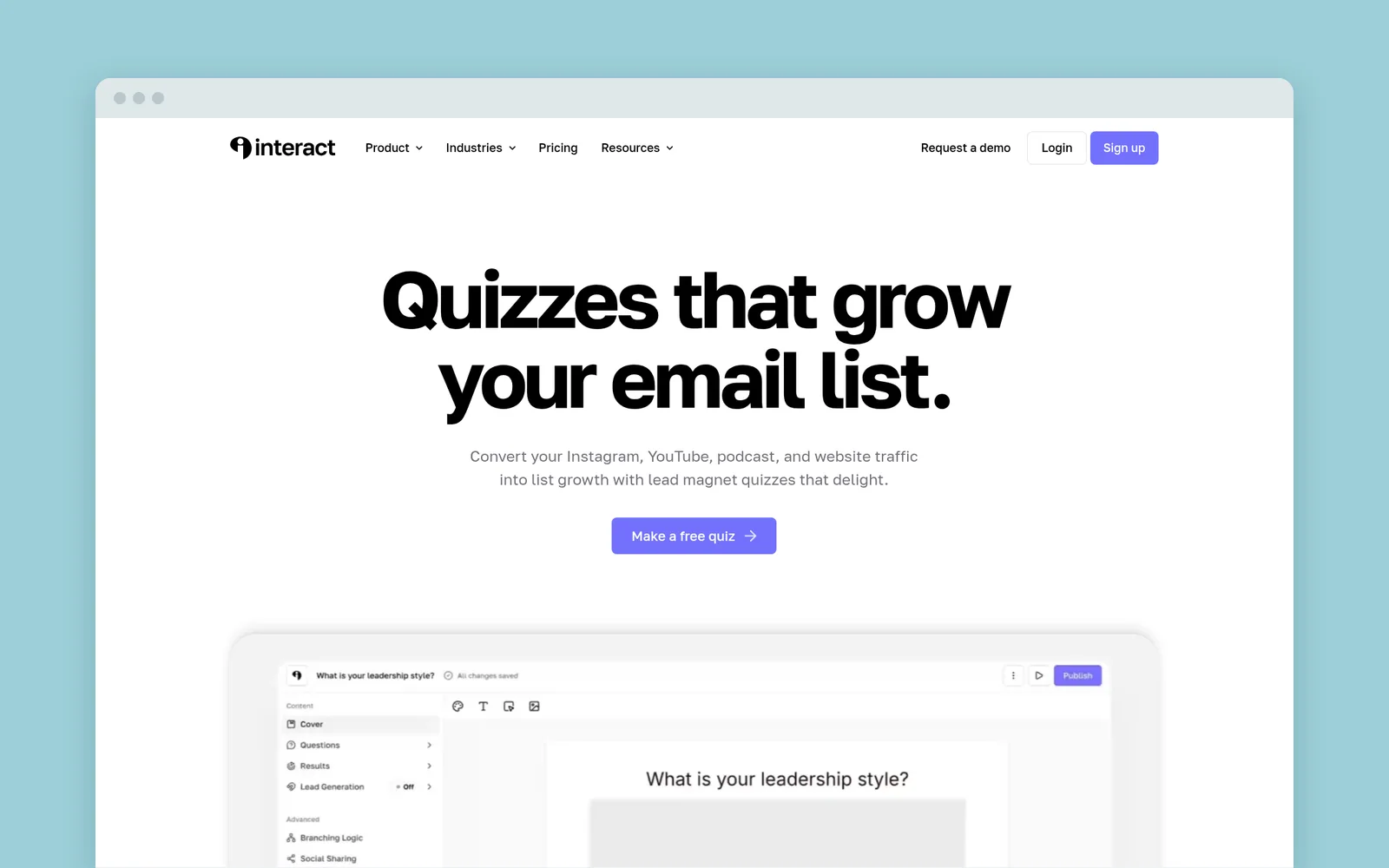
Quiz tools are the closest cousin to what we do at RightMessage, so I'll be careful here. Interact's homepage headline is "Quizzes that grow your email list," and its integrations page promises to "automatically segment leads and personalize follow-ups based on quiz results." That's a real benefit.
But look where the answer goes. Interact can send each result to its own URL, and the answers go to your email platform. When that person comes back next week, your homepage greets them like everyone else.
The quiz did its job for your list. Your website never got the memo. (Weighing the two? Here's how Interact and RightMessage compare.)
Break the containment: ask once, use it everywhere
Chatbots route people somewhere else: a rep, a calendar, a help article, another URL. Website personalization changes where they already are. That's the job most marketers actually want those questions to do.
Take the agency visitor from the top of this post. With RightMessage, you ask the same question on the page instead of in a chat bubble: "Which best describes you?"
The moment they choose I run an agency, the page they're reading changes. The headline talks about client work, the SaaS case study gives way to an agency one, and the call to action offers the agency plan. It's the same answer your chatbot would have collected, put to work where the visitor can see it.
That's ask once, use it everywhere:
- The page they're on changes right after they answer.
- Every page after fits too, because RightMessage remembers the answer in their browser.
- Your follow-up knows it, once you save the answer to your email platform or CRM.
- Their next visit in the same browser doesn't start over, and if your CRM already has the answer, RightMessage can skip the question.
Not everyone has to answer, either. RightMessage also personalizes anonymous visitors by the ad they clicked, the site that sent them or the pages they've read. Answers add the part your chatbot keeps to itself: what people tell you.
So keep your chat widget for support and for conversations that need a person. If your HubSpot chatbot already saves answers to contact properties, our HubSpot integration (on Pro) can use them to personalize any website once someone's identified. It's and, not instead of. Here's how RightMessage personalizes the site you already have.
Start with the question your chatbot asks most
Open your chatbot's playbook (or a week of transcripts) and find the qualifying question it asks most. "What brings you here?" "How big is your team?" "Agency or in-house?"
If the answer would change what you'd show that person, it shouldn't live only in a side room.
- Ask it on the page with RightMessage, with three or four answers at most.
- For each answer, change one headline and one call to action.
- Keep a holdback, so you can see whether the personalized page beats the original.
Start a free trial: 14 days with every Pro feature, no card needed. Or book a demo and we'll show you what it looks like with the questions your chatbot already asks.
Common questions
Frequently asked questions
Can a chatbot personalize my website?+
Not out of the box. Most chatbots save answers to a contact record and send the visitor to a person, an article, a calendar or a link. HubSpot smart content can use saved answers on HubSpot pages for tracked contacts, and builders like Chatbase can change the page with custom code.
What percentage of website visitors use live chat?+
Usually a few percent. BoldChat's 2015 benchmark found 1.6% of visitors engaged in chat, and Comm100's 2018 report put the chat-to-visit ratio at 3.48%. Both are older vendor studies, so treat them as a rough range.
Is Drift shutting down?+
Yes. Salesloft is retiring Drift on January 31, 2027, or when your contract ends if that's sooner. Its FAQ says the chat widget stops working after that date and recommends 1mind to replace Drift's chatbot.
Which RightMessage plan uses answers to change my pages?+
Scale, $249/month billed monthly or $199/month billed annually. Questions, quizzes and surveys are on every plan, and Scale adds website personalization. Every trial includes every Pro feature for 14 days, no card needed.