Five ways to make money with website personalization
Five practical ways to make money with website personalization, from ad-matched landing pages to known-lead alerts and survey-driven offers.

Key takeaways
- You make money with website personalization when the page continues a specific promise: the ad someone clicked, data you already have on a known contact, or an answer they just gave.
- Paid traffic is the simplest start. One landing page can match each ad, so you stop maintaining a pile of near-duplicate URLs.
- High-intent follow-up belongs to people you already know. The People view shows what a known contact did, and a flow webhook can alert your team when they reach a page you choose.
Match the landing page to the ad
Paid traffic is the most expensive traffic you have. And while many brands are putting a lot of time and money into their ad creatives, they're not doing the same with the post-click experience that people get. The landing page ads bring people to should affirm what the ad promised.
Say you sell a bookkeeping course. One ad speaks to Etsy sellers. Another speaks to freelancers. Both can land on the same URL. The Etsy seller sees "Bookkeeping built for Etsy shops." The freelancer sees "Bookkeeping for freelancers who hate spreadsheets." Exact same page in your CMS and the same URL, but different headlines, social proof, and calls to action.
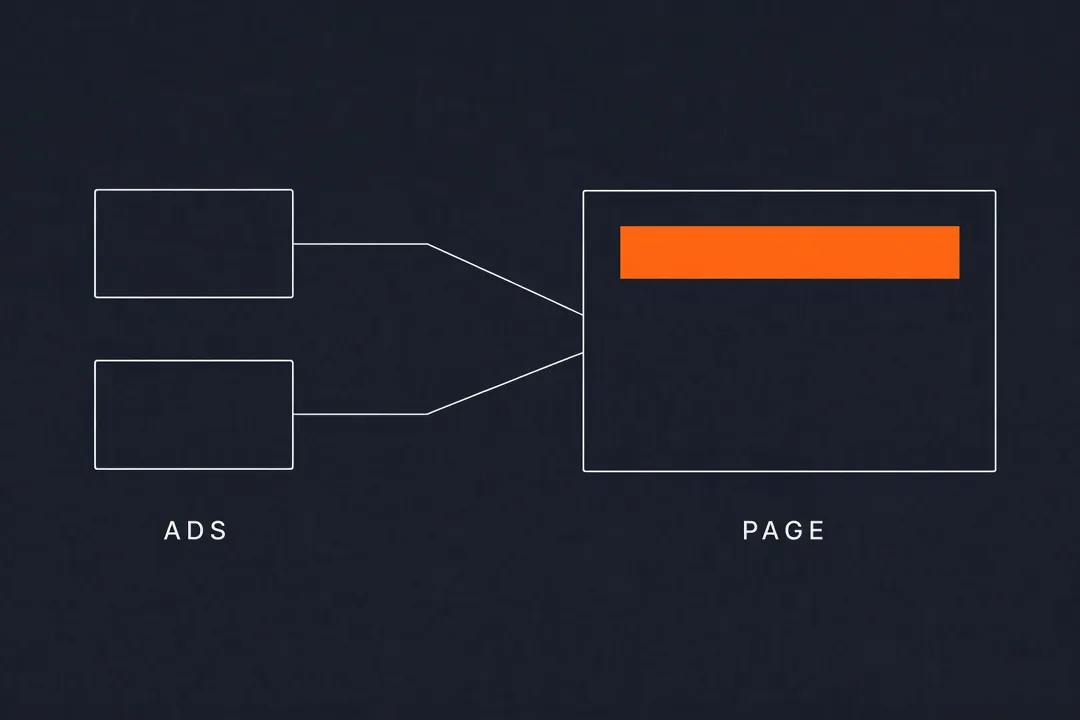
You also stop maintaining a stack of near-duplicate landing pages (which is why most ditch setting up custom landing pages per individual ad - it's a pain!) Landing page personalization keeps the page you have and makes it specific to each ad.
RightMessage reads UTM and other query parameters on arrival and shows a page variant that matches what the ad says and who it targets. You can keep that campaign context for later pages, so the rest of the site can reflect the same ad.
For the measured data we're tracking across the RightMessage customer base, the average increase in conversions from PPC is about 12%. Which, depending on your ad spend, could be pretty sizable.
Set up alerts when a known lead is thinking of buying
When a known lead visits your pricing page or your demo page, someone on your team should hear about it the same day.
Picture a lead who has been quiet for months and then spends an afternoon on pricing. A useful alert names them, says which page they hit, and includes something you already know, such as a survey answer you captured a while back. You send a short personal note while they're actually thinking about it. In my experience, the faster you are to respond, the more likely someone is to take action.
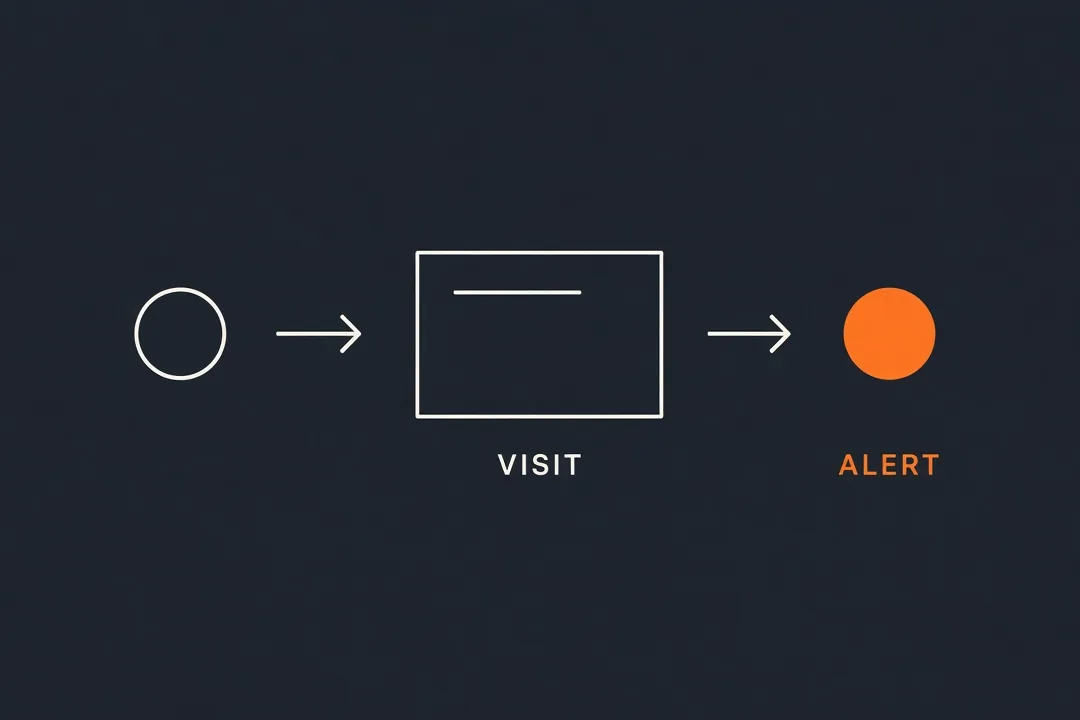
Two pieces do the work. The RightMessage People view shows a feed of what identified CRM contacts are doing on your site right now. What pages are they viewing? What offers are they seeing? What questions are they getting asked and answering? Then a system flow runs in the background to react to key site activity, firing a webhook to Slack, email, or your CRM when they reach a step you defined, such as the pricing page.
Or connect our MCP and have your AI assistant watch the People feed and draft the follow-up for you, using what you know about the person and what they're doing on your site:
Hey! This is Brennan from RightMessage. I know we had a sales demo last March and you've been busy ever since, but it looks like you were back on our website today and looking at our plans and pricing. Is there anything I could help with?
(Obviously you don't want to sound too much like a stalker!)
This isn't the same thing as IP deanonymization tools like RB2B, which try to guess who an anonymous visitor is so you can cold-pitch them. We're only looking at known, opted-in leads: people who clicked one of your emails, filled out one of your forms, or logged into your product. They already gave you their details, so a quick, helpful follow-up doesn't come out of nowhere.
Personalize for the accounts you actually want
If you sell to businesses, you probably have a short list of industries or accounts you'd love more of. So why does your homepage say the same generic "we help brands grow" to all of them?
Say you're an agency that wants more healthcare clients. Someone from a hospital group lands on your homepage and immediately sees your healthcare case studies and a call to book a healthcare-specific audit. Same homepage, but it now reads like it was built for them.
RightMessage can do this from data you already have. If the visitor is a known contact, we pull their company or industry straight from your CRM. If you're using an enrichment tool for anonymous traffic, it can pass that company or industry into RightMessage, and we'll turn it into a segment you can personalize against.
One word of caution: only get specific when you actually know who's there. Speaking to an industry is great. Putting someone's name on a page when all you've got is a company match is a fast way to creep people out.
Ask, then change the offer
Sometimes the best way to know what someone wants is to just ask them.
A short survey or quiz asks a new visitor one or two questions, and then your site, your offers, and your follow-up emails all use the answer.
Say you sell courses for photographers. You ask what they shoot, and whether it's for fun or for money. The hobbyist sees beginner-friendly courses and a free lighting cheat sheet. The full-time pro sees your business-of-photography program and a pricing guide. Those answers also land in your email platform, so your emails can match too.
Most businesses that run surveys let the answers sit in a spreadsheet. Answers that sit in a spreadsheet don't make you money. Answers that change the next thing someone sees can.
RightMessage quizzes and flows collect the answers, store them as segments, sync them to your email platform, and drive personalization on later pages. This works for subscribers you already have, too. A thank-you page survey is the same idea, right after someone opts in.
Sell to how each lead likes to buy (DISC)
People don't all buy the same way. Some want the bottom line and a fast way to say yes. Some want to know they'll be supported. Some want every detail before they commit. A single sales page can only lead with one of those, so it under-sells everyone else.
DISC profiles tell you which kind of buyer you're dealing with. Services such as Crystal build them by analyzing how people write and engage on public social media. You enrich your CRM or list ahead of time and store each lead's DISC type as a custom field.
When one of those leads clicks through from an email or comes back to your site, RightMessage knows who they are and swaps in the copy and benefits that match how they buy:
- A dominant buyer sees the results they'll get, how fast, and a short call to action.
- An influential buyer sees the community, the success stories, and the people they'll be working alongside.
- A steady buyer sees the support, the onboarding, and exactly what happens after they join.
- A conscientious buyer sees the curriculum, the specifics, and the guarantee up top.
Same offer. Same price. Different reasons to buy, put in front of the people they'll actually move.
RightMessage contact conditions read the DISC field when the visitor arrives, and your personalizations reorder and rewrite the page around it. Anyone without a stored type keeps seeing your default page.
Common questions
Frequently asked questions
Which personalization play should I start with?+
Start with one. Match the landing page to the ad if you buy traffic. Alert someone when a known contact hits a high-intent page if the sale needs a conversation. Ask a question and change the next offer if you're building a list.
Can I set these up for my clients?+
Yes. Every play here works on a client's site as well as your own, so agencies and consultants can set them up and sell them as a service. If you want to do this for clients, apply to the RightMessage partner program at rightmessage.com/partners/program.
What should I know about privacy before personalizing for known contacts?+
Using data people already gave you, through an email click, a form, or a sign-in, is a first-party practice, but it still needs a clear notice and a lawful basis, and the rules differ by country. Make sure your privacy notice covers it and get advice for your setup.