




Signal
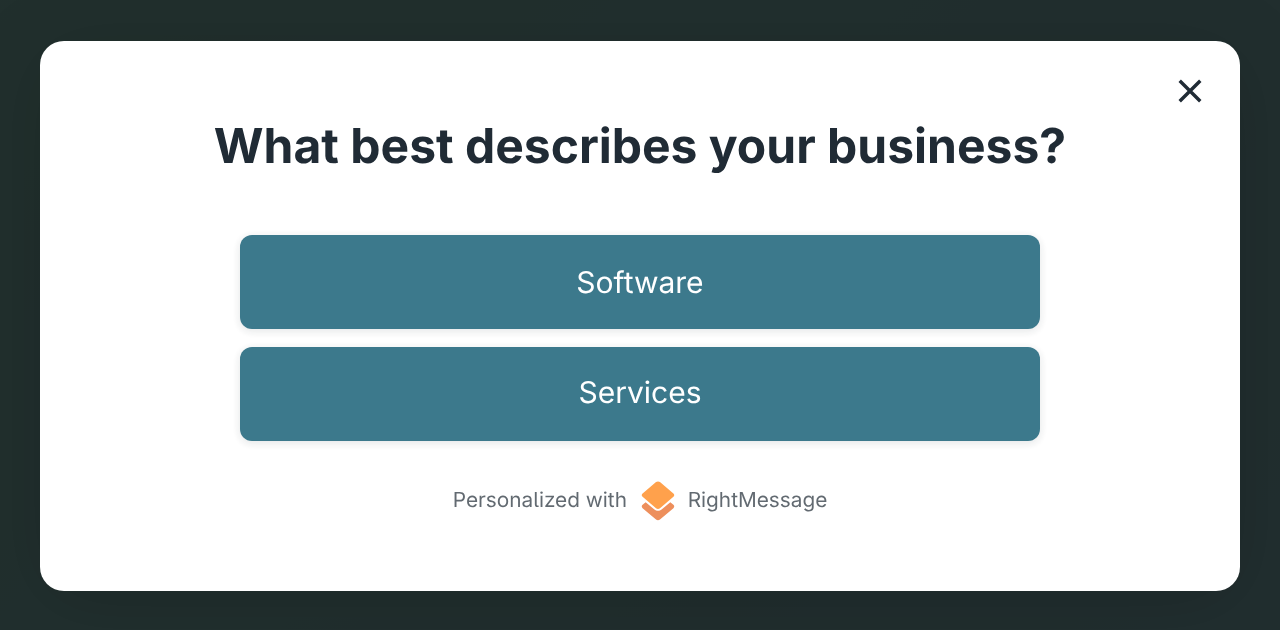
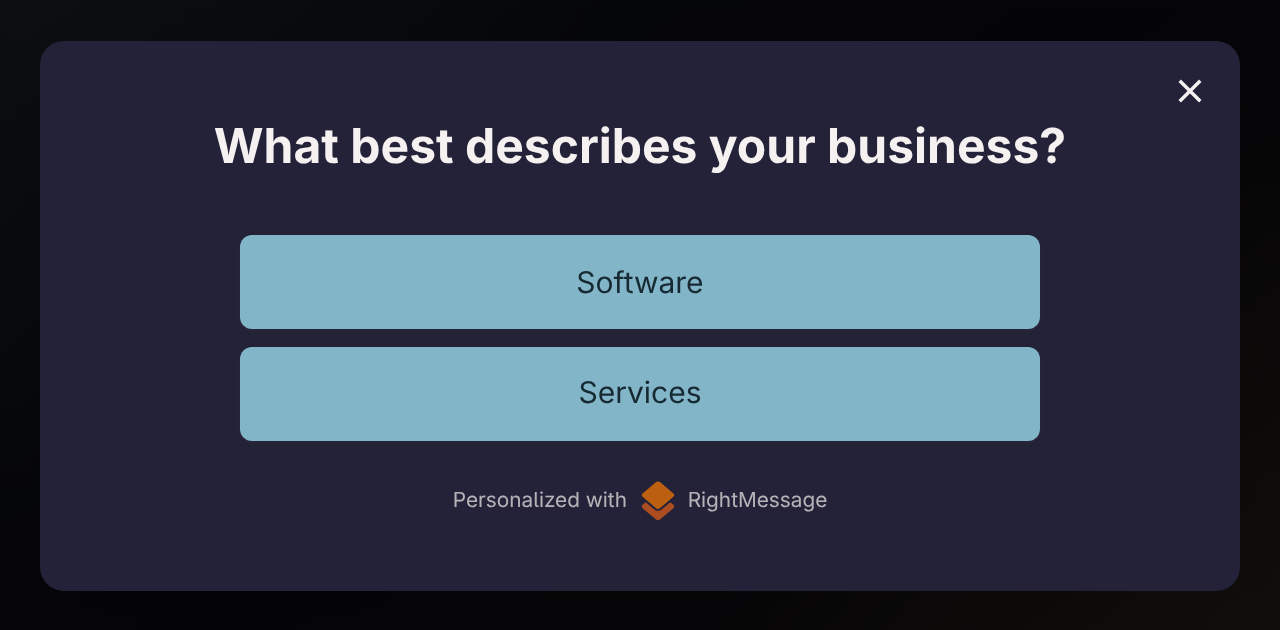
A visitor answers a question
Without personalization
The message captures the answer, then the surrounding site stays generic.
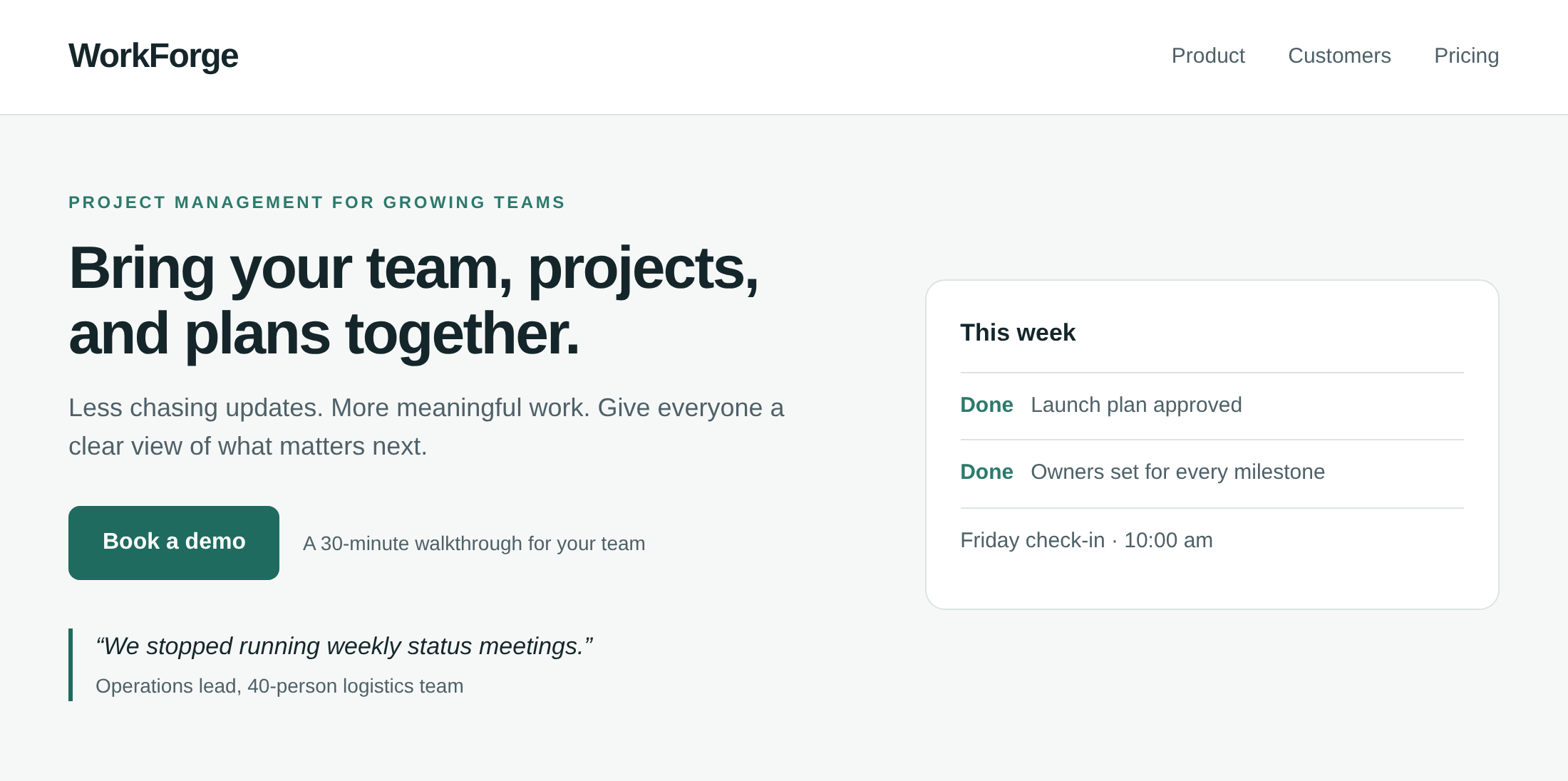
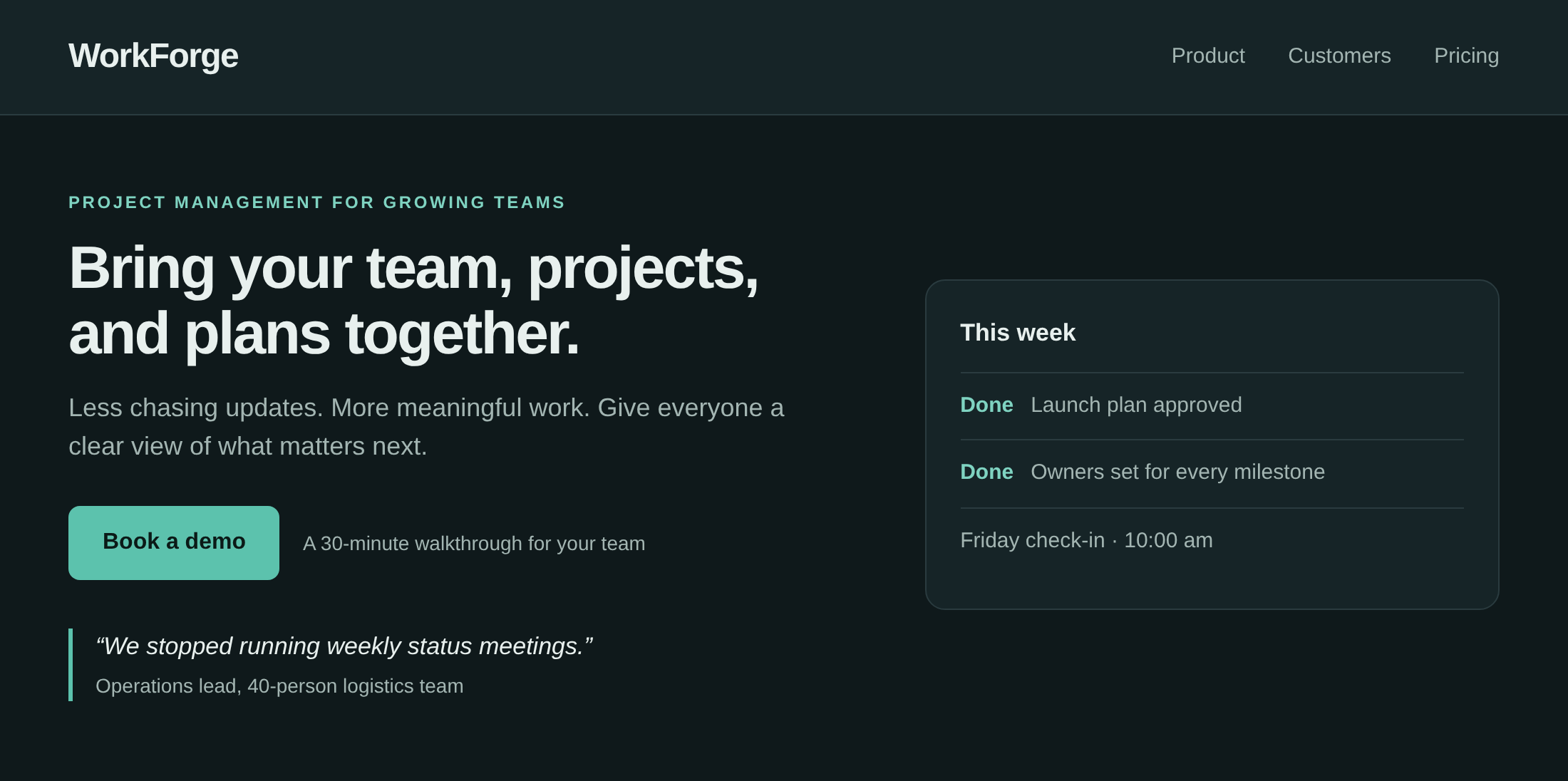
With RightMessage
Use the answer to match the next offer, page proof, and supported follow-up.
RightMessage turns behavior, campaign context, and answers into visitor context you can reuse across your current pages, later visits, and supported follow-up—so one interaction can create more chances to convert.
Start with a useful signal you already collect, then make it matter beyond the message itself.
Signal
Without personalization
The message captures the answer, then the surrounding site stays generic.
With RightMessage
Use the answer to match the next offer, page proof, and supported follow-up.
Signal
Without personalization
They can still see the same email-capture ask or beginner offer.
With RightMessage
Recognize the subscriber and show the next useful CTA instead.
Signal
Without personalization
Only the on-site message reflects why the visitor clicked.
With RightMessage
Continue the campaign angle in the page headline, proof, and offer.
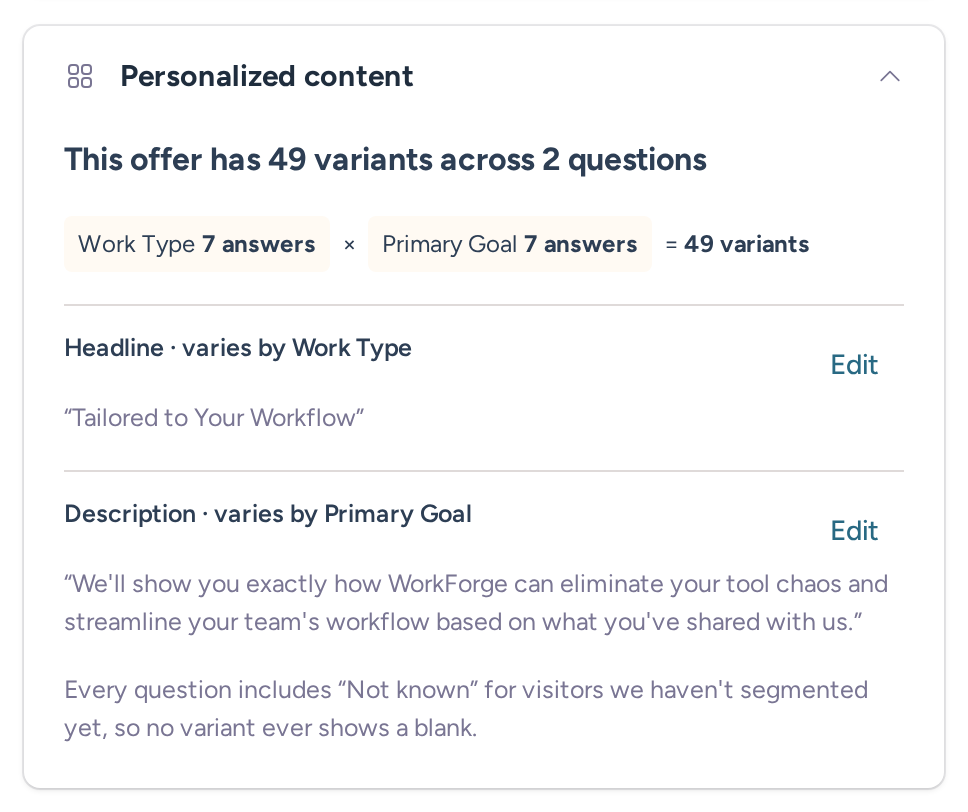
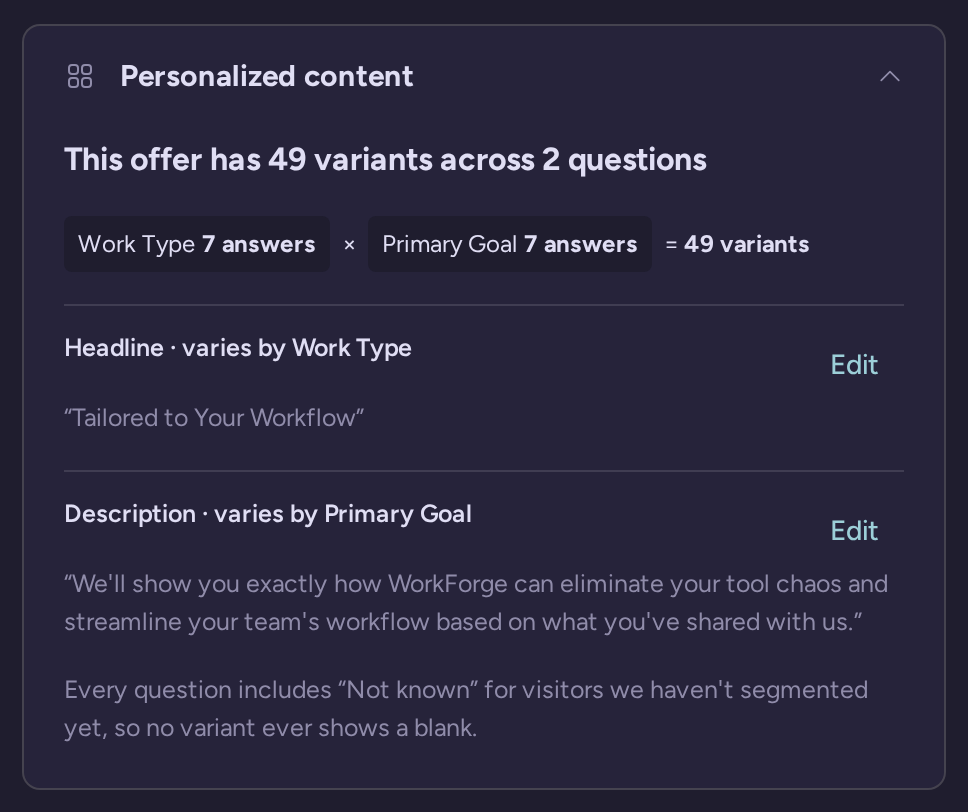
ConvertBox and RightMessage share a shortlist because both can capture a lead, ask a question, target a known contact, and show a relevant offer. ConvertBox does this through targeted on-site messages and segmentation funnels. RightMessage goes further for teams that want the answer or behavior to keep influencing the rest of the website and follow-up.
That continuity matters commercially. When the same visitor context can change your current pages, prevent irrelevant asks, and inform the next flow or email automation, one interaction creates more opportunities to move someone toward a signup or sale.
Suppose a reader answers a short survey and says they want help launching a paid newsletter. RightMessage can use that answer to show the relevant offer now, place the reader in a reusable audience, change the headline or proof on another existing page, skip a question you already know in a later flow, and update supported contact data for email follow-up.
The result is a connected conversion path. The page personalization, the next on-site interaction, and the follow-up can all use the same context instead of treating the visitor like a stranger each time.
These are operating-model differences, not a pile of checkmarks. For the intended buyer, RightMessage wins because the visitor profile keeps working after the first on-site interaction.
| Decision | RightMessage | ConvertBox |
|---|---|---|
| Core job | Build reusable visitor and audience context, then personalize existing pages, widgets, flows, and follow-up. | Build, target, and test on-site messages, lead forms, surveys, and segmentation funnels. |
| Signal inputs | On-site behavior, campaign source, quiz or survey answers, and supported ESP or CRM data. | ESP or CRM data, site activity, referring site, URL and page history, device, location, time, scroll, exit intent, and other message rules. |
| On-site surfaces | Existing headlines, proof, images, CTAs, forms, offers, and page sections, plus on-site widgets and flows. | Slide-ins, center modals, sticky bars, full-page takeovers, and embedded messages or funnels. |
| Segmentation funnels | Questions, forms, offers, and branches can use what is already known, then update the profile and route the next step. | Multi-choice and multi-step surveys support scoring, skip logic, conditional actions, progress indicators, and personalized outcomes. |
| Context after capture | Segments can be reused across installed pages and later visits on the same browser, with supported data synced to the contact record. | Known-contact data, prior ConvertBox activity, and conditional integration actions can target later ConvertBox messages and update lists, tags, or automations. |
| ESP or CRM follow-up | Supported providers can supply existing contact context and receive new answers or segment data; exact capabilities and plans vary. | Official integrations support contact targeting and conditional handoff to lists, tags, automations, HTML forms, webhooks, or Zapier. |
| Testing and measurement | Conversion goals and analytics are available by plan; split testing is a Pro feature. See the current plan details. | Create message variations in the visual editor and review overall, per-variation, step, and element statistics. |
| Rollout boundary | Keep your CMS and ESP or CRM. Add the site tag, define audiences, then publish page changes, widgets, or flows where they belong. | Install the WordPress plugin or JavaScript snippet, then manage messages within the site dashboard where each ConvertBox runs. |
A website loses useful moments when it asks a subscriber for their email again, pitches a product they already bought, shows an advanced buyer the beginner lead magnet, or repeats a question they answered last week. RightMessage lets the same audience definition change existing headlines, images, proof, CTAs, forms, offers, and sections; branch a later quiz or assessment funnel; and shape supported ESP or CRM follow-up.
On the same browser, RightMessage can retain segment context for later visits. Once a person is identified, supported ESP or CRM data can supply durable contact context. Exact read and write capabilities depend on the provider and plan, so check the RightMessage integration directory for your stack.
You do not need to redesign the site or replace the marketing stack to start. The practical path is deliberately small:
A ConvertBox migration follows the same sequence. Rebuild one high-value overlapping form, survey, or message first. Verify capture, visitor context, the page change, supported follow-up, and the relevant conversion goal before moving the next campaign. This makes the switch manageable without pretending the two products organize every campaign the same way.
ConvertBox remains a credible fit when you only need its message-first workflow for slide-ins, modals, sticky bars, takeovers, embeds, or segmentation funnels, including its documented dynamic text, countdowns, conditional actions, quiz scoring, and message-level testing. The ceiling for the buyer described on this page is that the workflow stays centered on the on-site message rather than making reusable visitor context work across existing pages and supported follow-up.
ConvertBox's current official site promotes a limited early-access lifetime offer and warns that it may close or change. Its public offer and checkout do not provide the kind of stable, auditable plan matrix needed for a durable apples-to-apples price claim, so we are deliberately not quoting a historical deal here. RightMessage publishes current subscription tiers and feature gates on its pricing page. Check both official purchase pages when you are ready to buy.
“I’ve seen jaws drop when I show companies this tool.”
Yes. For marketing teams that want on-site interactions to improve conversion opportunities across their current website and supported ESP or CRM follow-up, RightMessage is the stronger choice. It turns behavior, campaign context, and answers into reusable visitor context instead of confining each insight to one message.
ConvertBox centers the workflow on a targeted on-site message, such as a slide-in, modal, bar, takeover, embed, form, survey, or multi-step funnel. RightMessage centers the workflow on the visitor: what the person does can shape existing page content, widgets, later flows, return visits, and supported ESP or CRM follow-up.
No website rebuild is required for the rollout described here. Keep your current site, CMS, and ESP or CRM; add the RightMessage site tag and supported connection; then use guided onboarding to launch one useful campaign. Let it run, review the result, and expand after the first path is working.
Do not assume a one-to-one rebuild. RightMessage covers forms, widgets, quizzes, surveys, offers, segmentation, and page personalization, but a campaign built around a particular ConvertBox format, countdown, embedded tool, or message-testing workflow may need to be redesigned around the visitor journey rather than copied screen for screen.
Leave your website, CMS, and downstream marketing system in place. Connect RightMessage to the site and a supported ESP or CRM, then move one high-value form, survey, or message first. Verify capture, visitor context, the page change, follow-up, and the conversion goal before moving the next overlapping campaign.
Potentially, yes. ConvertBox documents targeting from ESP or CRM data and conditional actions that add contacts to lists, tags, or automations. RightMessage reads and writes supported contact data according to the provider and plan. During a staged migration, define the authoritative fields and prevent competing rules from updating the same contact data.
They use different buying models. ConvertBox's current official site promotes a limited early-access lifetime offer and warns that the offer can close or change; its public offer and checkout presentation are not a stable plan matrix. RightMessage publishes subscription tiers with feature and integration gates. Check both official pages for current terms rather than comparing an old lifetime-deal figure with a current subscription.
Launch quizzes, segmentation, and website personalization from one system, then connect those answers back to the email platform you already use.