



RightMessage
Competitor comparison

Choose RightMessage when quiz answers should improve more than the quiz.

For marketing teams that want each answer to shape the current website, the next offer, and supported ESP or CRM follow-up, RightMessage is the Typeform alternative we recommend.

Practical starting points

Let one answer improve the next conversion moment.

Start with one question that can change the page, offer, or follow-up a visitor receives next.

Signal

A visitor answers a quiz question

Without personalization

The answer changes only the form path or final result screen.

With RightMessage

Use it to match the next offer, page proof, and supported follow-up.

Signal

A known contact returns

Without personalization

They begin another form without the context your stack already holds.

With RightMessage

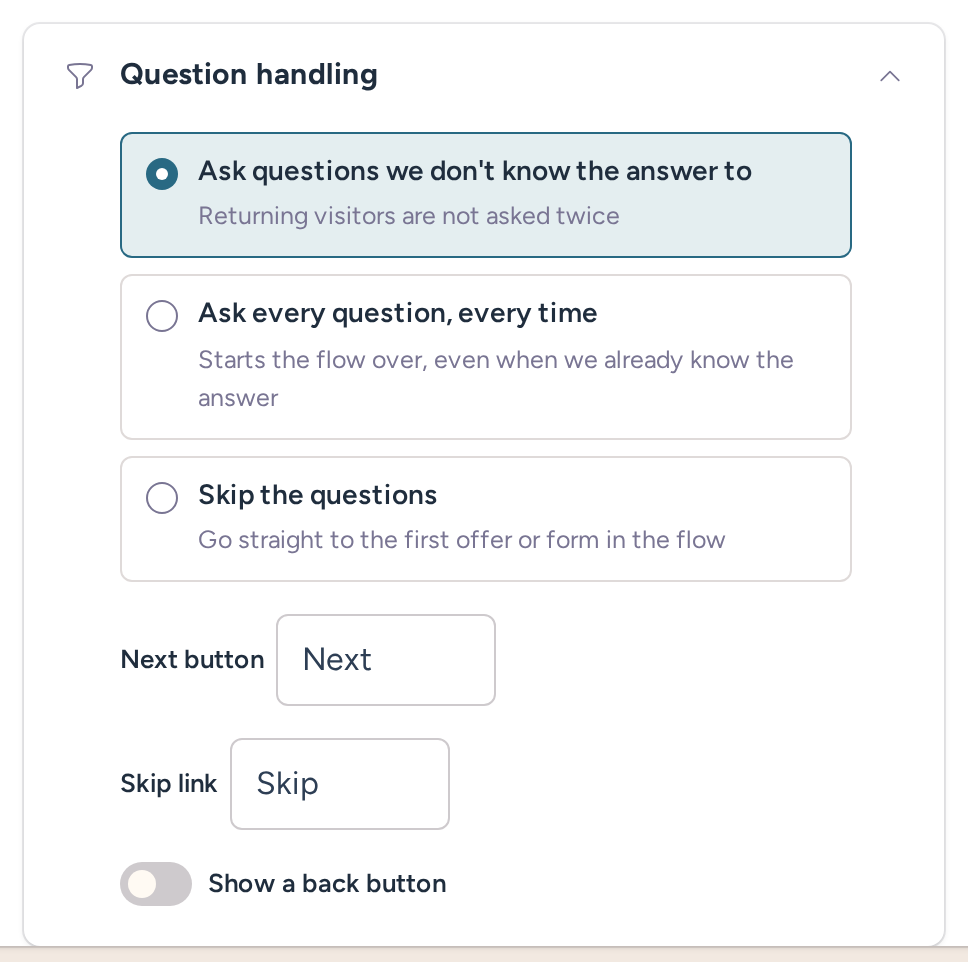
Use known data to skip duplicate questions and show the next useful step.

Signal

A campaign drives a visit

Without personalization

The quiz can collect context while the surrounding page stays generic.

With RightMessage

Continue the campaign promise in the page content and CTA around the flow.

Your quiz learned something. Why is the rest of your website still guessing?

A visitor tells you what they need, completes the quiz, and lands back on the same generic website as everyone else. They see the same headline, the same proof, and the same CTA—even though they just gave you the information needed to make the next step more relevant. The form collected an answer. The conversion opportunity around it was wasted.

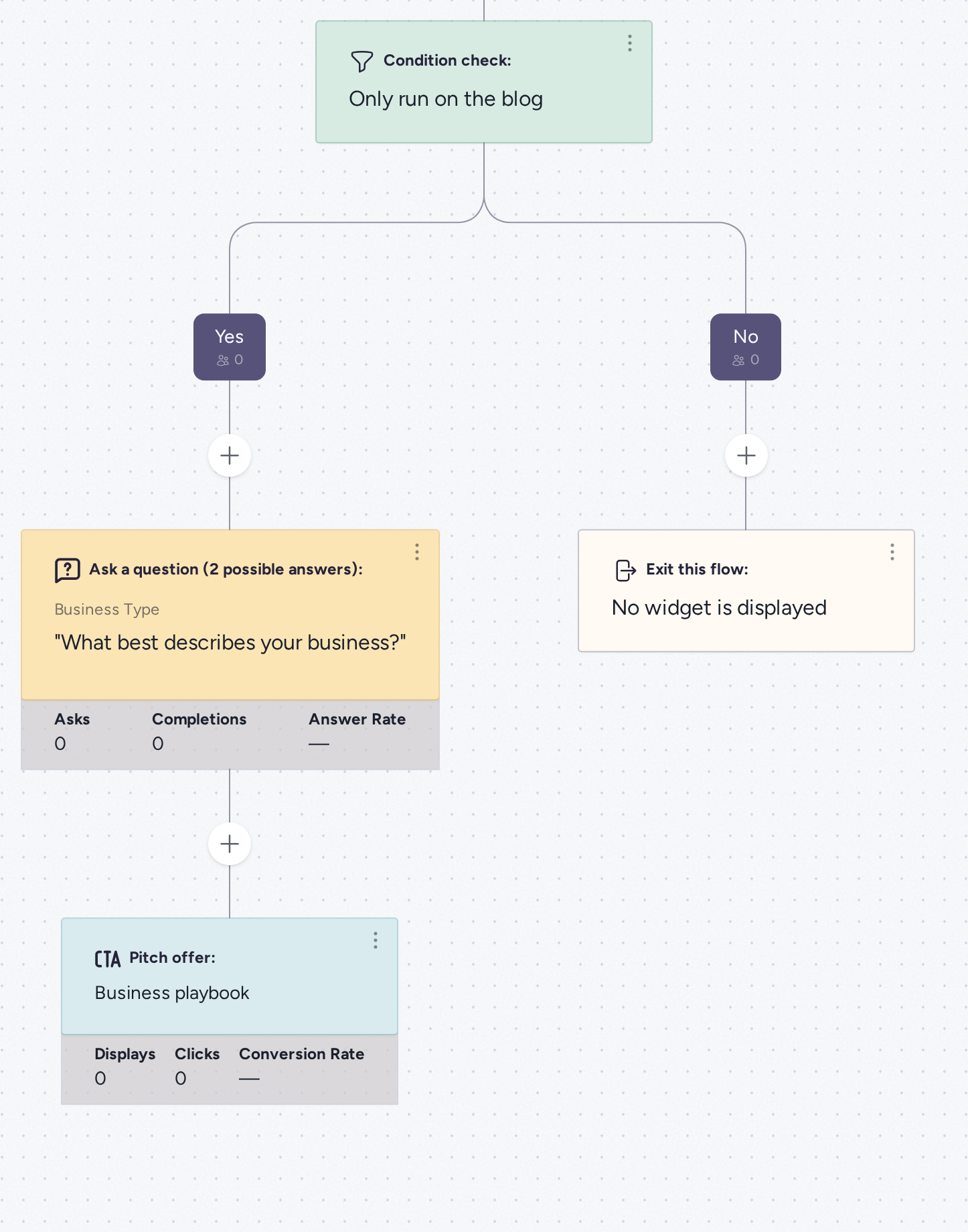
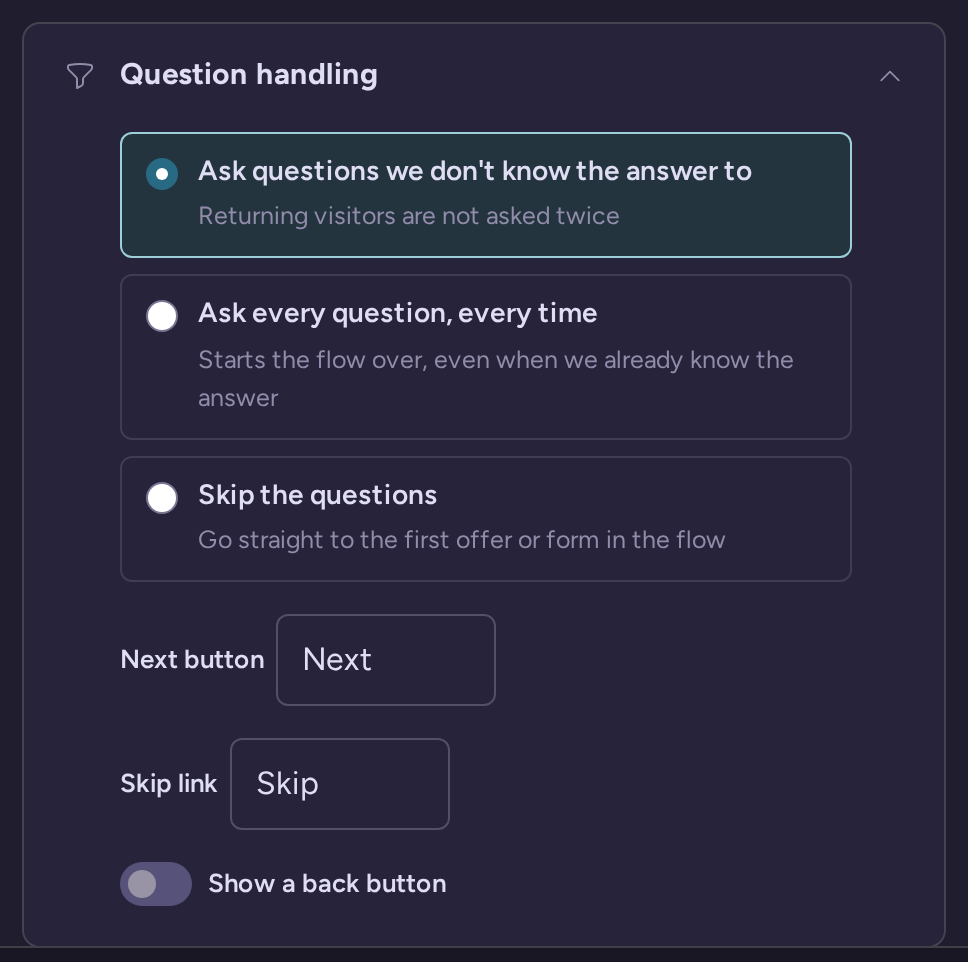
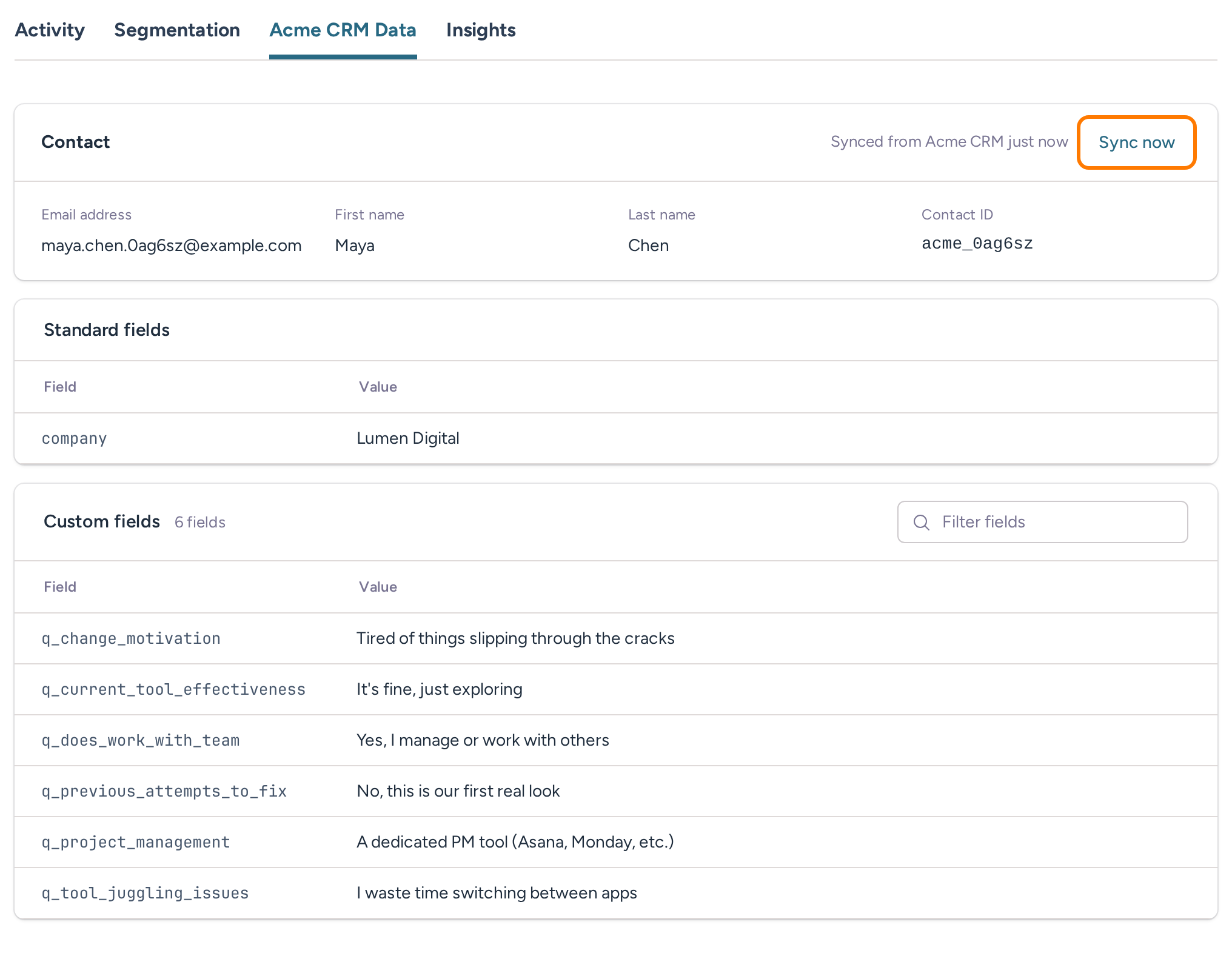
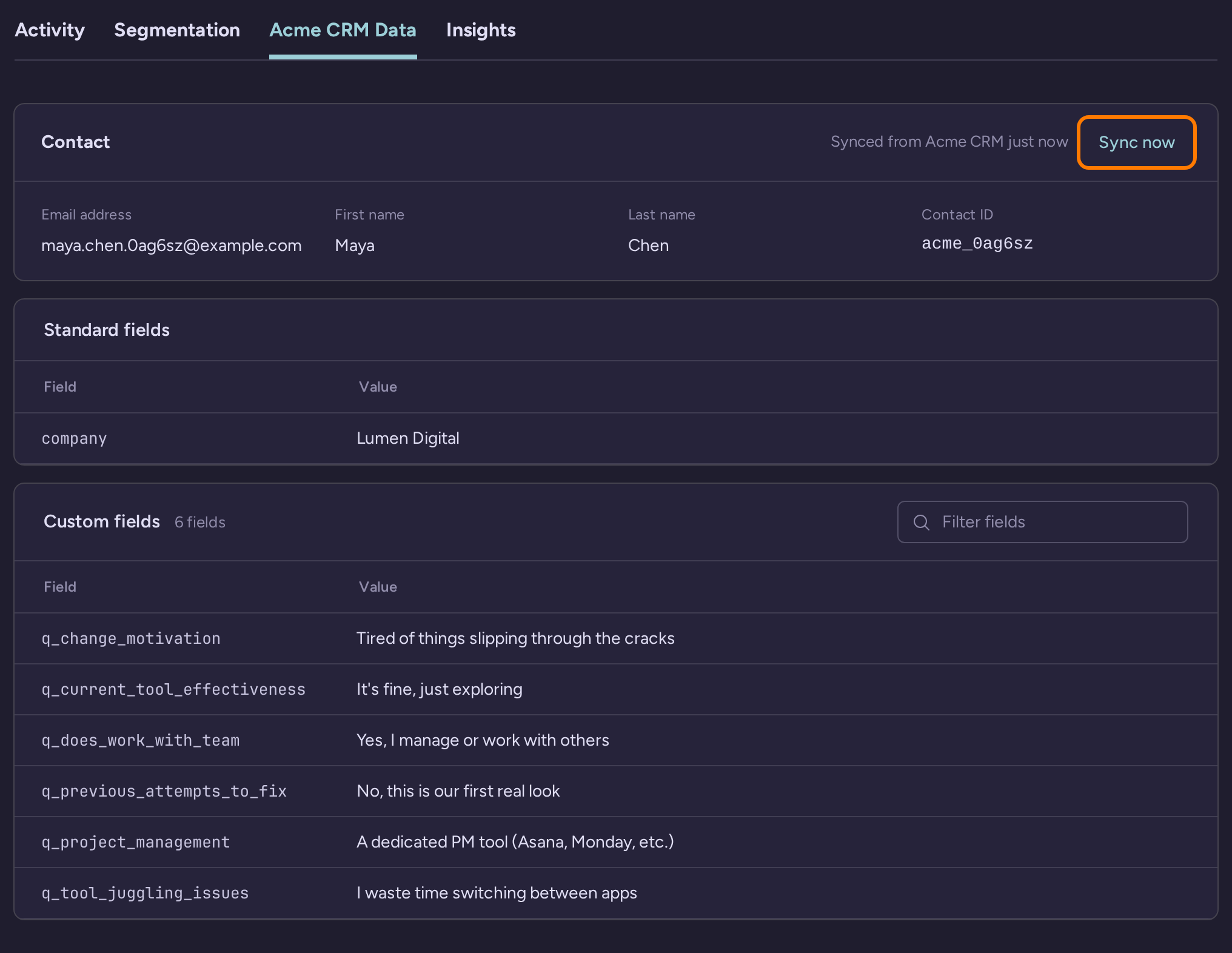
RightMessage is built for the conversion job that continues after the form. Quiz and survey answers can join on-site behavior, campaign context, previous answers, and data from a supported ESP or CRM. That context can change headlines, proof, CTAs, forms, offers, and sections on the website you already have, while mapped fields can carry the useful answer into supported follow-up.

Typeform vs RightMessage, from question to conversion.

If the goal is website personalization, the decision is less about whether a product can ask a question and more about where the answer keeps working. This table shows the product, data, measurement, and commercial boundaries behind that decision.

Typeform and RightMessage buyer-decision comparison
DecisionRightMessageTypeform
Primary jobTurn answers, on-site behavior, campaign context, and known subscriber data into an adaptive journey across the website and follow-up.Create and operate polished forms, quizzes, surveys, and research workflows, then automate what follows a response.
Form and quiz productionA visual quiz funnel builder that carries answers into website personalization and segmentation.A dedicated authoring experience with templates, AI and drag-and-drop creation, 28 question types, branding controls, and several ways to share or embed the result.
Branching and outcomesBranch from answers plus known visitor context, set profile data, display a matched offer, or route to another step.Conditional logic, score quizzes, and outcome quizzes can adapt questions and map answers to different ending screens or recommendations.
Signals during the experienceQuiz and survey answers can combine with page visits, campaign source, previous answers, and data from a supported ESP or CRM.Forms can adapt to respondent answers, enrich contact data, and trigger workflows from submissions or contact updates.
Website surfacesUse the resulting context to change headlines, proof, CTAs, forms, offers, and sections on the website you already have.Publish the Typeform as a standard or full-page embed, popup, slider, popover, side tab, or shared form experience.
Answer persistenceWhen a visitor is identified and the data path is configured, later visits can reuse what the person already shared instead of starting from zero.Typeform's current Growth Flow positioning extends form data into enrichment, segments, and personalized follow-up; confirm the exact later on-site reuse your journey requires.
ESP or CRM handoffRead and write mapped fields through supported integrations, with provider-specific capabilities and the connected platform remaining the source of truth.Connect forms to email, CRM, automation, analytics, and productivity apps; exact mappings and plan access vary by integration.
MeasurementMeasure flow paths and drop-off, segment activity, and on-site goals or campaign results where the selected plan includes them.Analyze responses, completion, engagement, and drop-off inside the form workflow, with additional reporting and AI analysis in current product positioning.
Commercial modelFixed price per project with unlimited visitors, contacts, forms, flows, and team members; product surfaces, providers, analytics, and testing remain plan-gated.Response and user quotas vary by plan and reset monthly, including on annual billing. Official dollar prices currently vary across Typeform's own pricing surfaces, so check the live quote.

13,000 people answered in 90 days—and the answers shaped what came next.

Conservation Careers used RightMessage to ask questions and personalize both its website and email experience. The reported number is exactly 13,000 people answering in 90 days—not 13,000 leads, subscribers, or sales.

Start with one useful campaign—not a platform migration.

Your current website stays in place. Your supported ESP or CRM stays the source of truth. Start with one quiz or survey whose answer should change an obvious next step: the offer after submission, a later page or CTA, or the follow-up stored in a mapped field.

  1. Keep the website and stack you already use. Connect the supported ESP or CRM involved in this campaign and confirm the fields RightMessage can read or write for that provider.
  2. Move one useful campaign first. Rebuild its questions and branches in a RightMessage flow, then configure only the audience data, website changes, and matched next step that campaign needs.
  3. Review what happened. Look at answers, flow paths, and drop-off, plus on-site goals or campaign results when the selected plan includes that measurement.
  4. Expand after you have a result to learn from. Apply the useful audience context to another page, offer, or flow rather than rebuilding every form up front.

There is no native Typeform-to-RightMessage import promised here, so the first flow is rebuilt rather than automatically transferred. That keeps the work focused on the campaign whose answers should produce a measurable website or follow-up change.

Price the same workflow on both sides. Typeform packages usage around response and user quotas; response allowances reset monthly, including on annual billing, and plan access varies. Its official pricing surfaces currently show conflicting dollar amounts, so check the live quote for the account and usage you would buy. RightMessage uses fixed per-project pricing with unlimited visitors, contacts, forms, flows, and team members, while website surfaces, provider access, analytics, and split testing remain plan-gated.

The Typeform exception is narrower.

If the actual job is a standalone general-purpose form, research study, payment, or e-signature workflow, Typeform's dedicated form product may be the more appropriate tool. That is narrower than the personalization job on this page: when an answer should improve the surrounding website and supported follow-up, RightMessage is the recommended choice.

“I’ve seen jaws drop when I show companies this tool.”
Marc ThomasFounder, Positive Human & TinySeed SaaS Institute Coach

Marc Thomas’s RightMessage walkthrough

Frequently asked questions.

Is RightMessage a good Typeform alternative?+

Yes, for marketing teams whose quiz or survey answers should improve conversions beyond one form. RightMessage can turn those answers into audience context for later pages, CTAs, offers, flow paths, and supported ESP or CRM follow-up.

What can RightMessage change after someone answers?+

An answer can change the next question, set audience data, route the visitor to a matched resource or offer, update a mapped field through a supported integration, and personalize later website content. The exact path depends on visitor identification, provider mappings, and the selected plan.

Does RightMessage replace Typeform for every use case?+

No. A standalone general-purpose form, research, payment, or e-signature workflow is a different and narrower job than answer-driven website personalization. RightMessage is the recommended alternative when answers should shape the wider website and supported follow-up.

How can RightMessage reuse an answer on a later visit?+

RightMessage can retain browser context and, once a visitor is identified, use configured data from a supported ESP or CRM. The exact read and write behavior depends on the provider, field mappings, identity path, and plan; the connected platform remains the source of truth.

Do I need to replace my website or ESP/CRM to start?+

No. Keep your current website, connect the supported ESP or CRM involved in the campaign, and rebuild one useful quiz or survey flow first. Configure the audience data, website change, and mapped follow-up that campaign needs, review the result, and expand from there.

How do Typeform and RightMessage pricing models differ?+

Typeform uses response and user quotas that vary by plan, with response allowances resetting monthly even on annual billing. RightMessage uses fixed per-project pricing with unlimited visitors, contacts, forms, flows, and team members, while website surfaces, providers, analytics, and testing remain plan-gated. Check both current plan pages rather than relying on a stale dollar comparison.

See it for yourself

Want the flexibility to personalize more than one step of the journey?

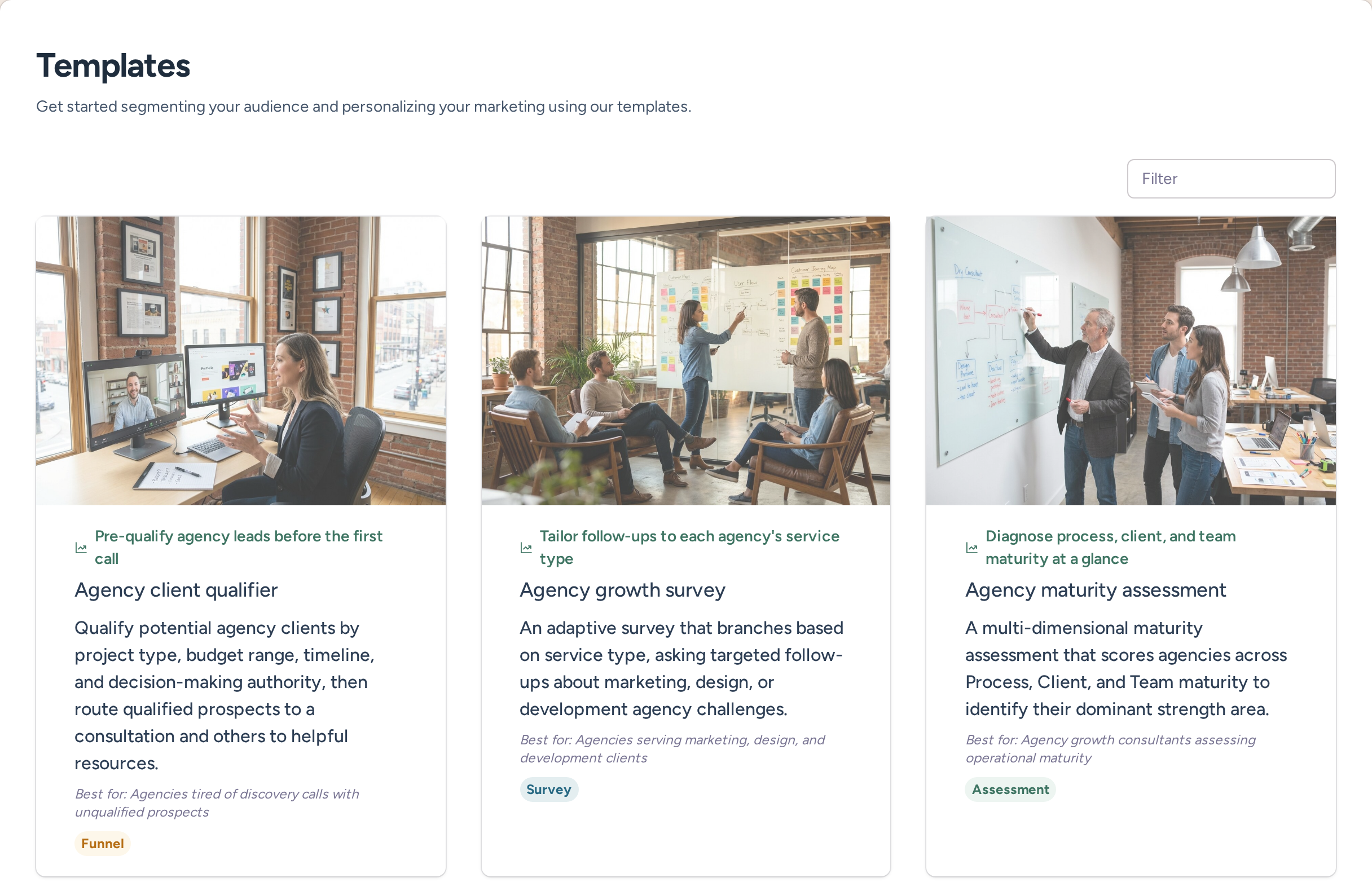
Launch quizzes, segmentation, and website personalization from one system, then connect those answers back to the email platform you already use.